Managing tasks and projects can be overwhelming, especially when juggling multiple deadlines. Microsoft Teams Planner Calendar offers a streamlined solution to help teams stay organized and focused on their goals.
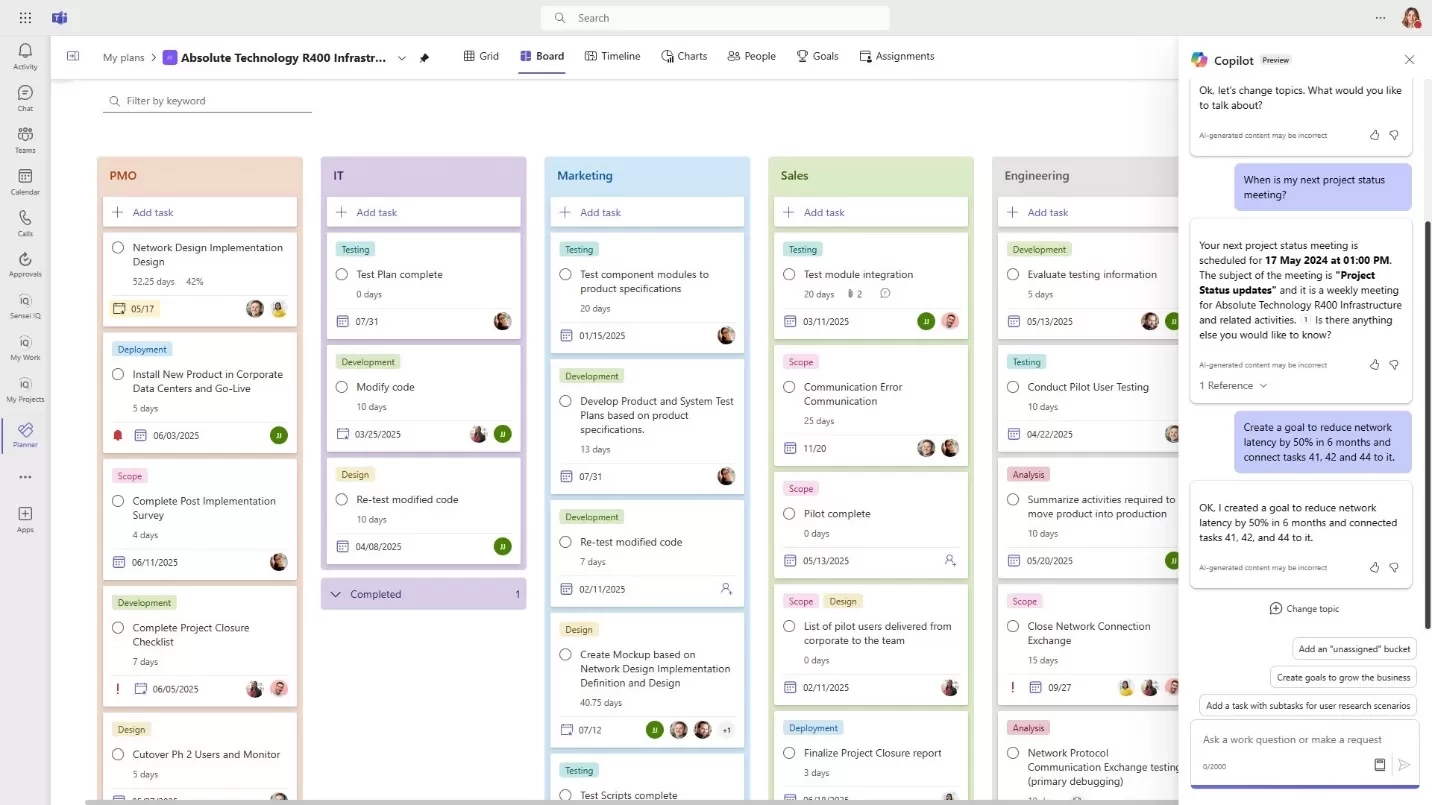
Microsoft Teams Planner Calendar
Microsoft Teams Planner Calendar
The Microsoft Teams Planner Calendar is designed to keep everyone on the same page. Users can create tasks, assign them to team members, and set due dates, ensuring accountability and clarity in project management.
One of the standout features is the visual layout. The calendar view allows teams to see upcoming deadlines at a glance, making it easier to prioritize tasks and allocate resources effectively.
Additionally, integration with other Microsoft tools enhances functionality. Teams can link Planner tasks with Outlook calendars, ensuring that everyone is aware of important dates and deadlines without switching between applications.
Using Microsoft Teams Planner Calendar fosters better communication among team members. By having all tasks visible in one place, teams can discuss progress and address any roadblocks quickly, leading to improved collaboration.
In conclusion, the Microsoft Teams Planner Calendar is an invaluable tool for enhancing team productivity. Its intuitive design and integration capabilities make it a must-have for any organization looking to streamline project management effectively.
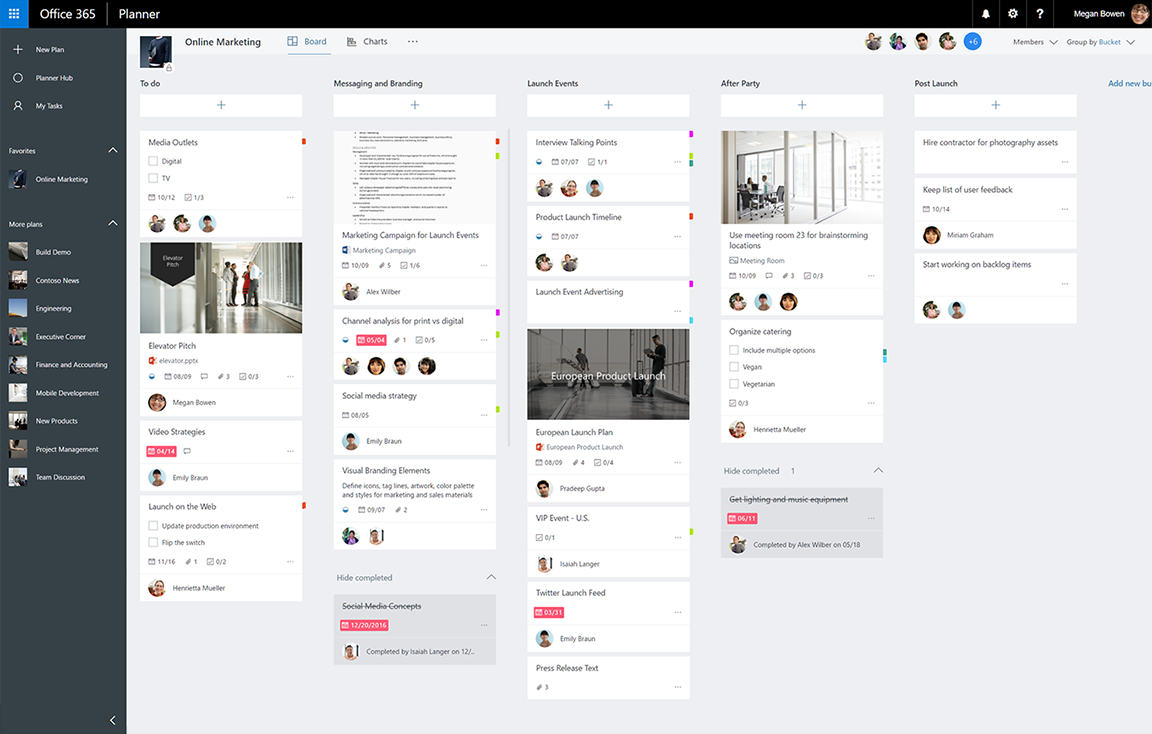
Planner Tasks And Plans API Overview Microsoft Graph Microsoft
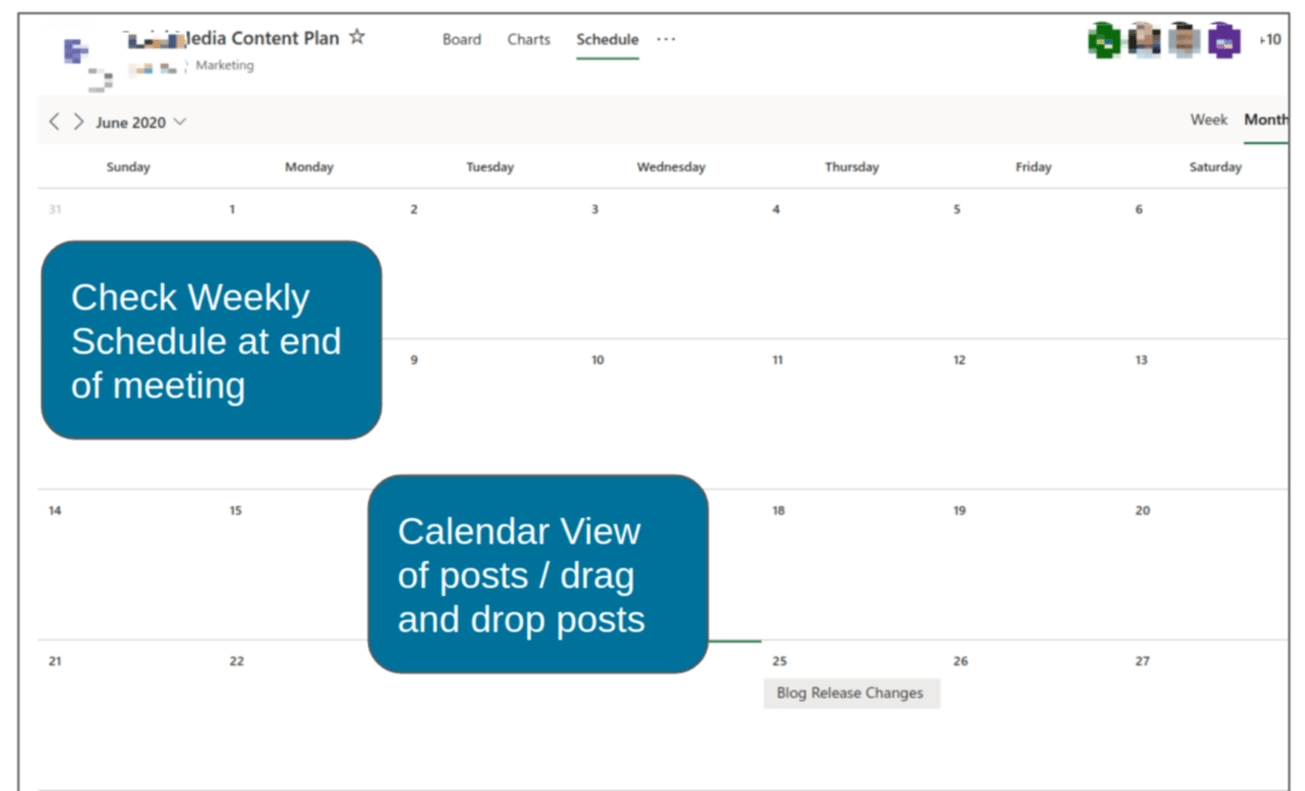
How To Use Microsoft Planner For Social Media Content Planning
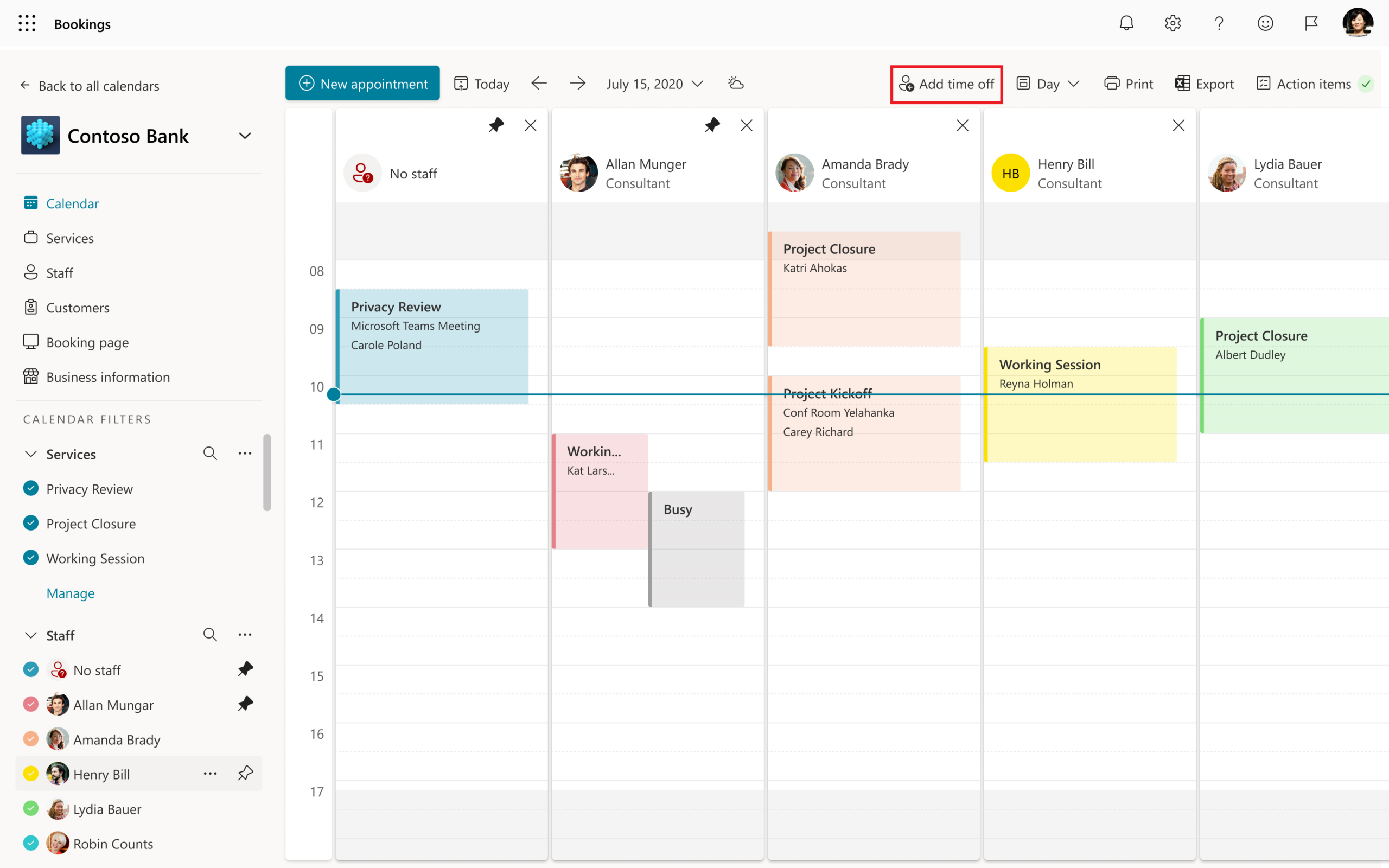
Planen Von Betriebsferien Arbeitsfreier Zeit Und Urlaubszeit
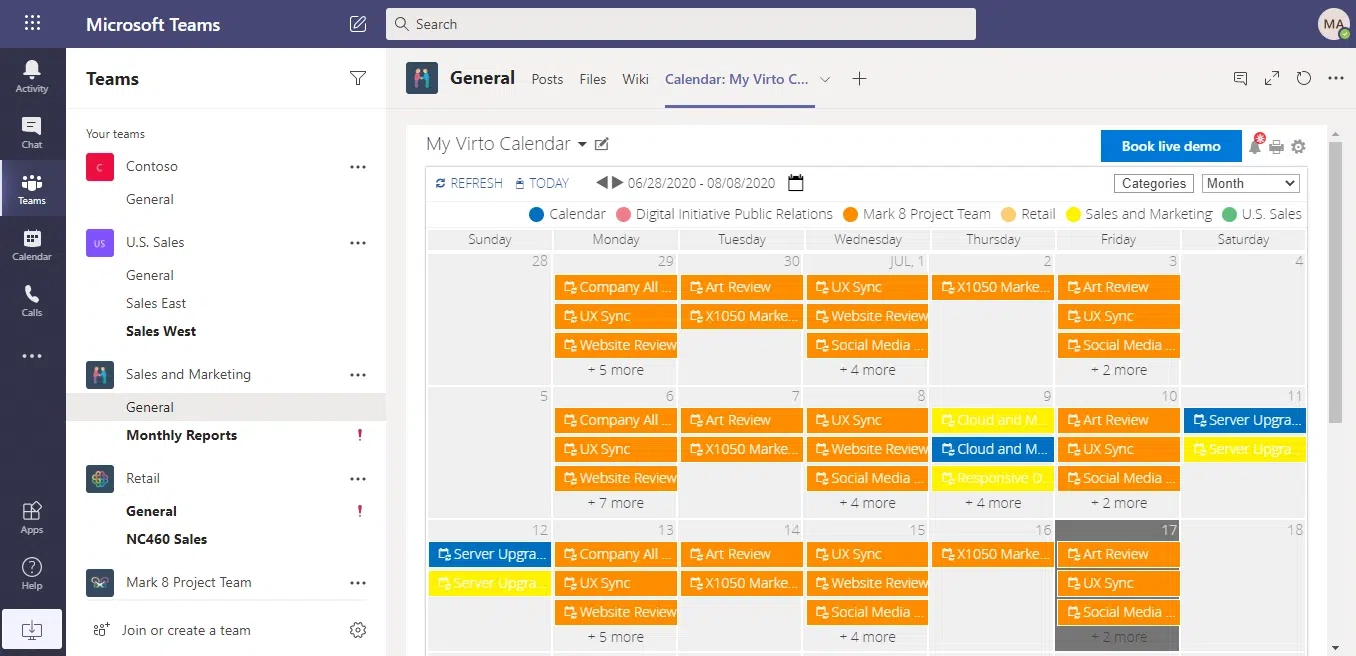
Microsoft Teams Kalender Kalendar F r Teams
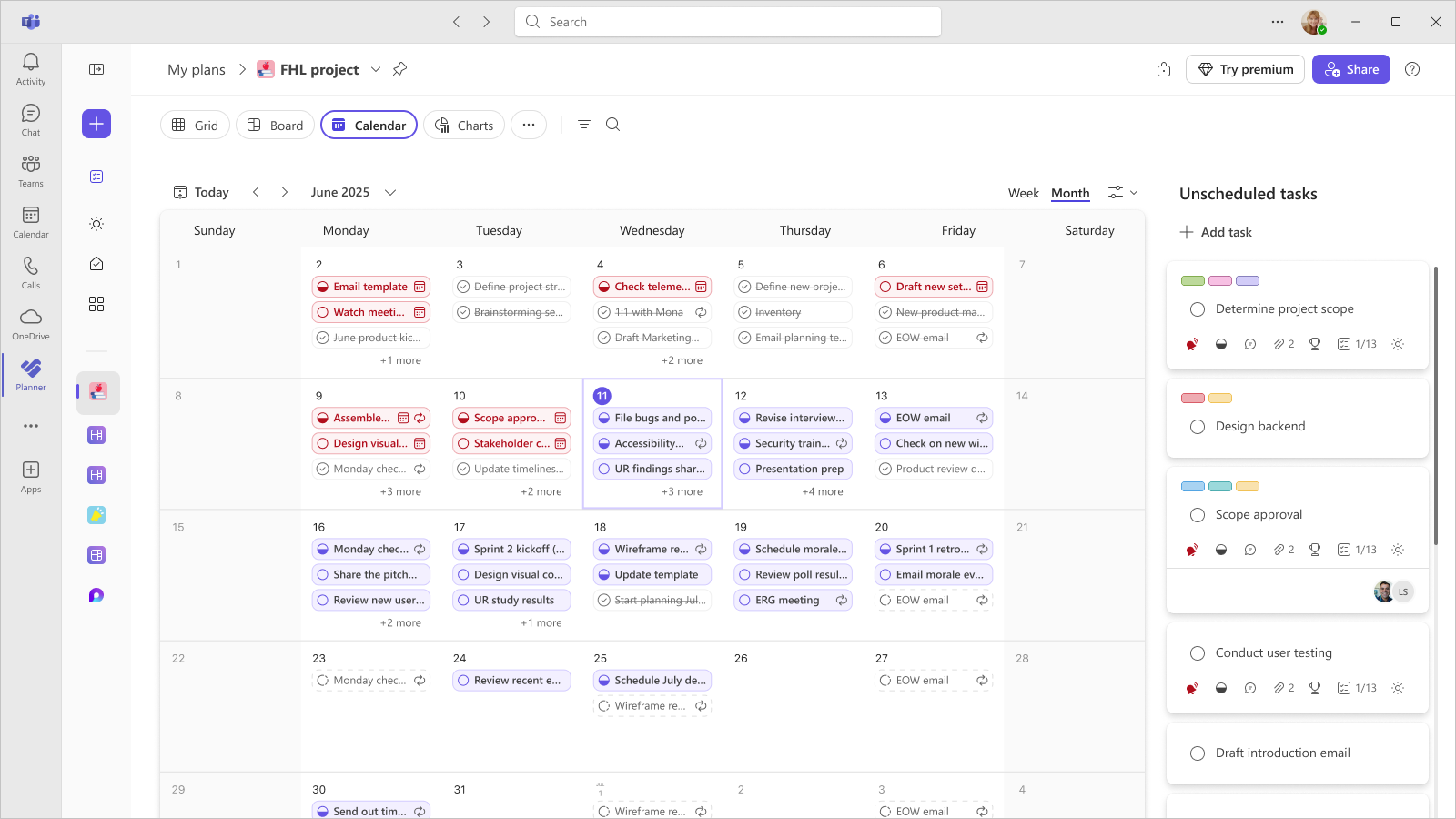
Verwenden Der Planungsansicht In Microsoft Planner Microsoft Support