Managing your time effectively is crucial in today’s fast-paced world. Many people struggle to keep track of their tasks and appointments, leading to stress and missed deadlines. A reliable tool can make all the difference.
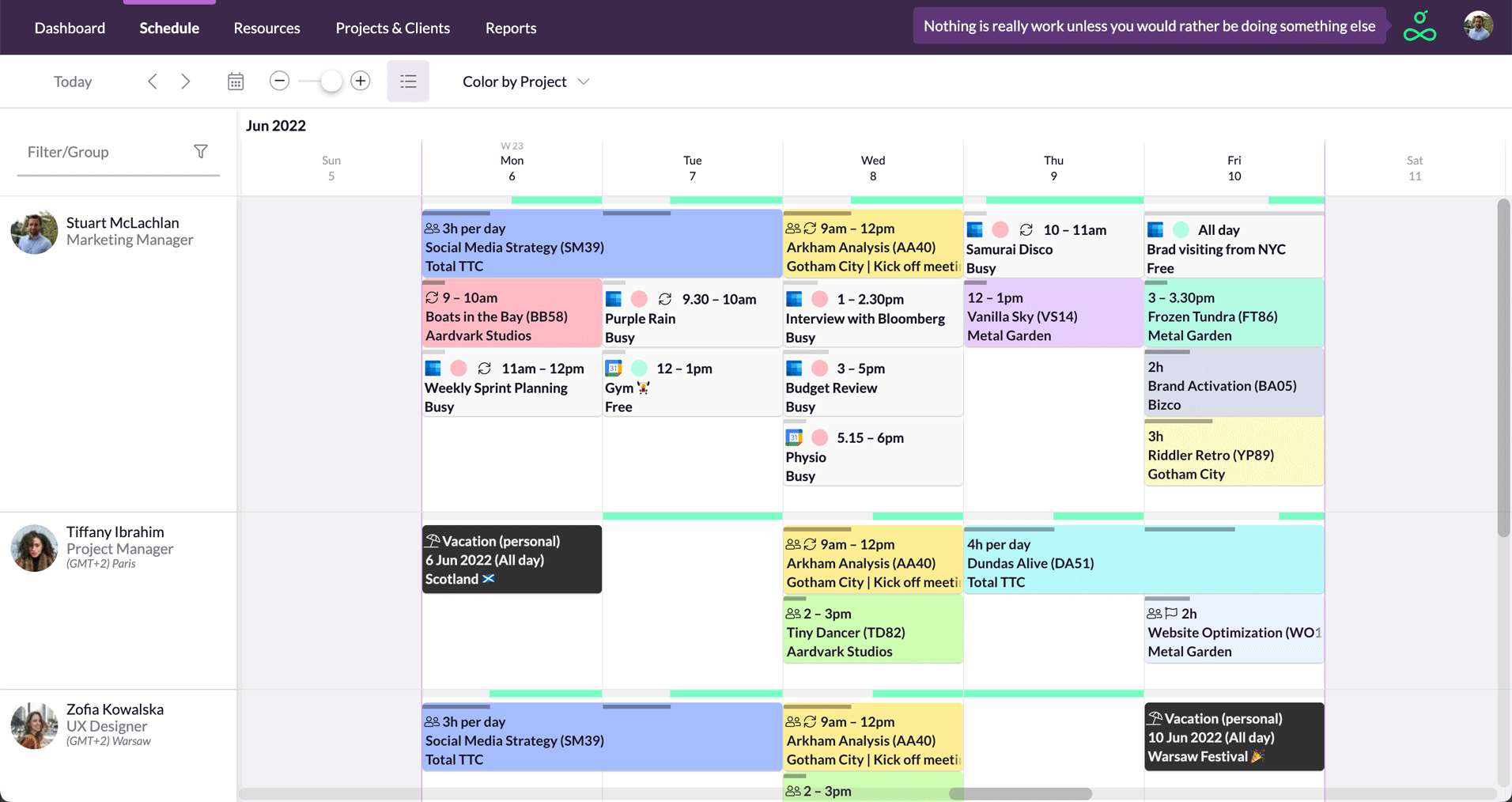
Planner Tasks In Outlook Calendar
Planner Tasks In Outlook Calendar
Planner tasks in Outlook Calendar allow you to create, assign, and manage tasks seamlessly. You can set due dates, reminders, and even categorize tasks based on priority. This feature helps you visualize your workload effectively.
Another great aspect is the integration with other Microsoft applications. You can link your tasks with emails or meetings, ensuring that everything is connected. This integration simplifies your workflow and saves valuable time.
Additionally, sharing your calendar with team members fosters collaboration. Everyone can see task assignments and deadlines, making it easier to coordinate efforts. This transparency enhances teamwork and accountability within your group.
Using planner tasks in Outlook Calendar not only keeps you organized but also helps reduce stress. By having a clear overview of your responsibilities, you can focus on what truly matters without feeling overwhelmed.
Incorporating planner tasks into your daily routine can transform how you manage time. With a few simple steps, you’ll find yourself more productive and less stressed, allowing you to enjoy life’s moments more fully.
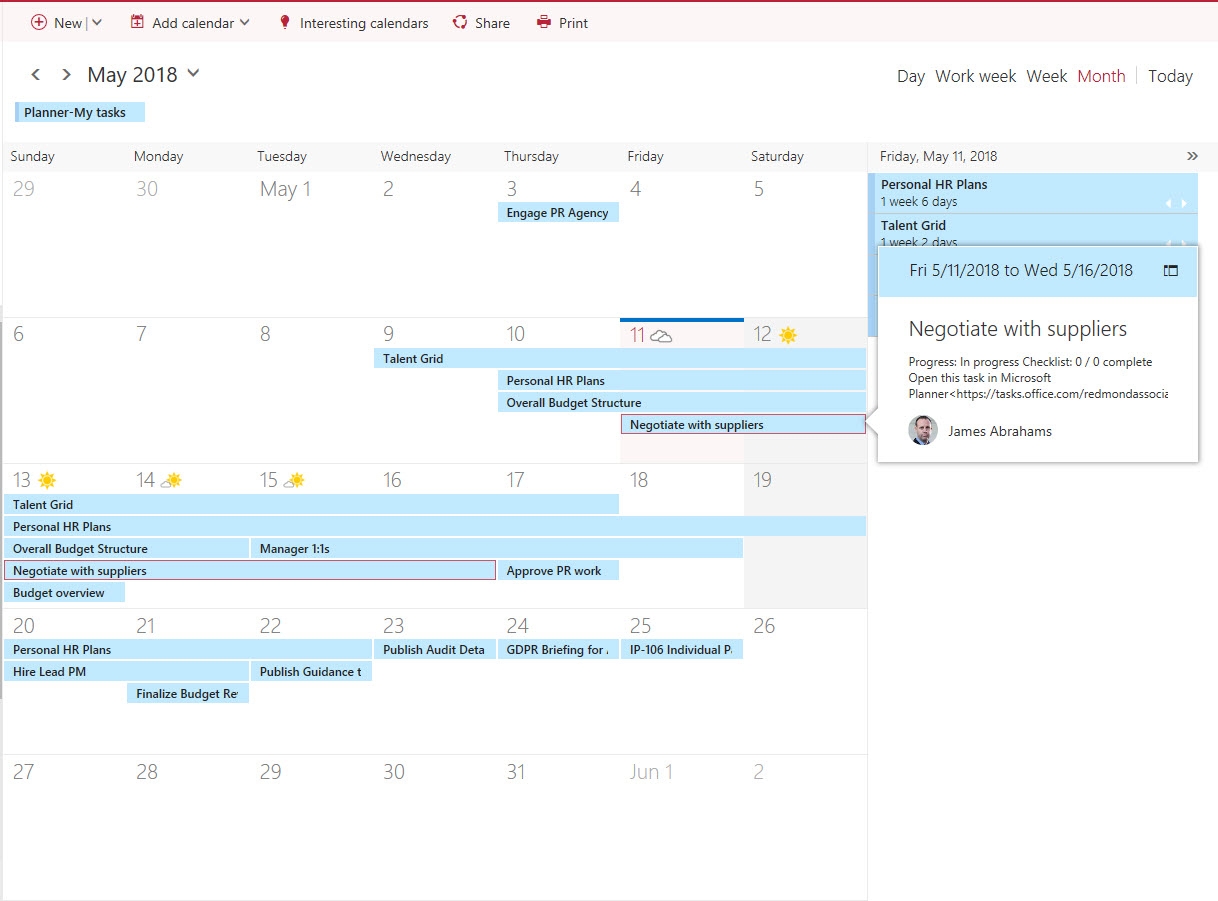
How Planner Synchronizes Its Tasks To Outlook s Calendar Petri
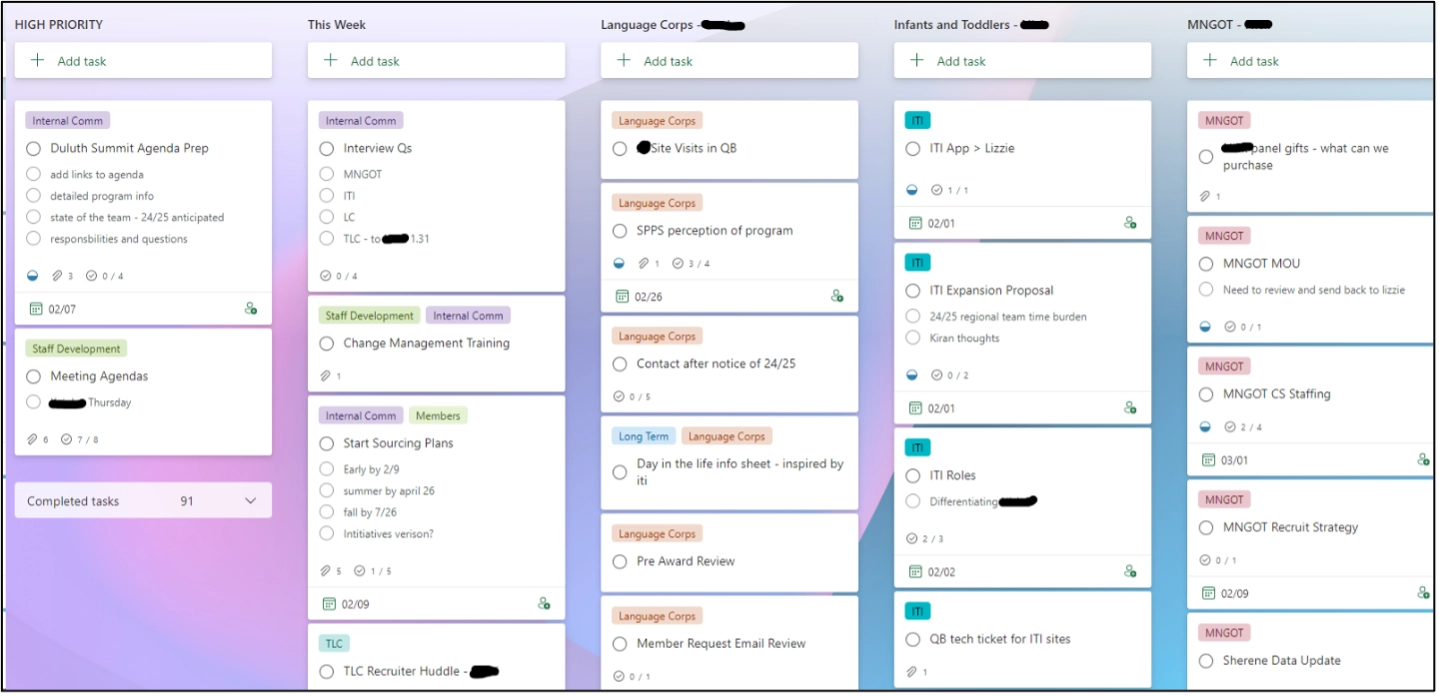
Microsoft s Planner To Try Or Not To Try The Together Group
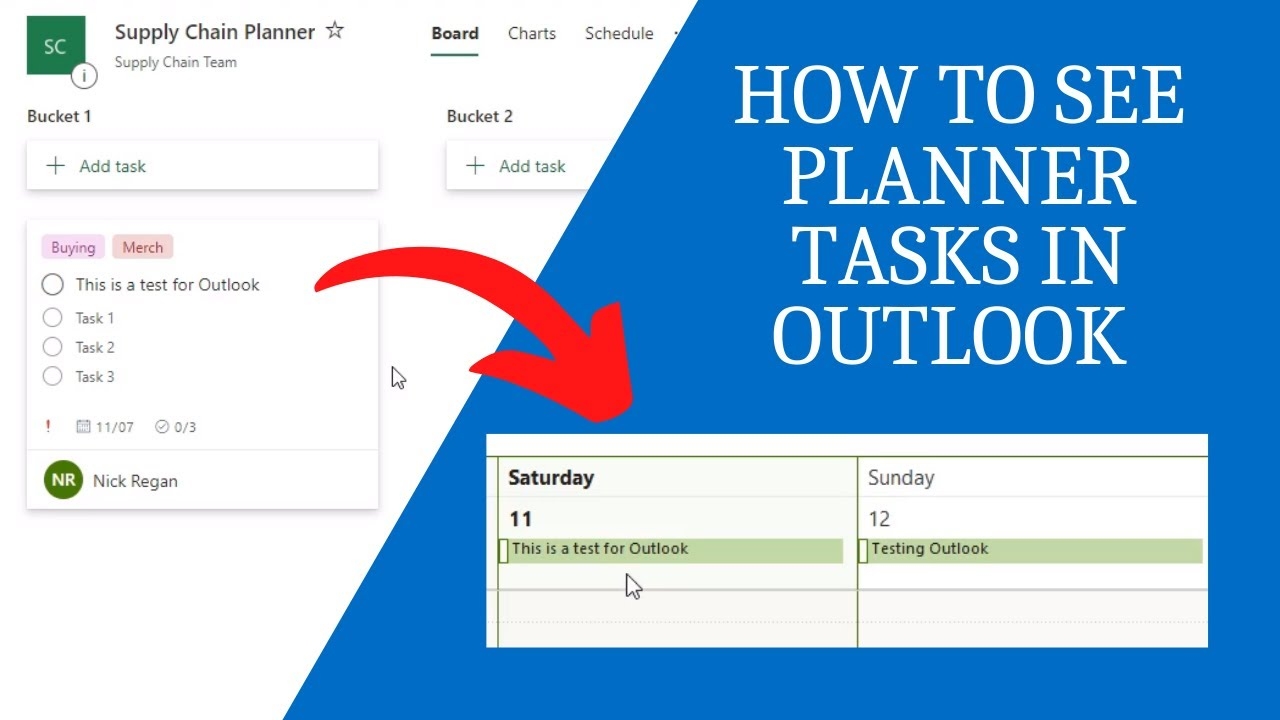
How To See Microsoft Planner Tasks In Outlook Integrate Planner With Outlook
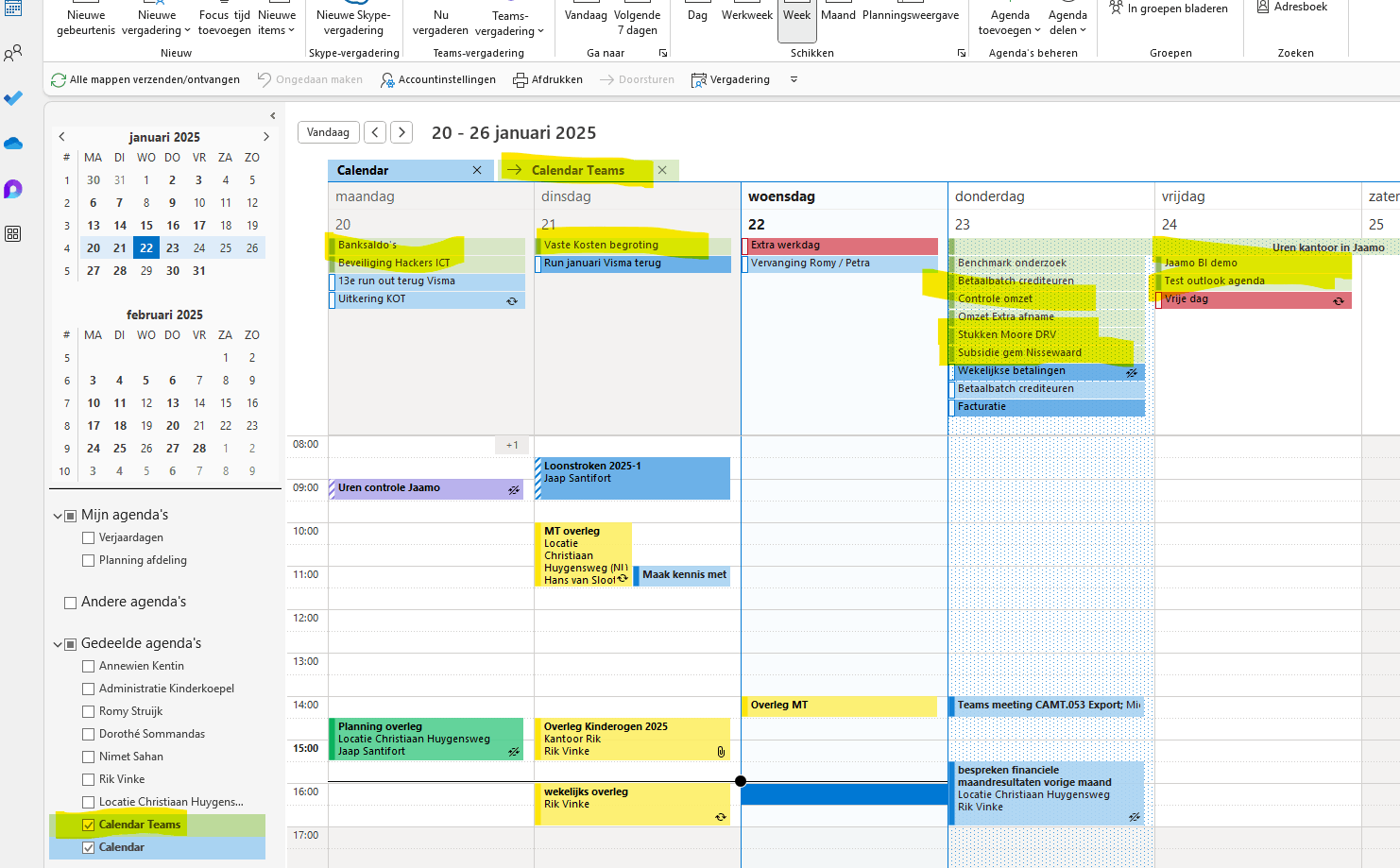
How To Add Planner Task To Outlook Calendar Microsoft Q amp A
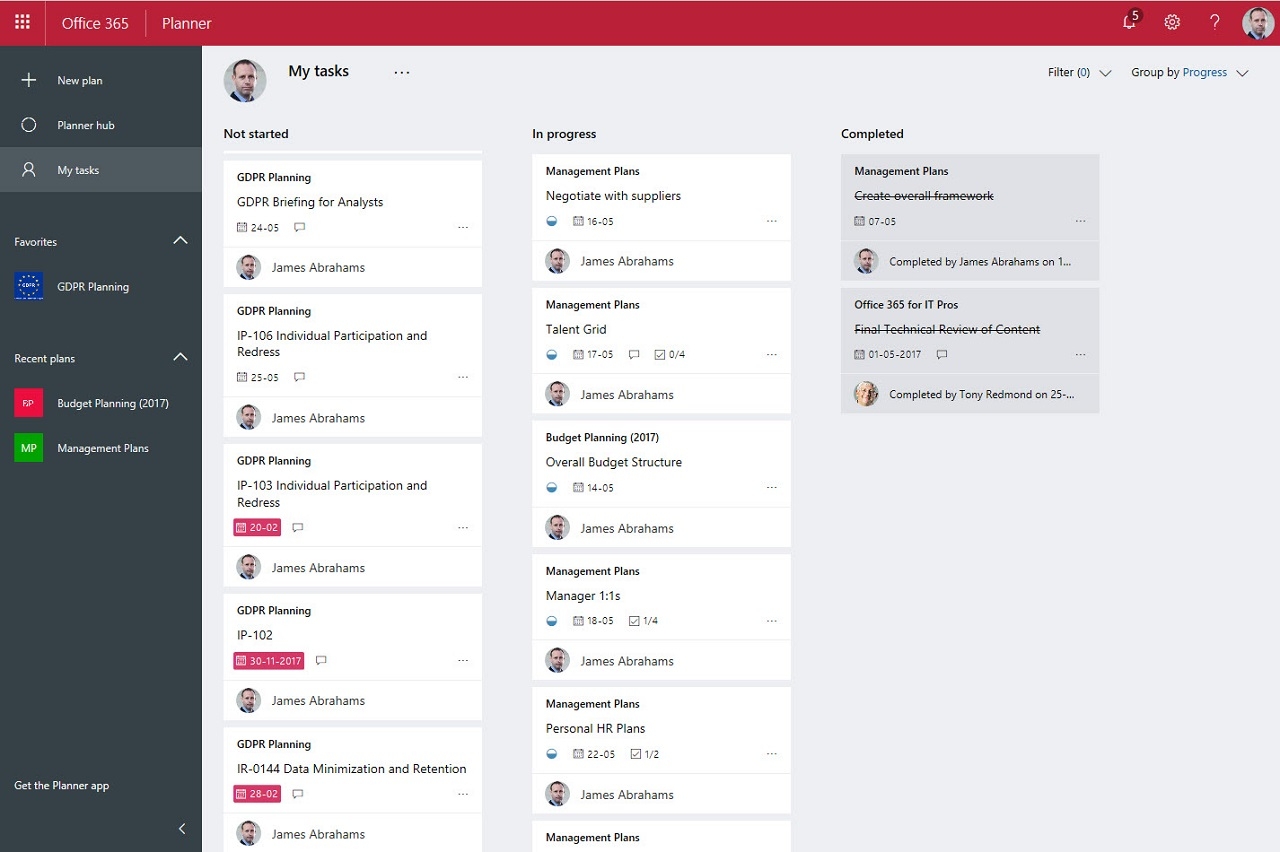
How Planner Synchronizes Its Tasks To Outlook s Calendar Petri