Managing tasks and schedules can be overwhelming, especially when juggling multiple tools. Syncing your planner tasks with your Outlook Calendar can streamline your workflow and enhance productivity. This integration helps keep everything organized in one place.
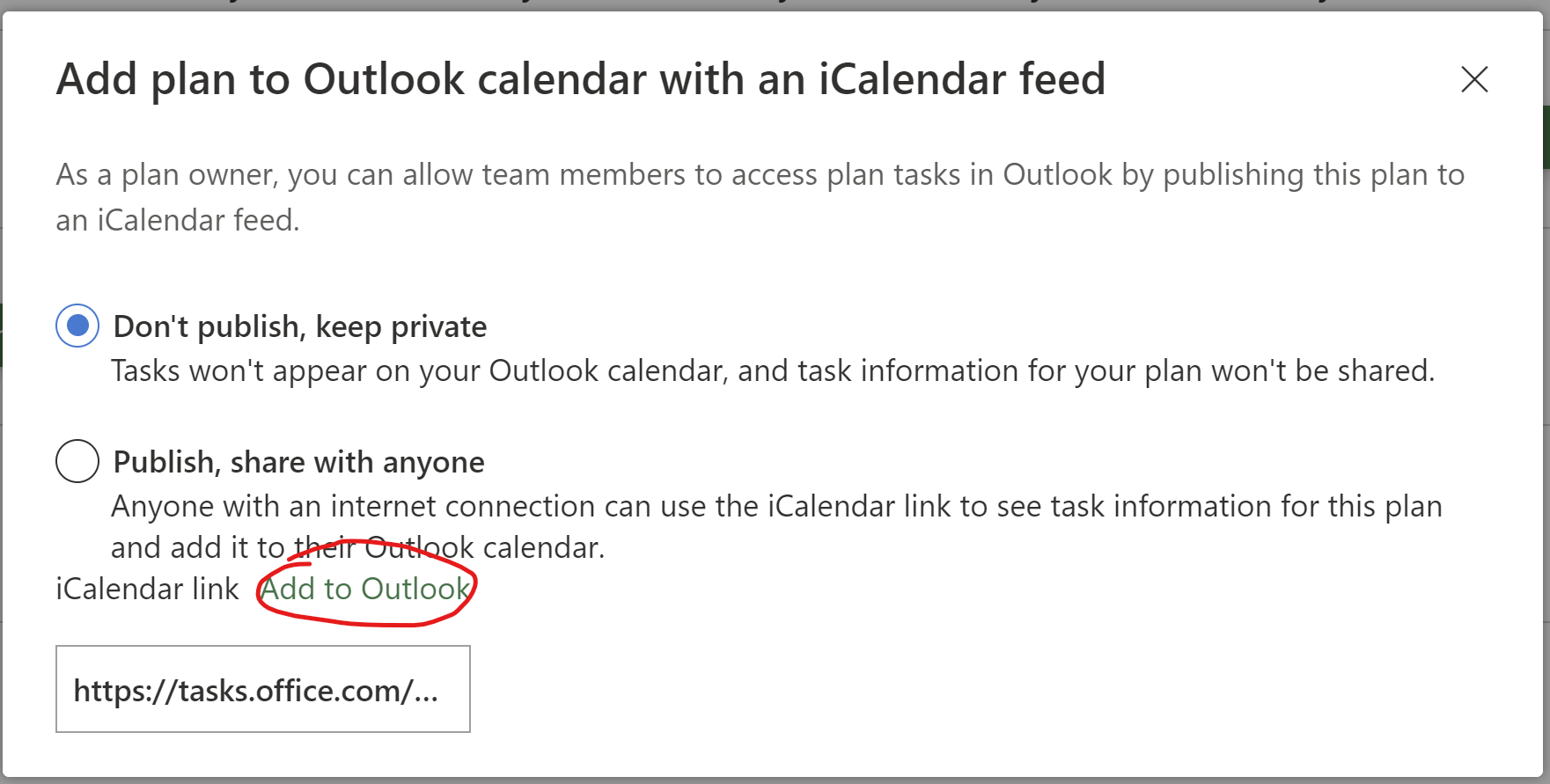
Sync Planner Tasks To Outlook Calendar
Sync Planner Tasks To Outlook Calendar
To sync planner tasks to Outlook Calendar, start by linking your planner app with Outlook. Most popular planner apps offer integration options that allow seamless synchronization. This way, you can view all your tasks directly in your calendar.
Once synced, any updates made in your planner will automatically reflect in Outlook. This real-time synchronization ensures you never miss an important deadline or meeting. Plus, it allows for better time management and planning.
Additionally, consider setting reminders for tasks within Outlook. This feature helps keep you accountable and ensures you stay on track with your responsibilities. You can customize notifications based on your preferences.
Syncing planner tasks to Outlook Calendar not only simplifies task management but also enhances collaboration if you’re working with a team. Everyone stays informed about deadlines and project timelines, leading to improved efficiency.
Incorporating this synchronization into your routine can significantly boost your productivity. Embrace the convenience of having all your tasks in one place and watch how it transforms your daily planning.
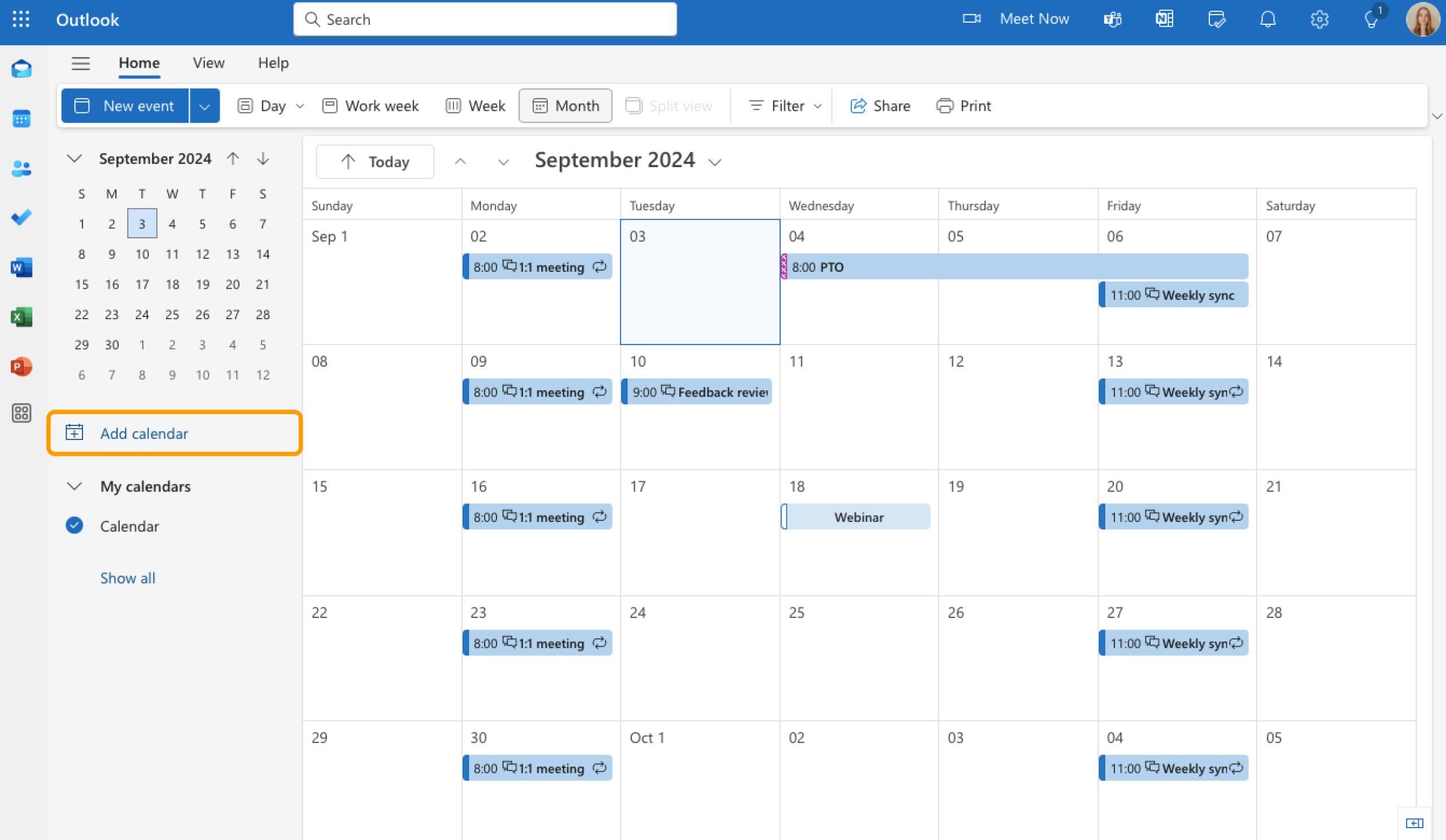
Integration With Outlook Calendars GanttPRO Knowledge Base
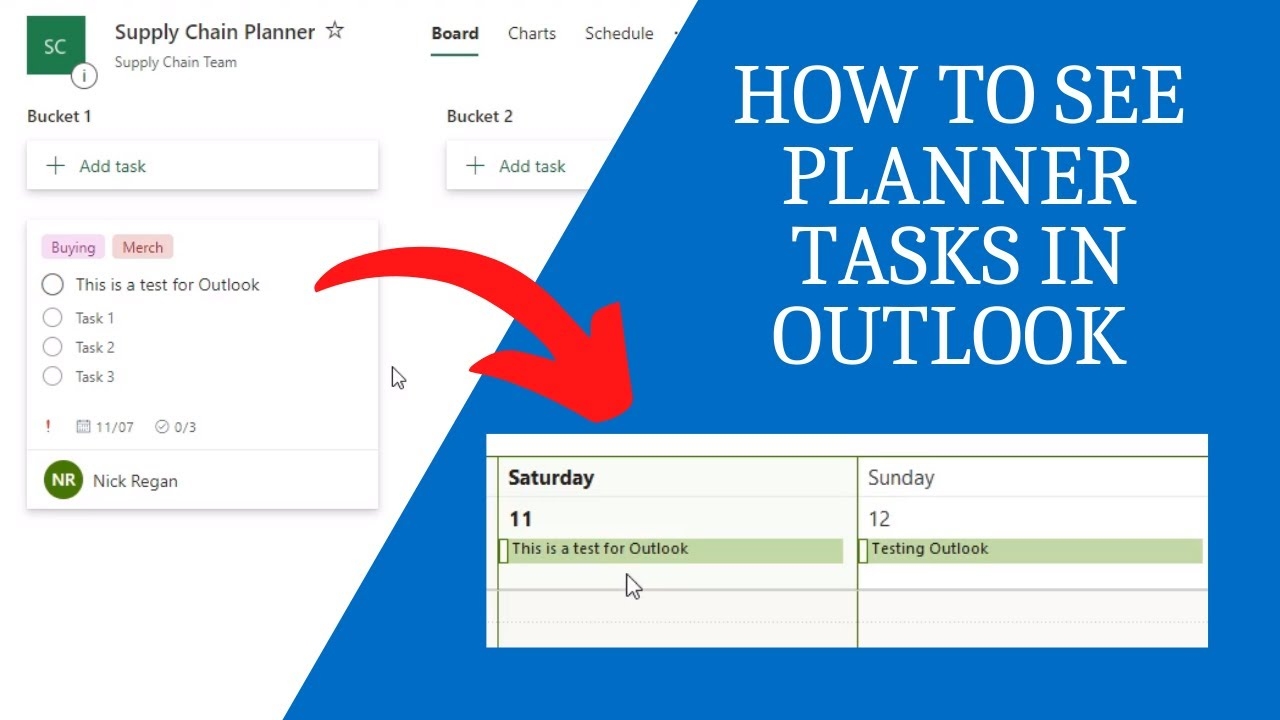
How To See Microsoft Planner Tasks In Outlook Integrate Planner With Outlook
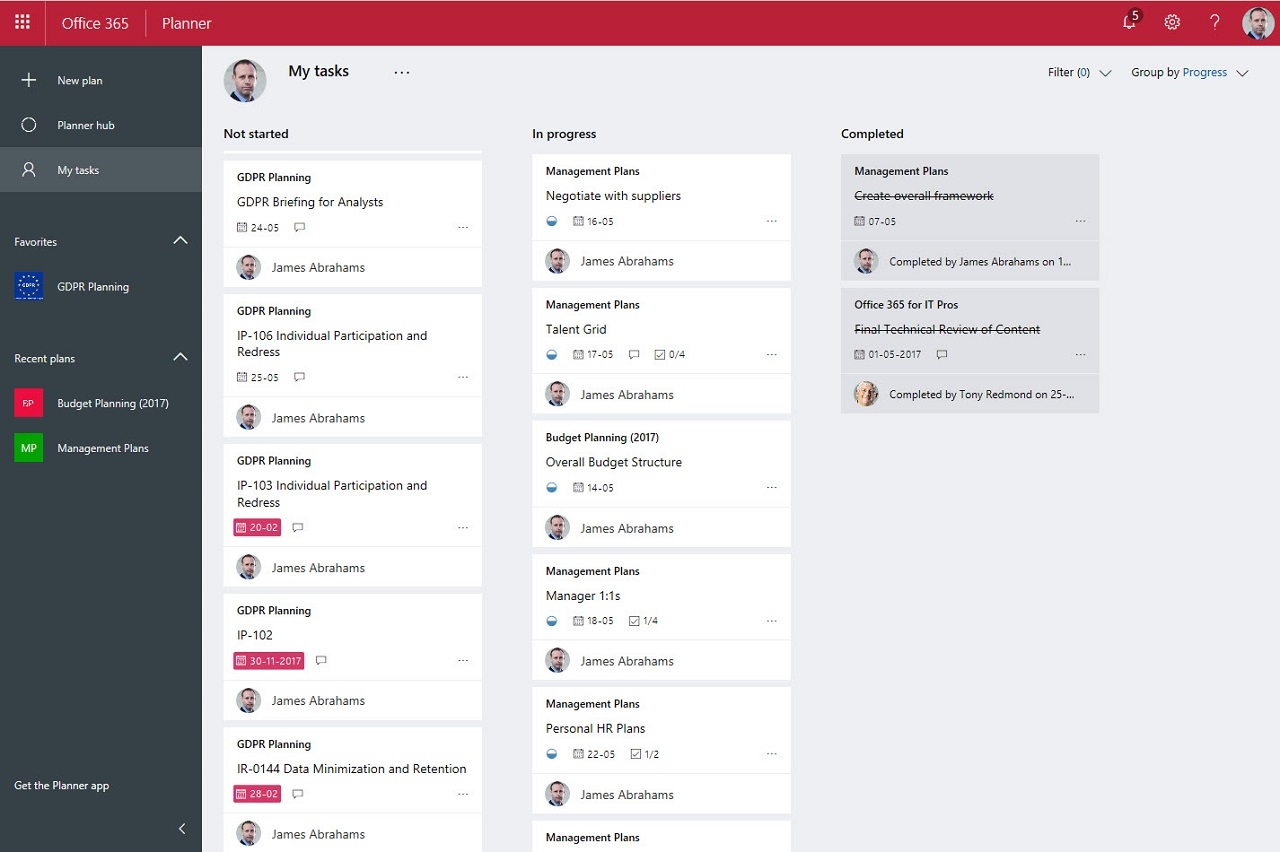
How Planner Synchronizes Its Tasks To Outlook s Calendar Petri
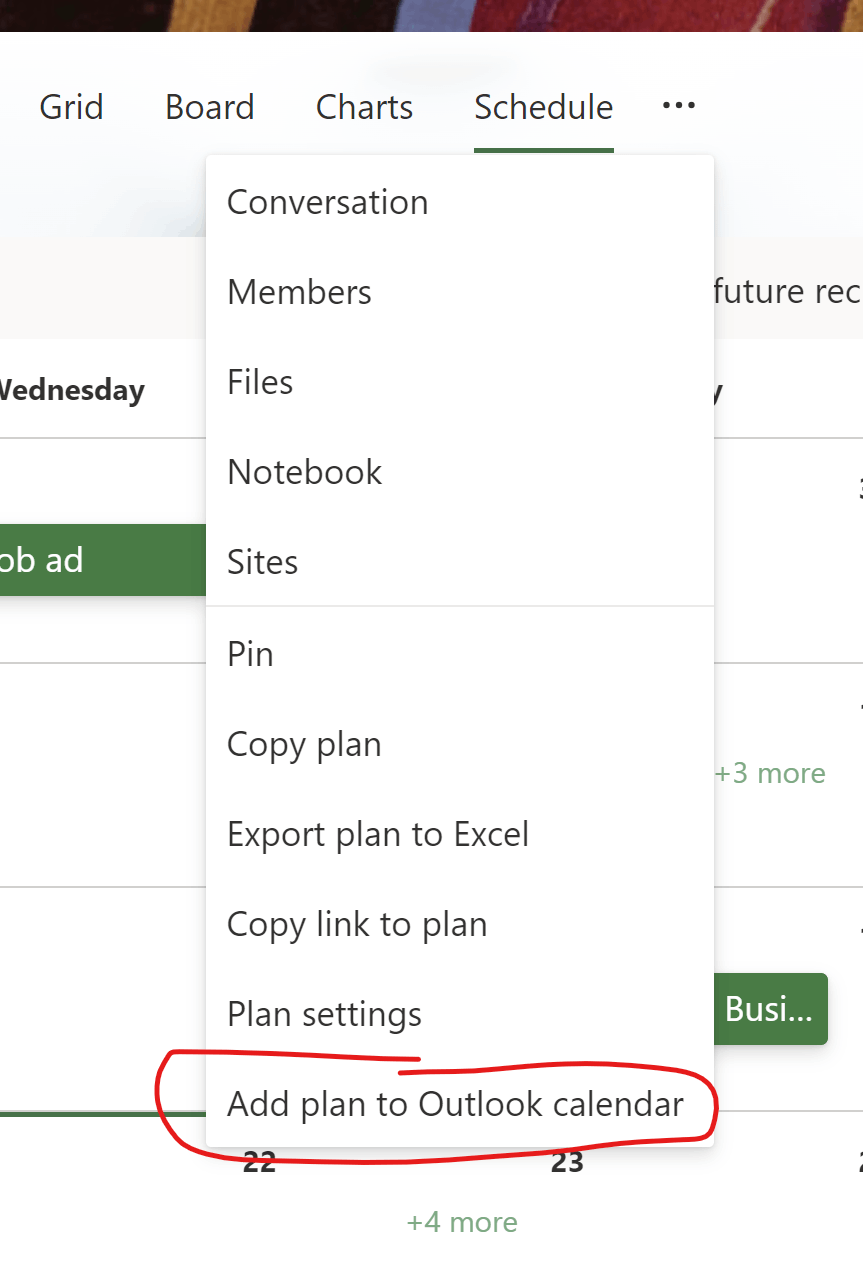
Sync Tasks Planner amp To Do Between Outlooks amp Teams WebVersion
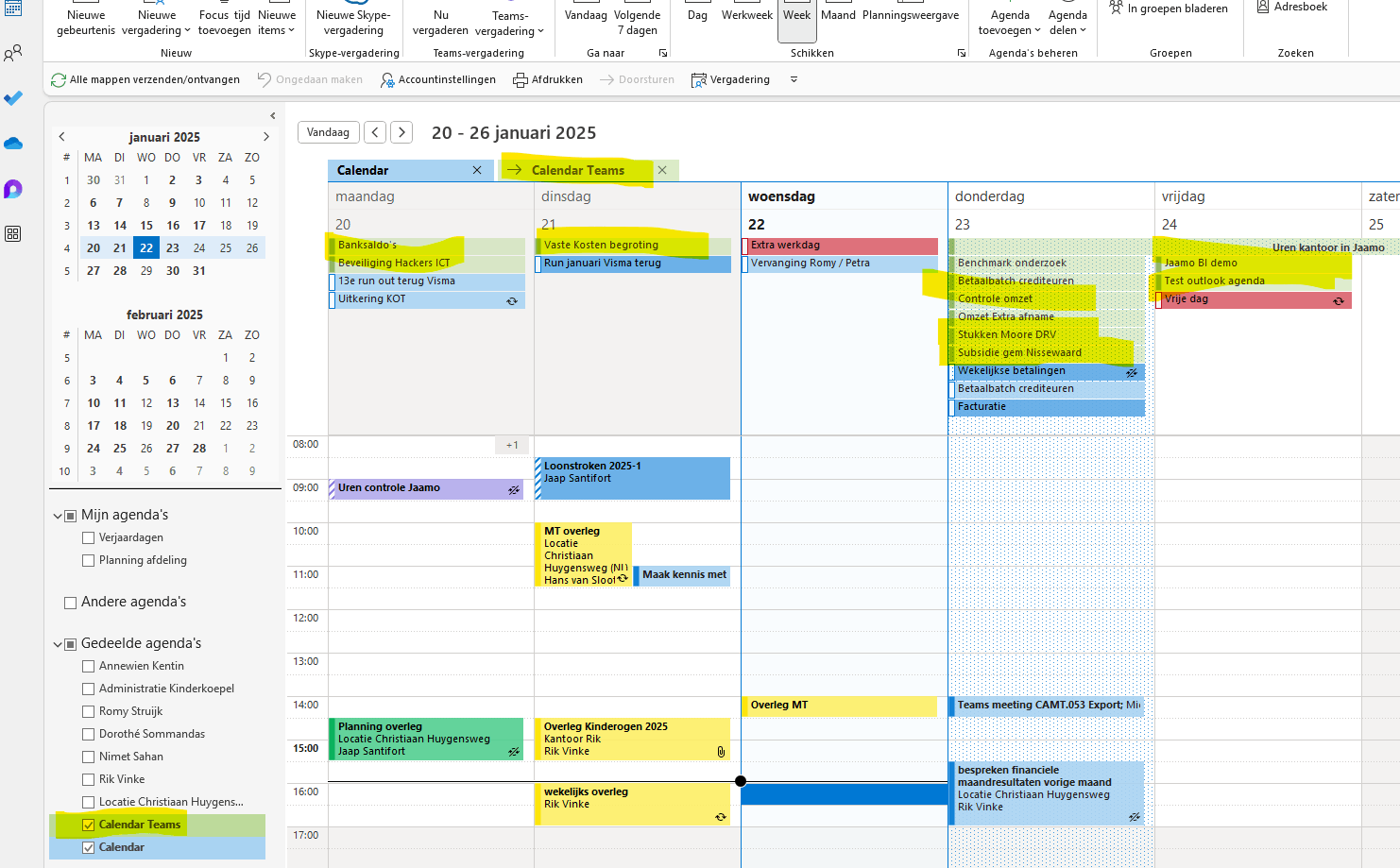
How To Add Planner Task To Outlook Calendar Microsoft Q amp A