Managing your schedule can be a challenge, especially with so many tasks and appointments to juggle. Finding the right tool to keep everything organized is essential for staying on top of your game. One popular option is the S Planner Samsung Calendar.
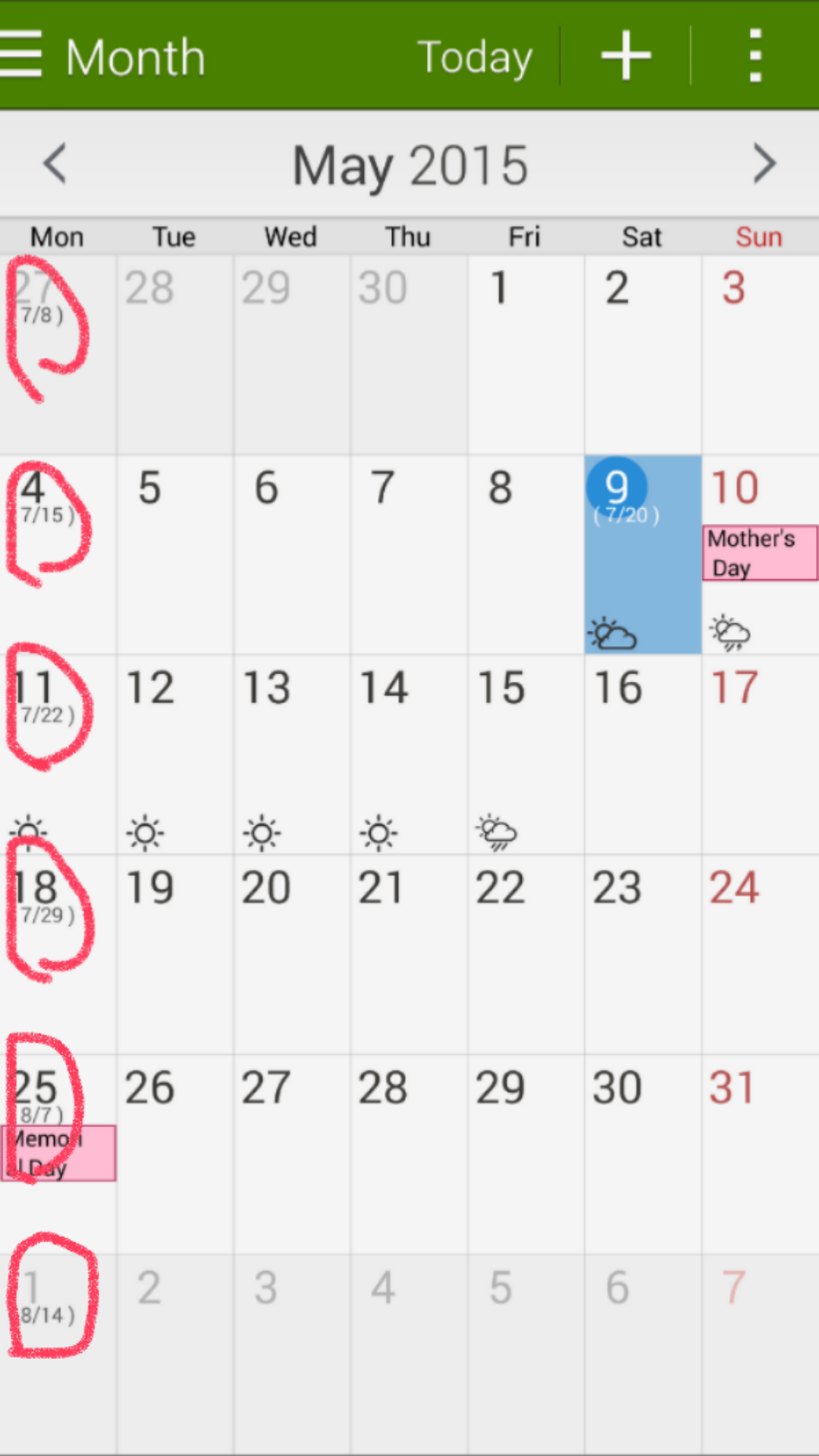
S Planner Samsung Calendar
S Planner Samsung Calendar
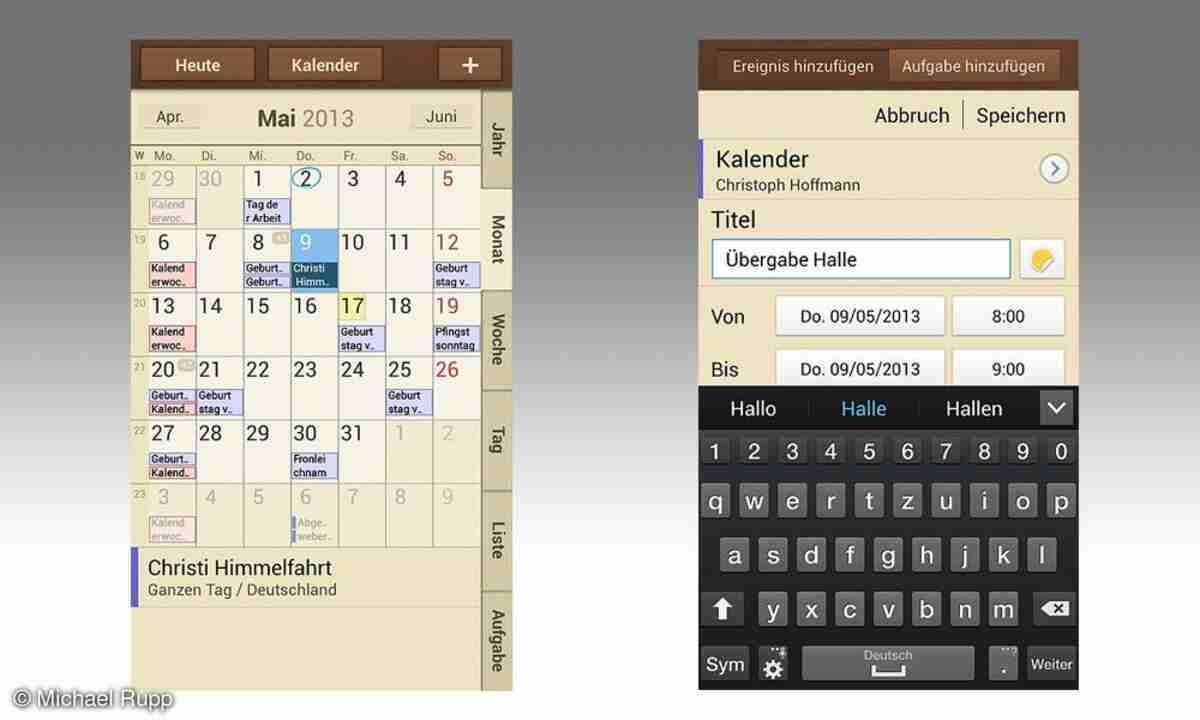
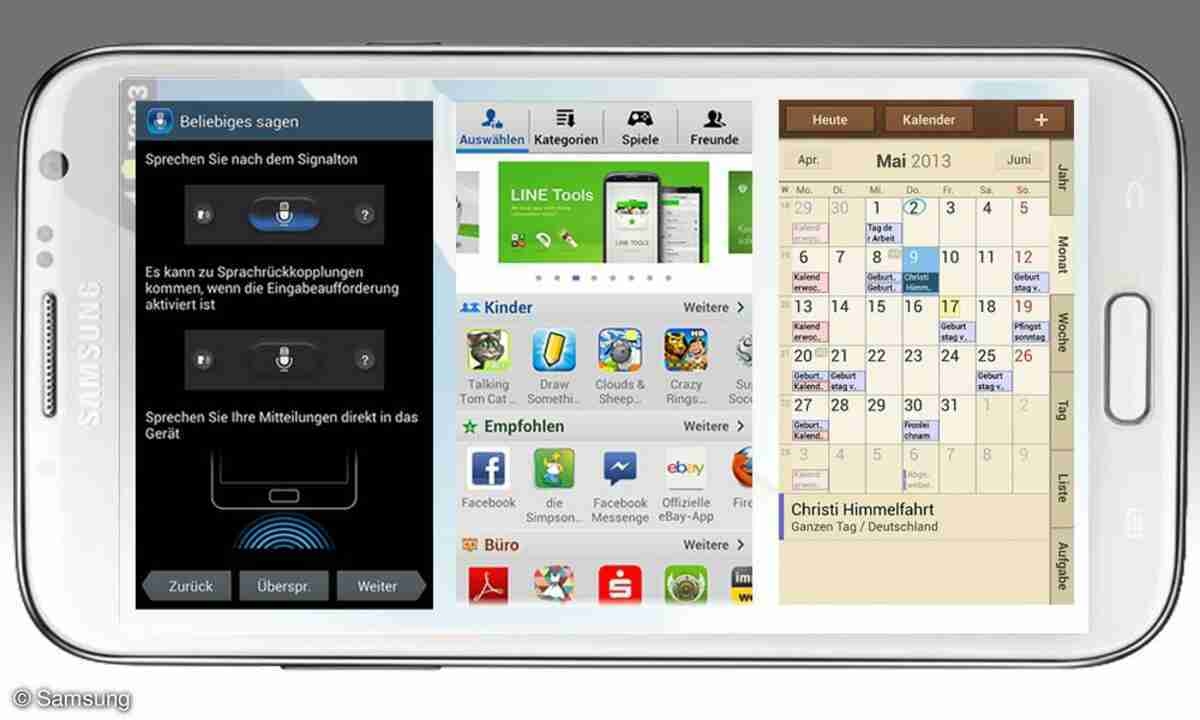
This calendar app allows you to customize your views, whether you prefer daily, weekly, or monthly layouts. You can easily switch between these views to get a better perspective on your upcoming commitments. The flexibility makes planning a breeze.
Another great feature of the S Planner Samsung Calendar is its integration with other apps. You can link it to your email or task management tools, streamlining your workflow. This connectivity helps you stay organized without switching between multiple applications.
Additionally, the S Planner Samsung Calendar supports sharing options. You can share your calendar with family or colleagues, making it easier to coordinate schedules. This feature is particularly useful for planning events or meetings.
In conclusion, the S Planner Samsung Calendar is an excellent tool for anyone looking to enhance their scheduling experience. Its user-friendly features and integration capabilities make it a top choice for managing your time effectively.
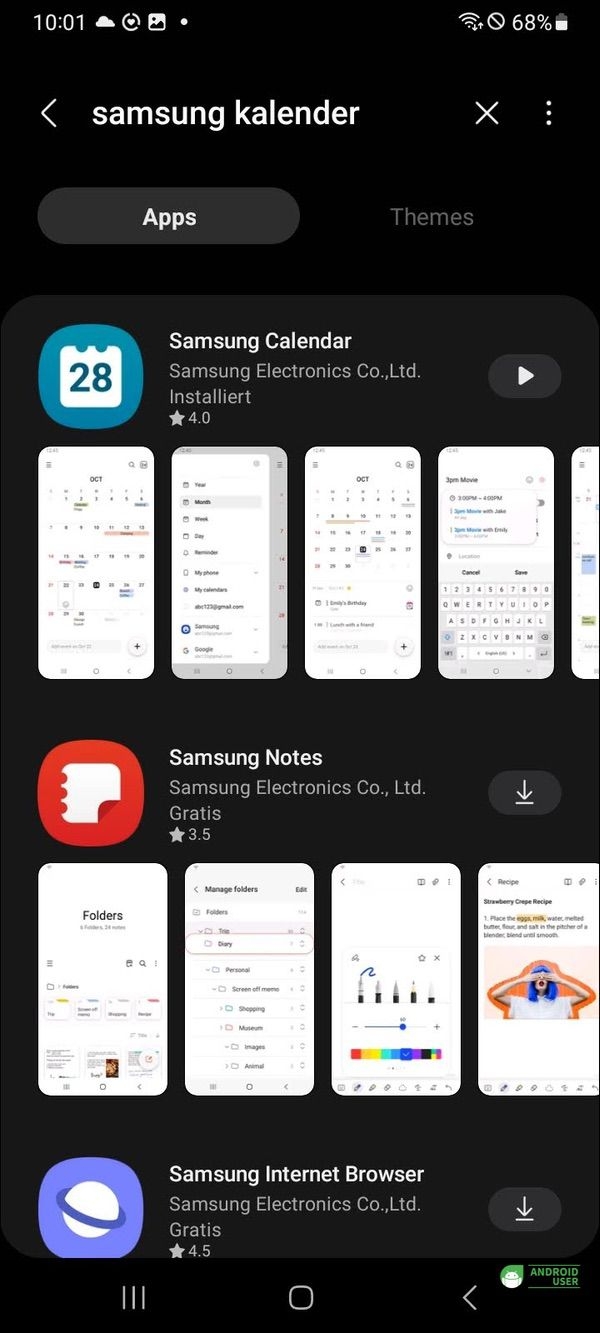
Samsung Kalender Mit Dem Google Kalender Synchronisieren Termin
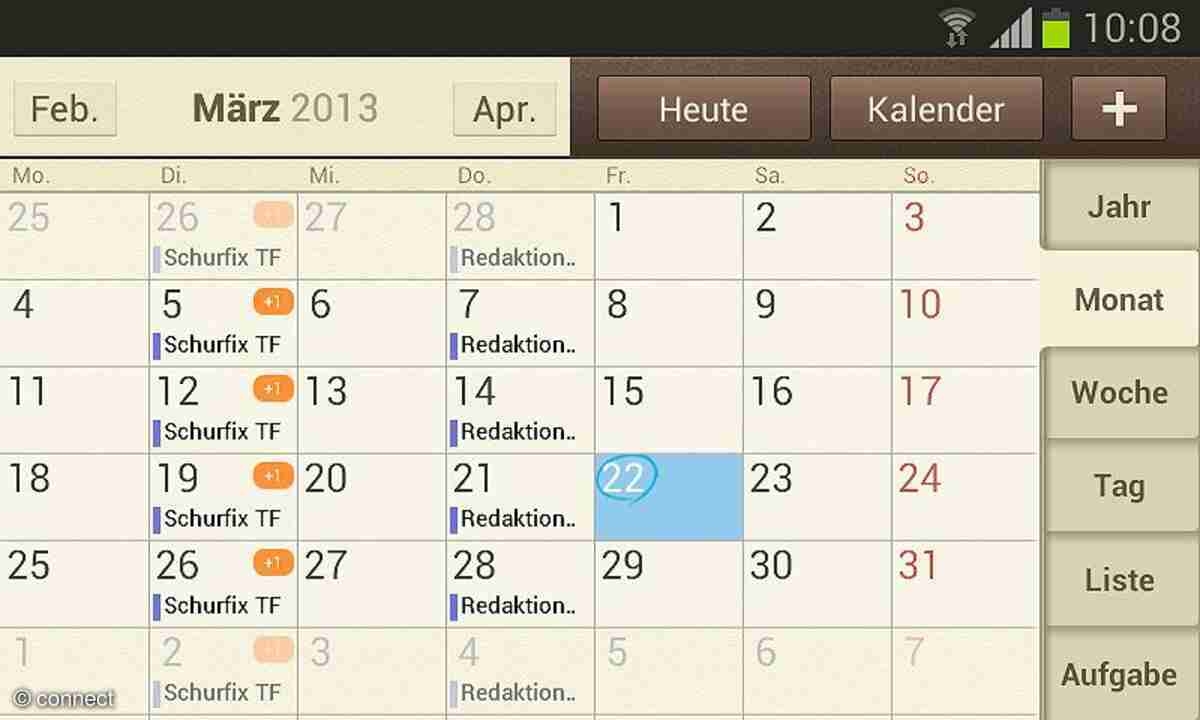
Galerie Samsung Galaxy S2 Plus Connect
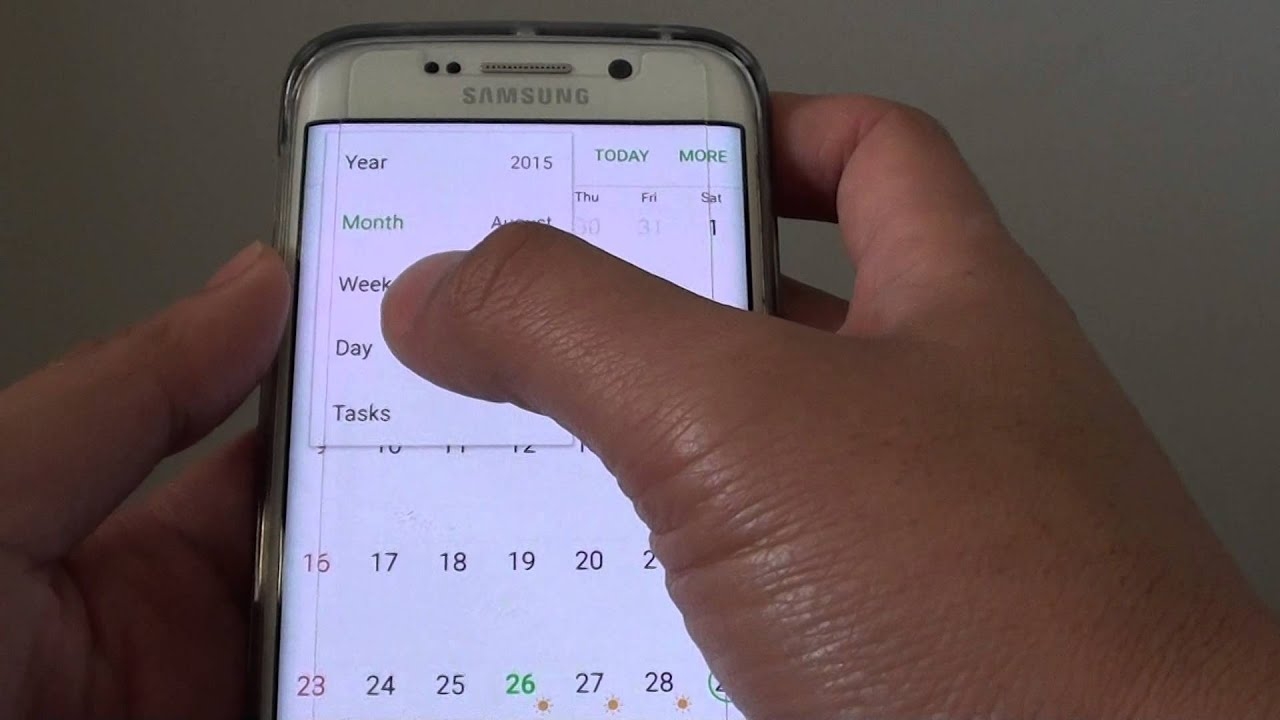
Samsung Galaxy S6 Edge How To Have S Planner Calendar Display In Day Week Month Year
S Planner S Note S Voice Die Samsung Apps Connect
S Planner S Note S Voice Die Samsung Apps Connect