Managing your schedule can be a challenge, especially when juggling multiple tasks and deadlines. A well-organized calendar is essential for staying on top of your commitments and ensuring nothing slips through the cracks.
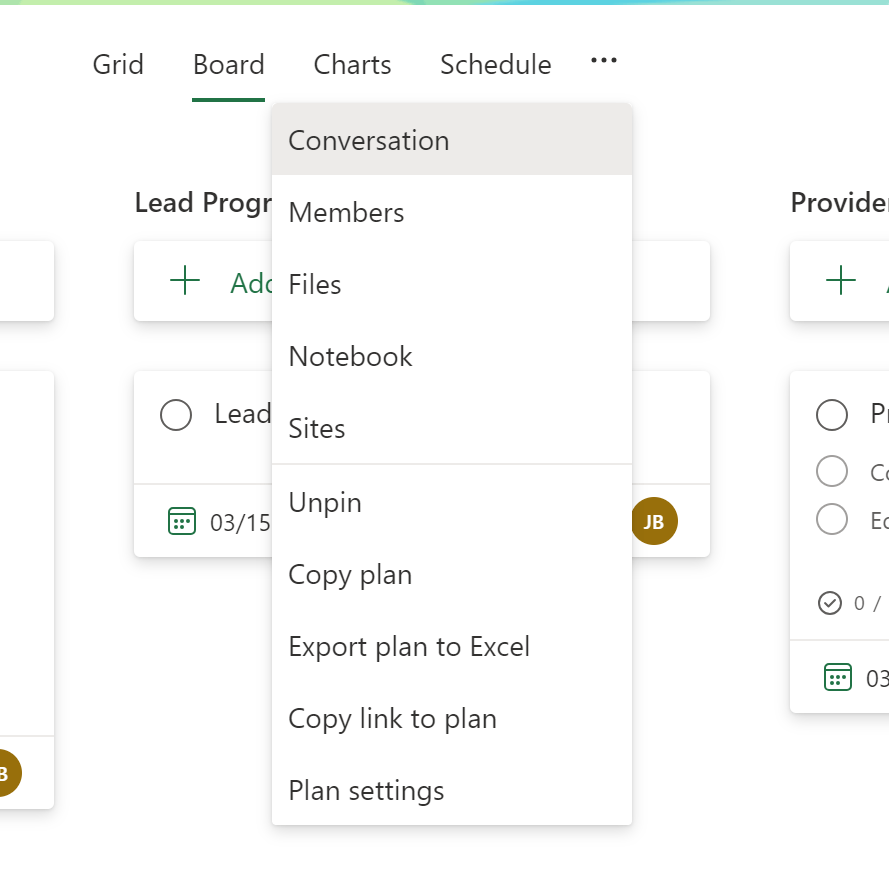
Publish Planner As Outlook Calendar
Publish Planner As Outlook Calendar
The Publish Planner allows you to manage your content schedule effectively. By integrating it with your Outlook Calendar, you can visualize all your tasks in one place, making it easier to prioritize and allocate time efficiently.
This integration helps you avoid double-booking and ensures that all deadlines are met. With reminders and notifications, you’ll never miss an important date or task again, keeping your workflow smooth and organized.
Additionally, using the Publish Planner as an Outlook Calendar can improve collaboration with team members. Everyone can stay updated on project timelines and responsibilities, fostering better communication and teamwork.
Ultimately, combining the Publish Planner with your Outlook Calendar is a smart move for anyone looking to enhance their productivity. It simplifies planning and helps you focus on what truly matters in your work life.
Embracing tools like the Publish Planner can transform how you manage your time. By integrating it with Outlook, you create a seamless experience that boosts efficiency and keeps you on track with your goals.
How To Publish And View Your Microsoft Planner Tasks In Outlook
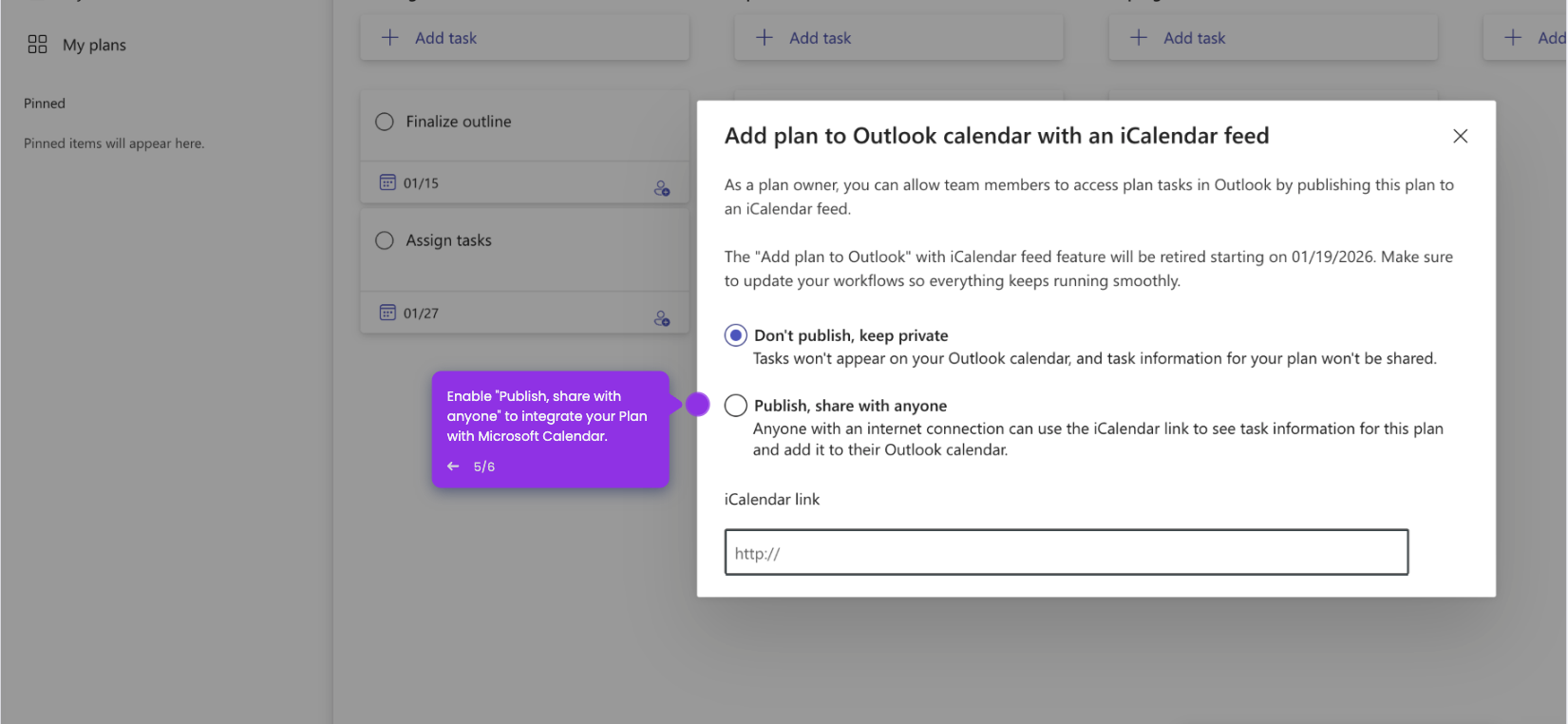
How To Add Microsoft Planner To Outlook 1 Min Guide
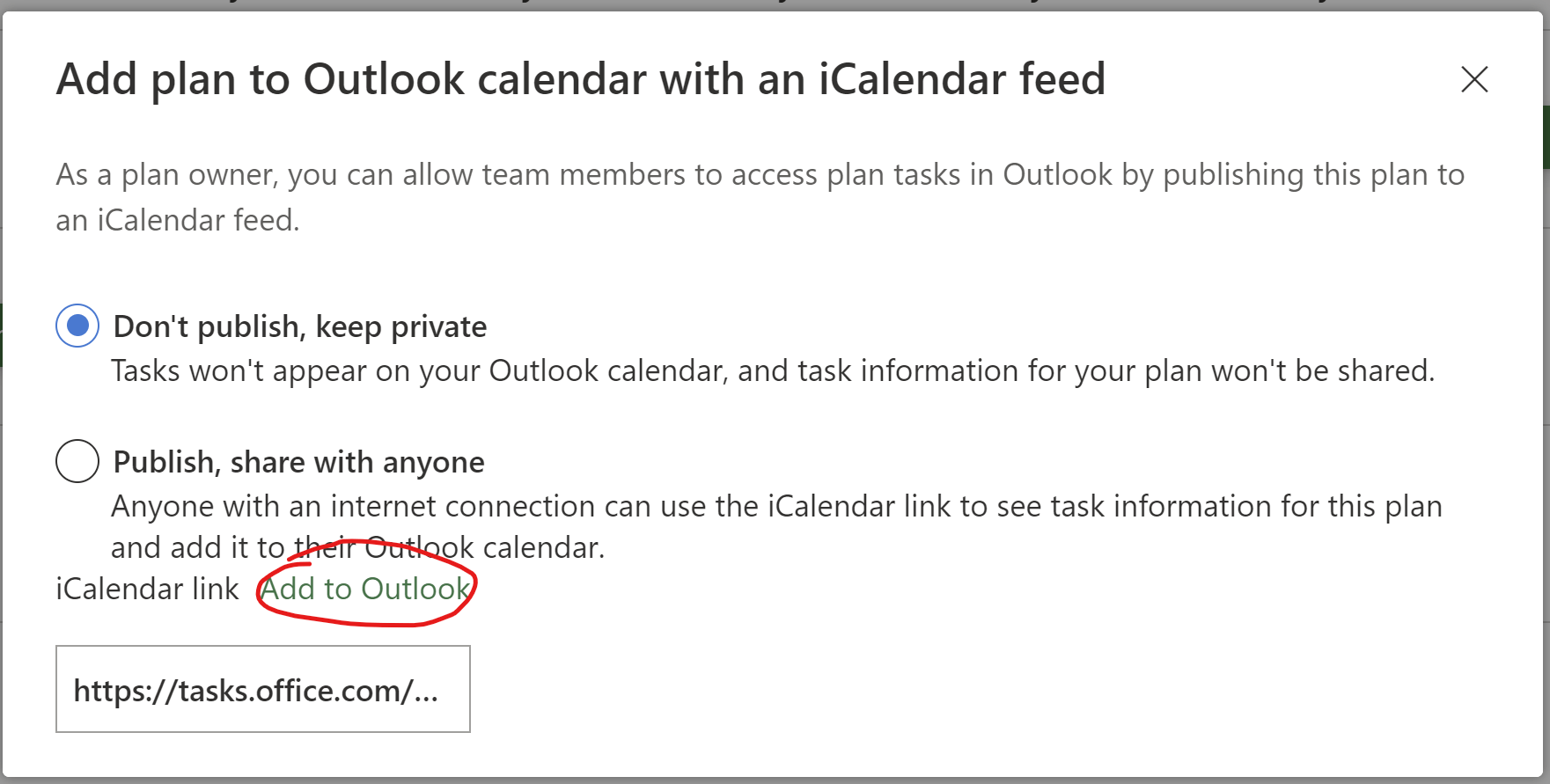
Sync Tasks Planner amp To Do Between Outlooks amp Teams WebVersion
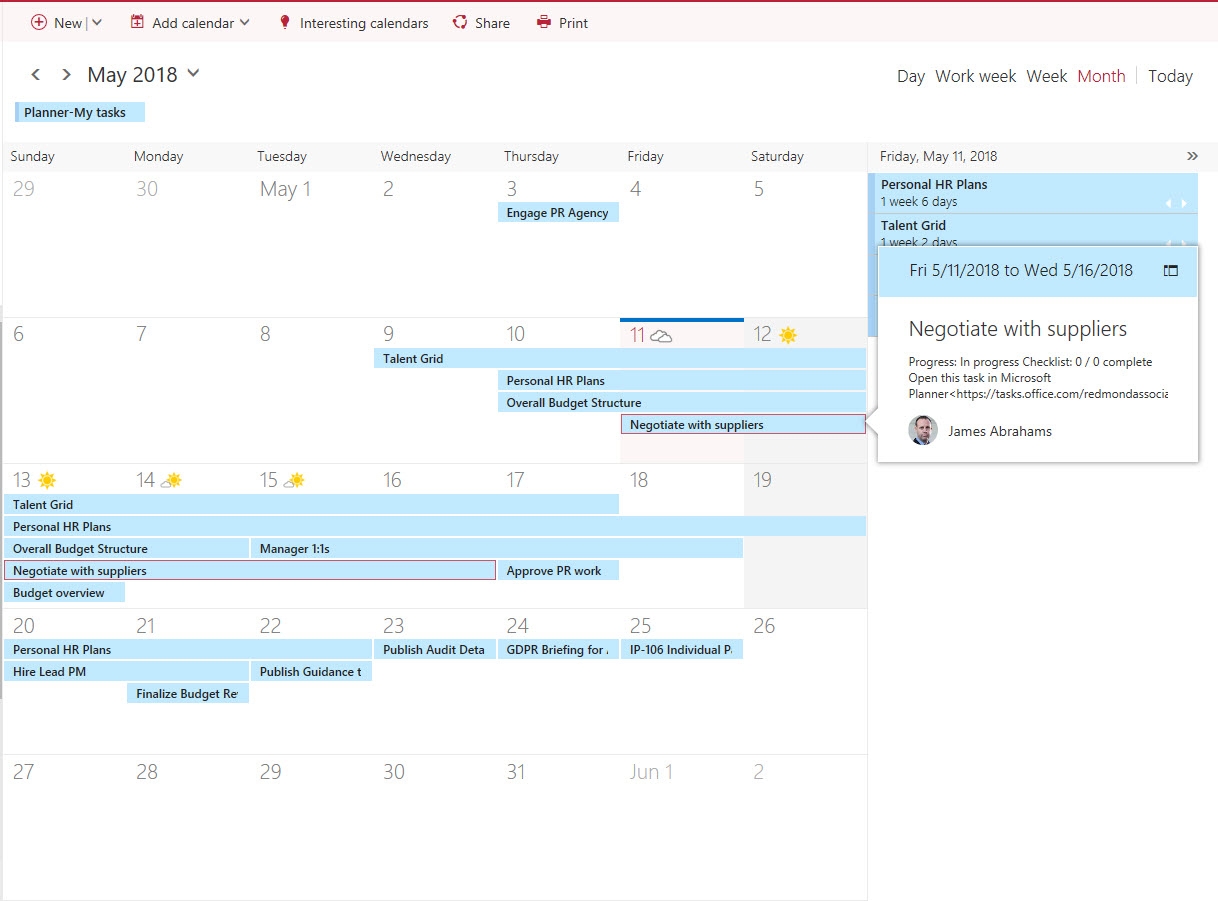
How Planner Synchronizes Its Tasks To Outlook s Calendar Petri
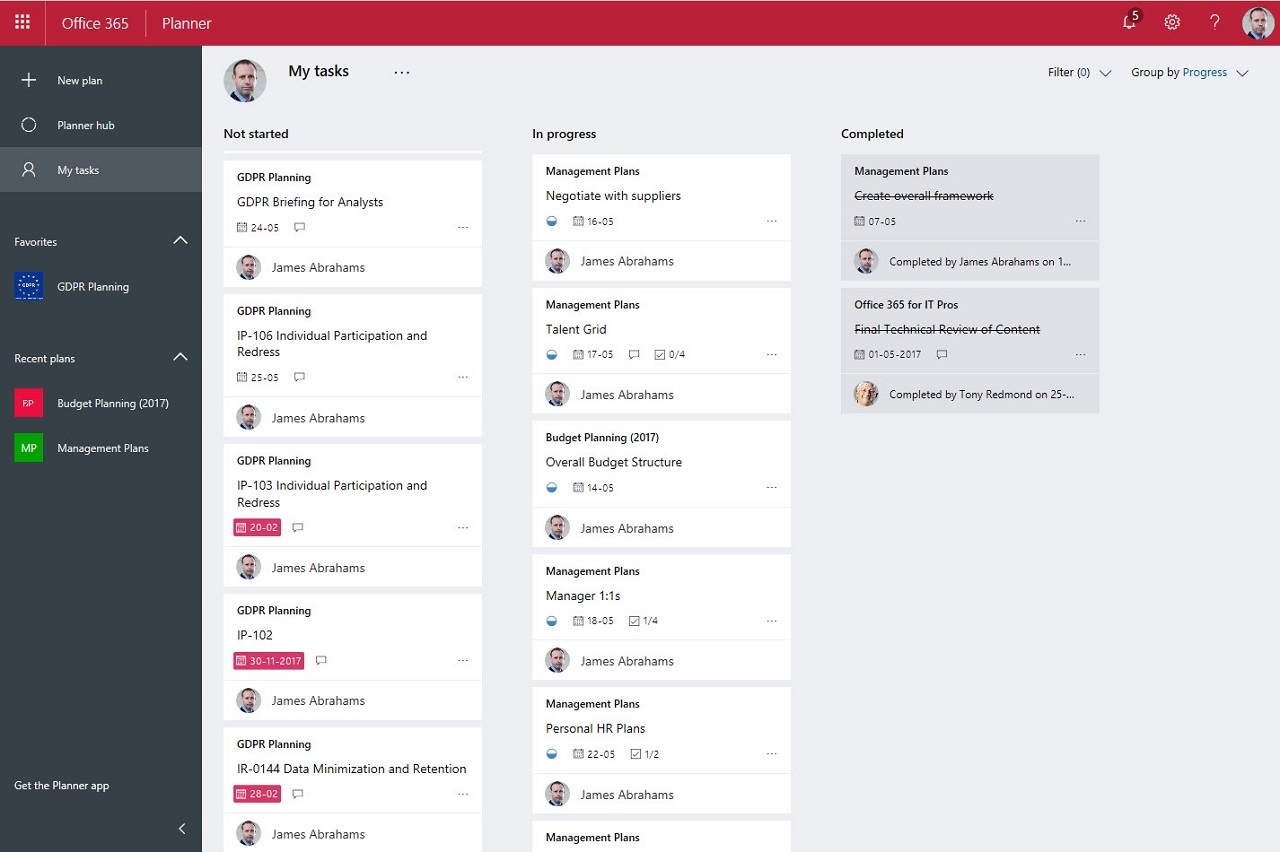
How Planner Synchronizes Its Tasks To Outlook s Calendar Petri