Managing your time effectively can be a challenge, especially with a busy schedule. Using tools like Outlook Calendar can help streamline your planning and keep you organized throughout the day. A planner in Outlook Calendar is a great way to stay on top of tasks.
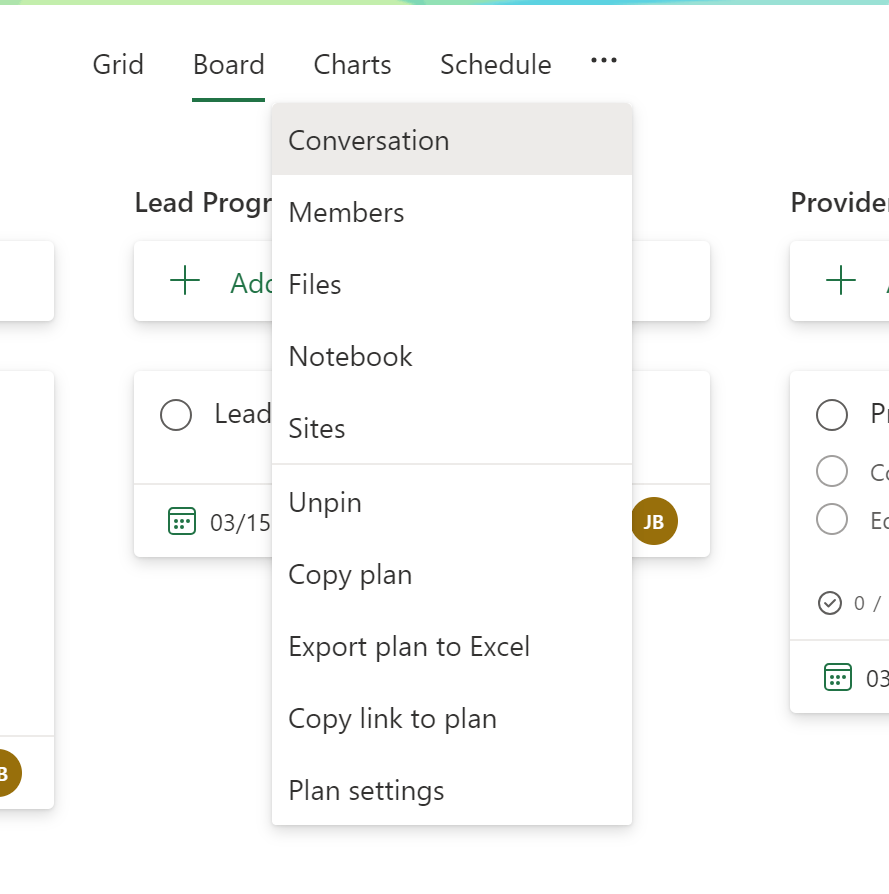
Planner In Outlook Calendar
Planner In Outlook Calendar
The planner in Outlook Calendar offers various features that enhance productivity. You can categorize events using color codes, making it simple to differentiate between work and personal commitments. This visual aid helps you quickly assess your day.
Another fantastic feature is the ability to set recurring events. Whether it’s a weekly meeting or a monthly check-in, you can automate these entries, saving you time and effort. This ensures you never miss an important appointment.
Additionally, integrating tasks into your calendar can boost your efficiency. You can create to-do lists directly within Outlook Calendar, allowing you to prioritize tasks alongside your scheduled events. This holistic view keeps you focused and organized.
In conclusion, utilizing the planner in Outlook Calendar can significantly improve your time management skills. By taking advantage of its features, you’ll find it easier to juggle responsibilities and maintain a balanced life. Start planning today for a more organized tomorrow!
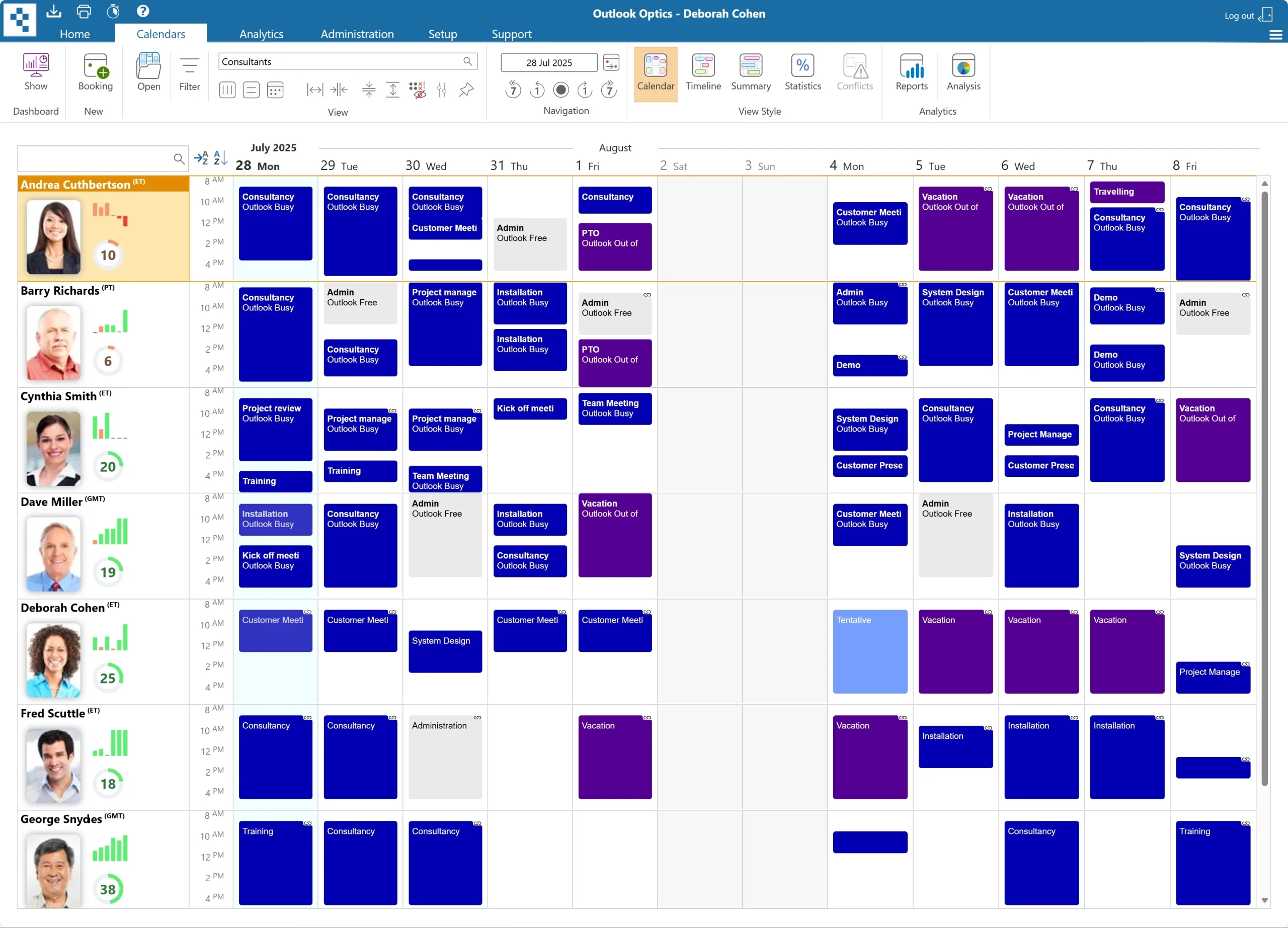
How To Create An Outlook Team Calendar For Better Employee Scheduling
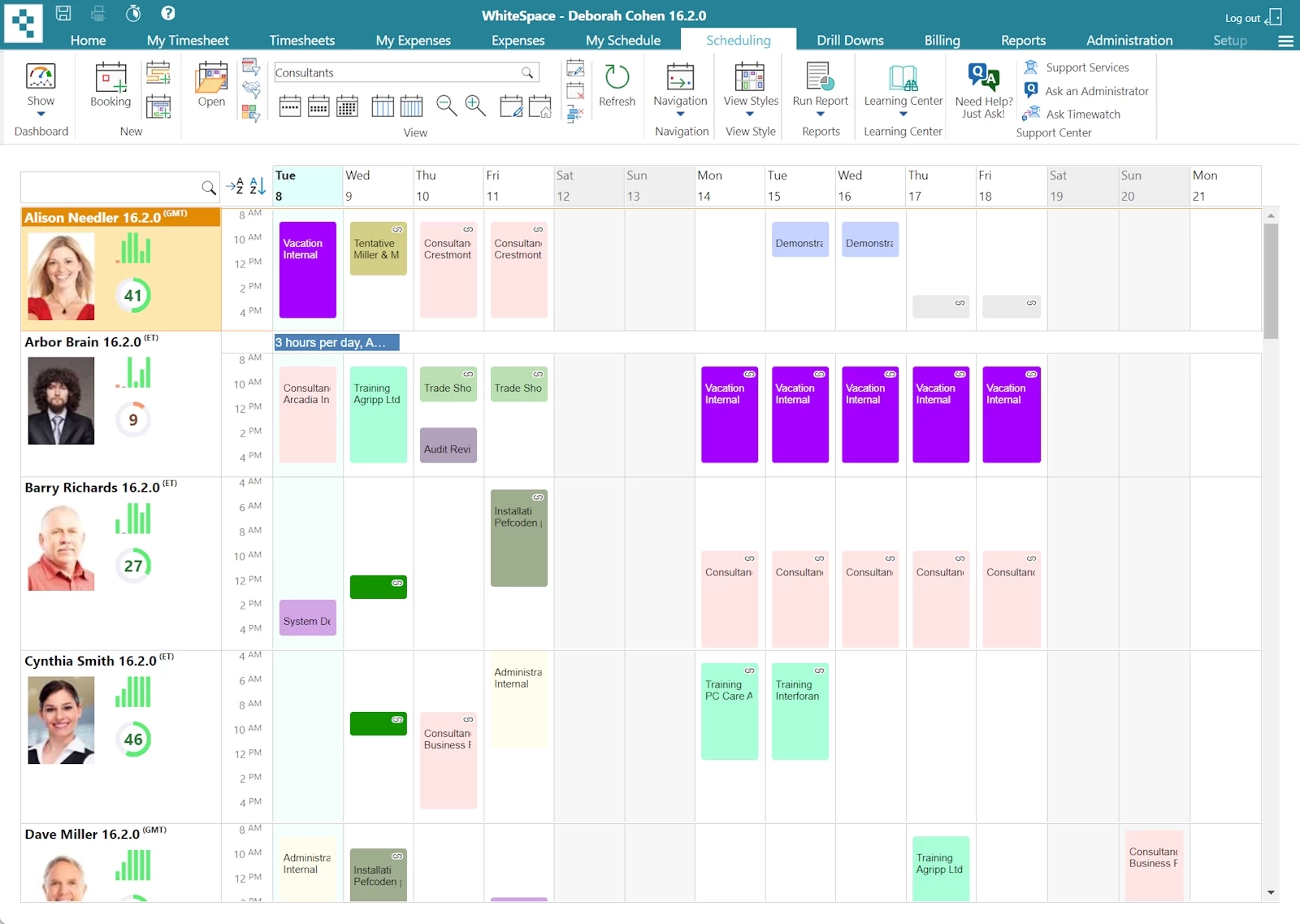
How Outlook Calendar Reporting Delivers Capacity Planning Timewatch
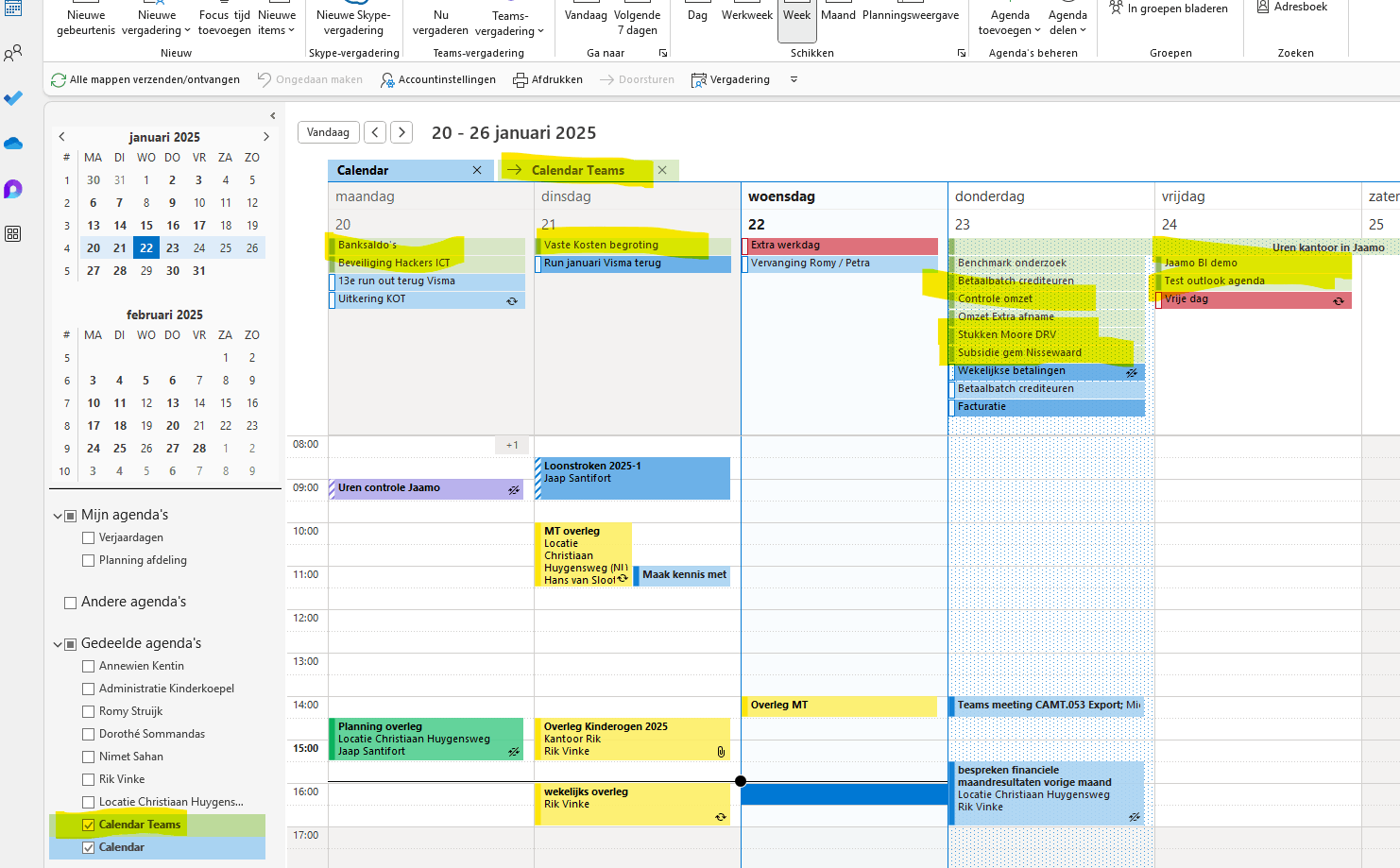
How To Add Planner Task To Outlook Calendar Microsoft Q amp A
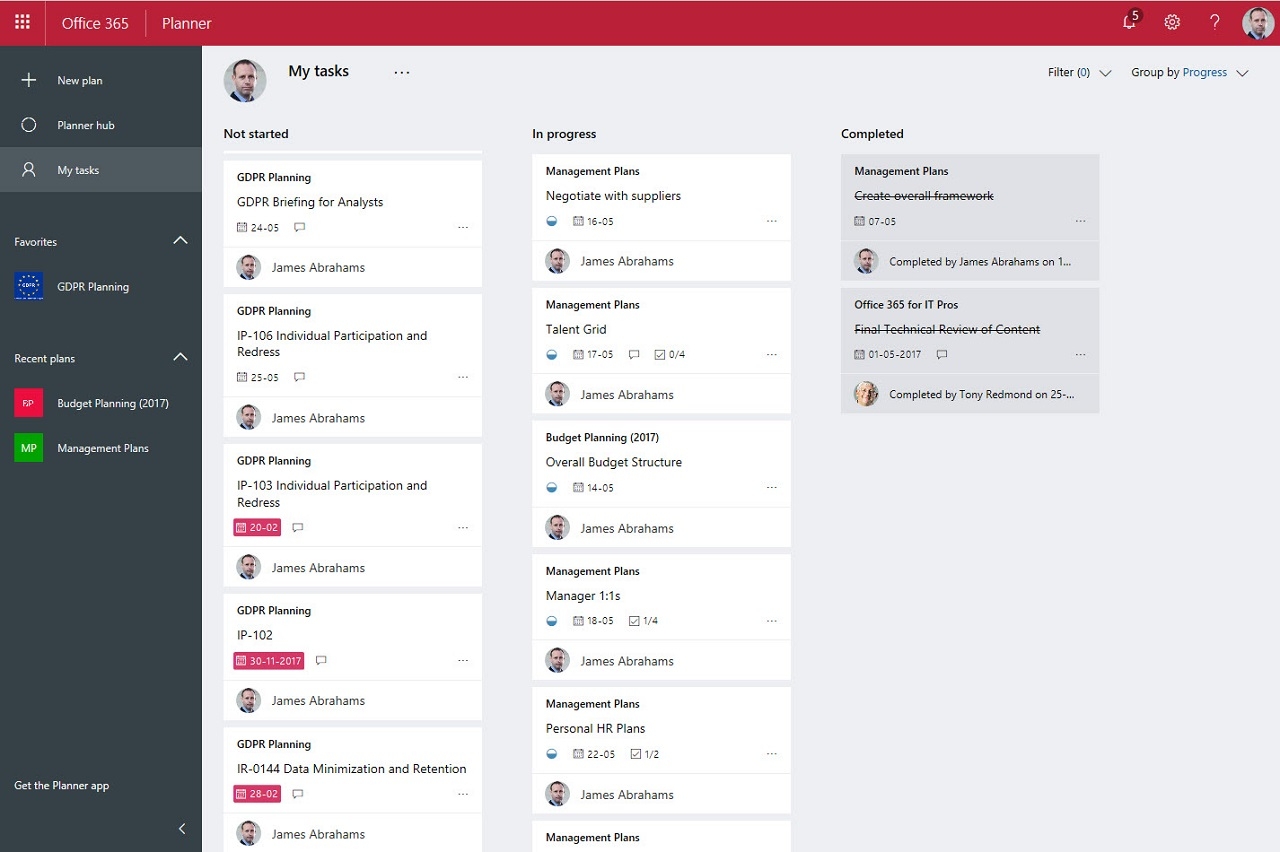
How Planner Synchronizes Its Tasks To Outlook s Calendar Petri
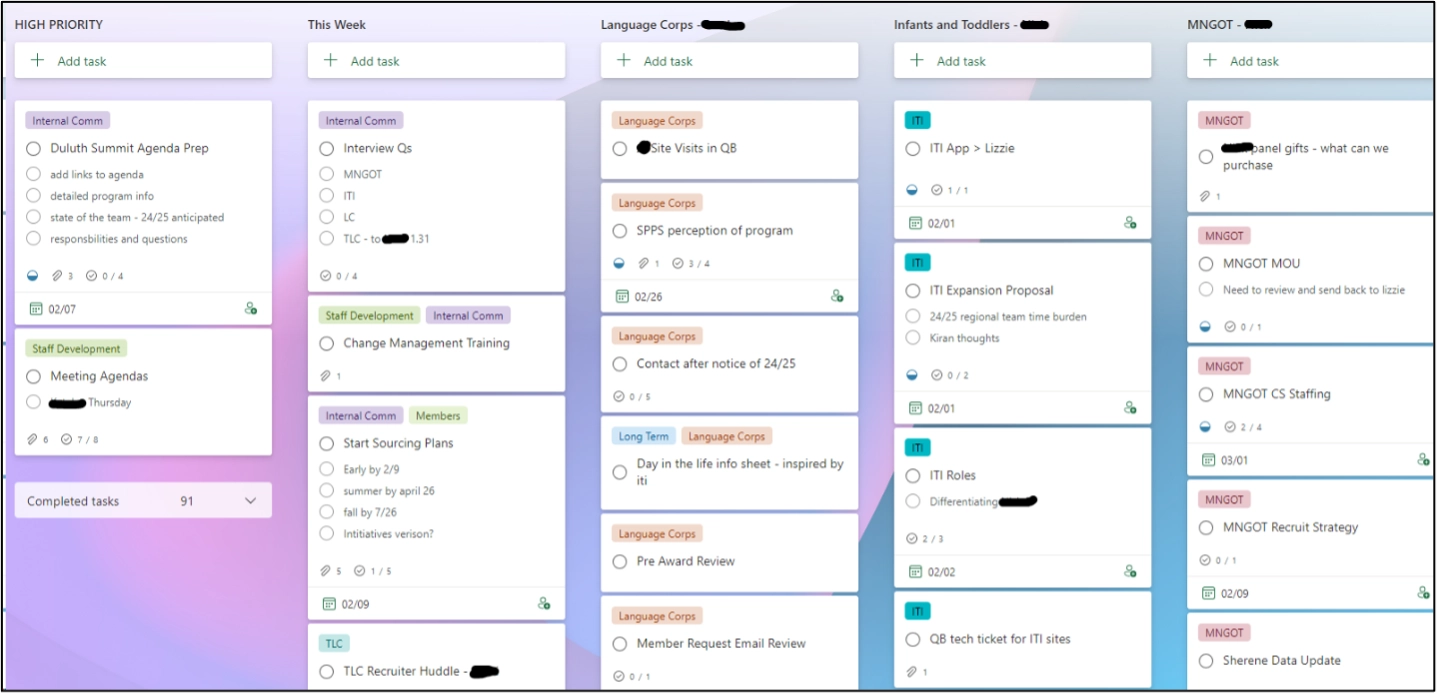
Microsoft s Planner To Try Or Not To Try The Together Group