Managing tasks and schedules can be overwhelming, especially in a busy work environment. Finding the right tools to streamline your workflow is essential for productivity and organization. One such tool that stands out is Office 365 Planner.
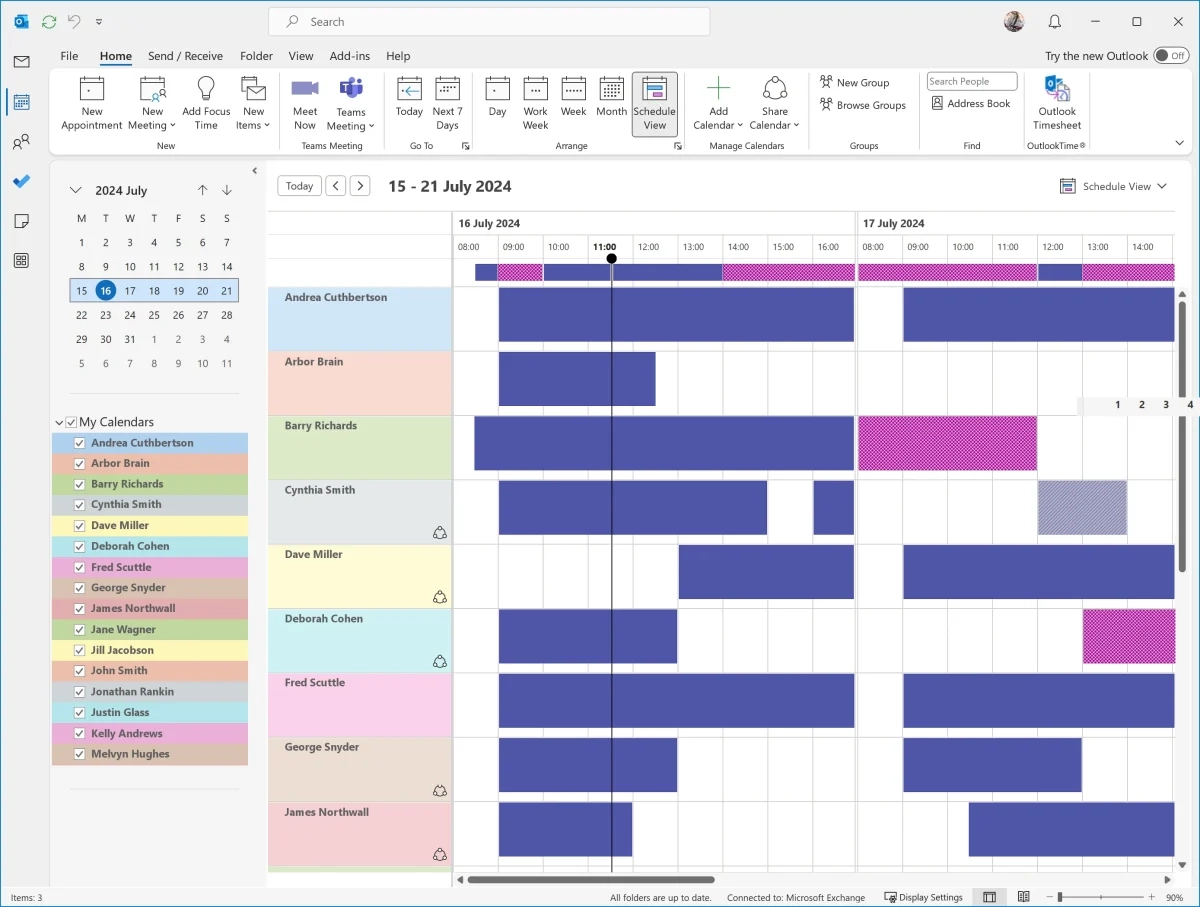
Office 365 Planner Calendar
Office 365 Planner Calendar
The Office 365 Planner Calendar integrates seamlessly with other Microsoft applications. This means you can view your tasks alongside your calendar events, ensuring you never miss an important deadline or meeting. It’s a game-changer for time management.
Another great feature is the ability to customize your plans. You can create different boards for various projects, making it easy to switch between tasks. This flexibility allows teams to adapt quickly to changing priorities and workloads.
Collaboration is at the heart of Office 365 Planner. Team members can comment on tasks, share updates, and provide feedback in real-time. This fosters communication and keeps everyone on the same page, enhancing overall productivity.
In conclusion, Office 365 Planner is an invaluable tool for anyone looking to improve their task management and collaboration efforts. By utilizing its features, you can create a more organized and efficient work environment.
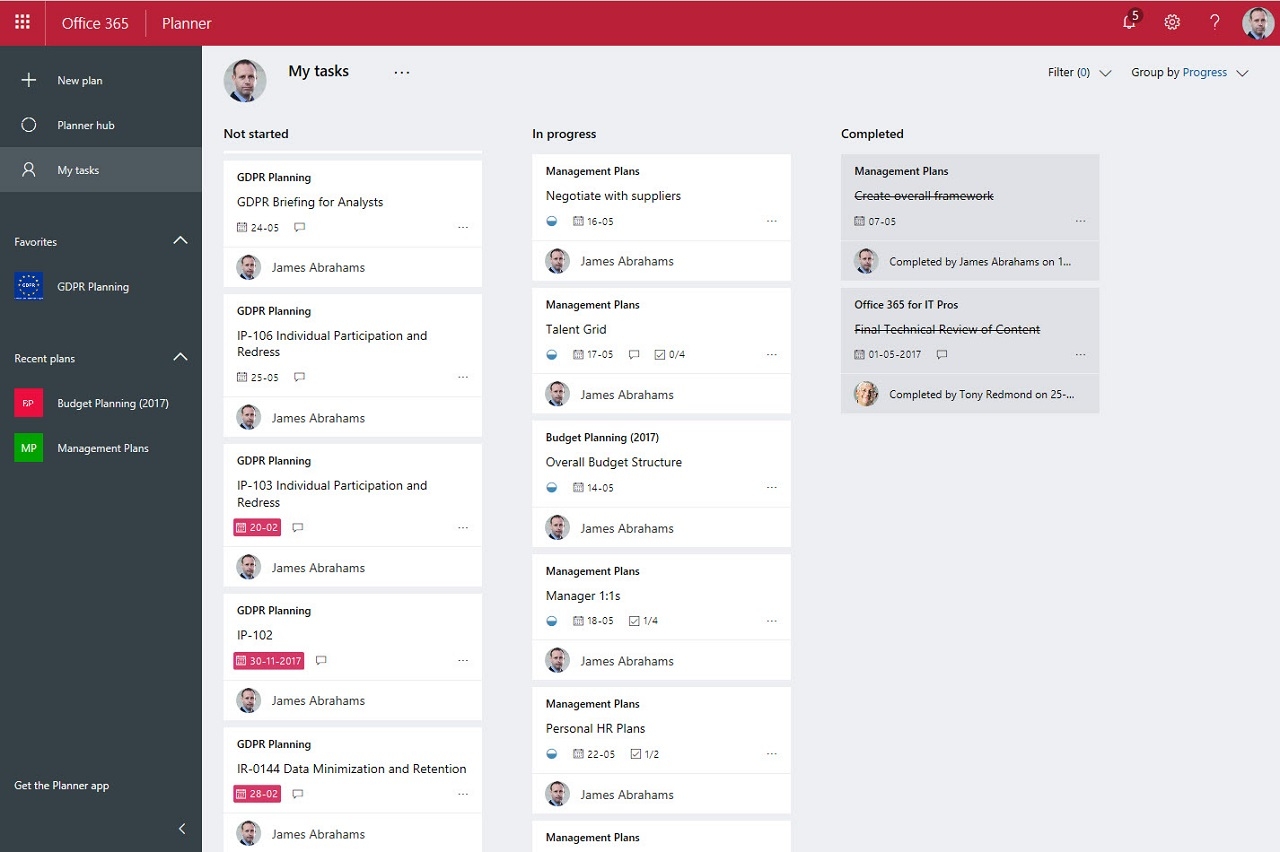
How Planner Synchronizes Its Tasks To Outlook s Calendar Petri
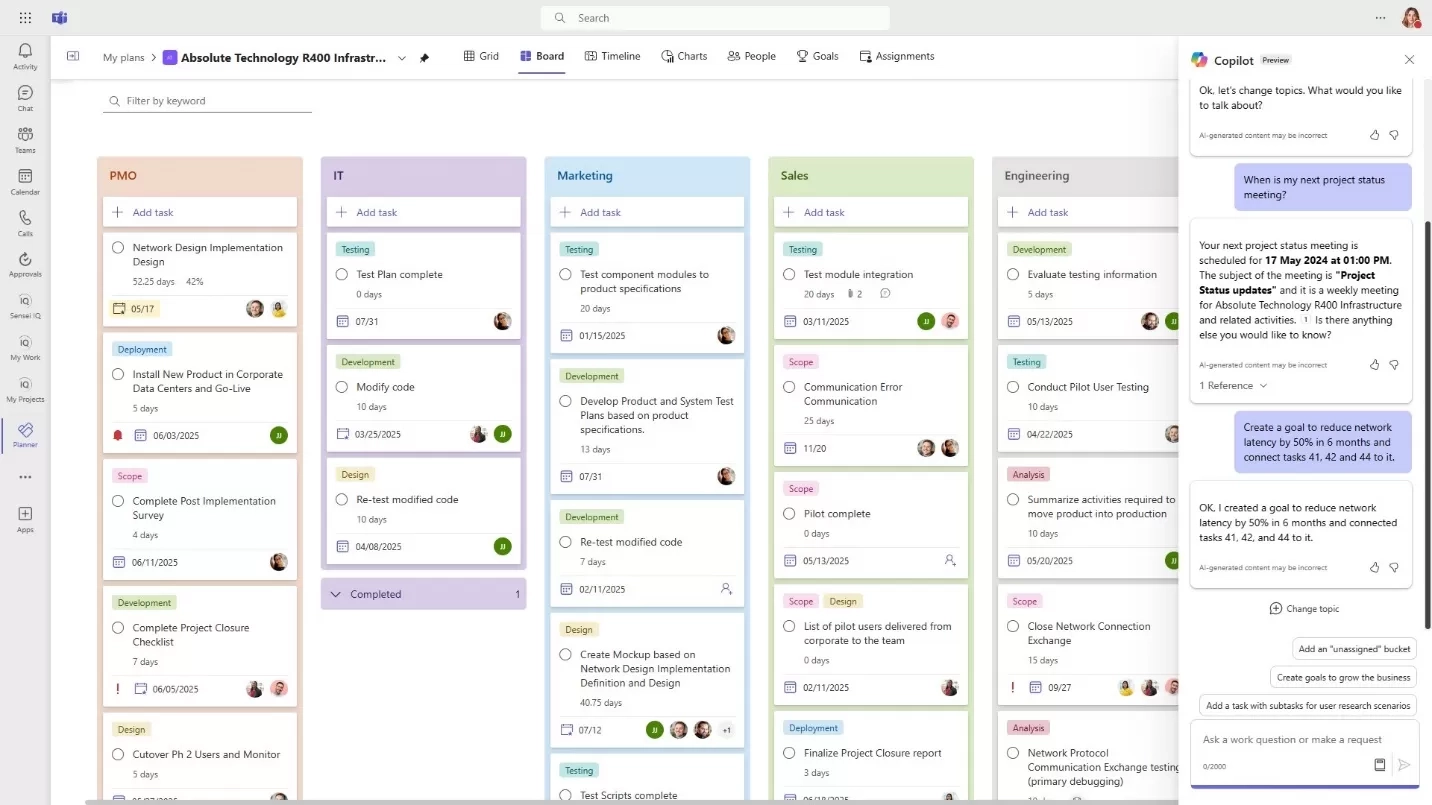
Unboxing The New Microsoft Planner For Enterprise Work Management
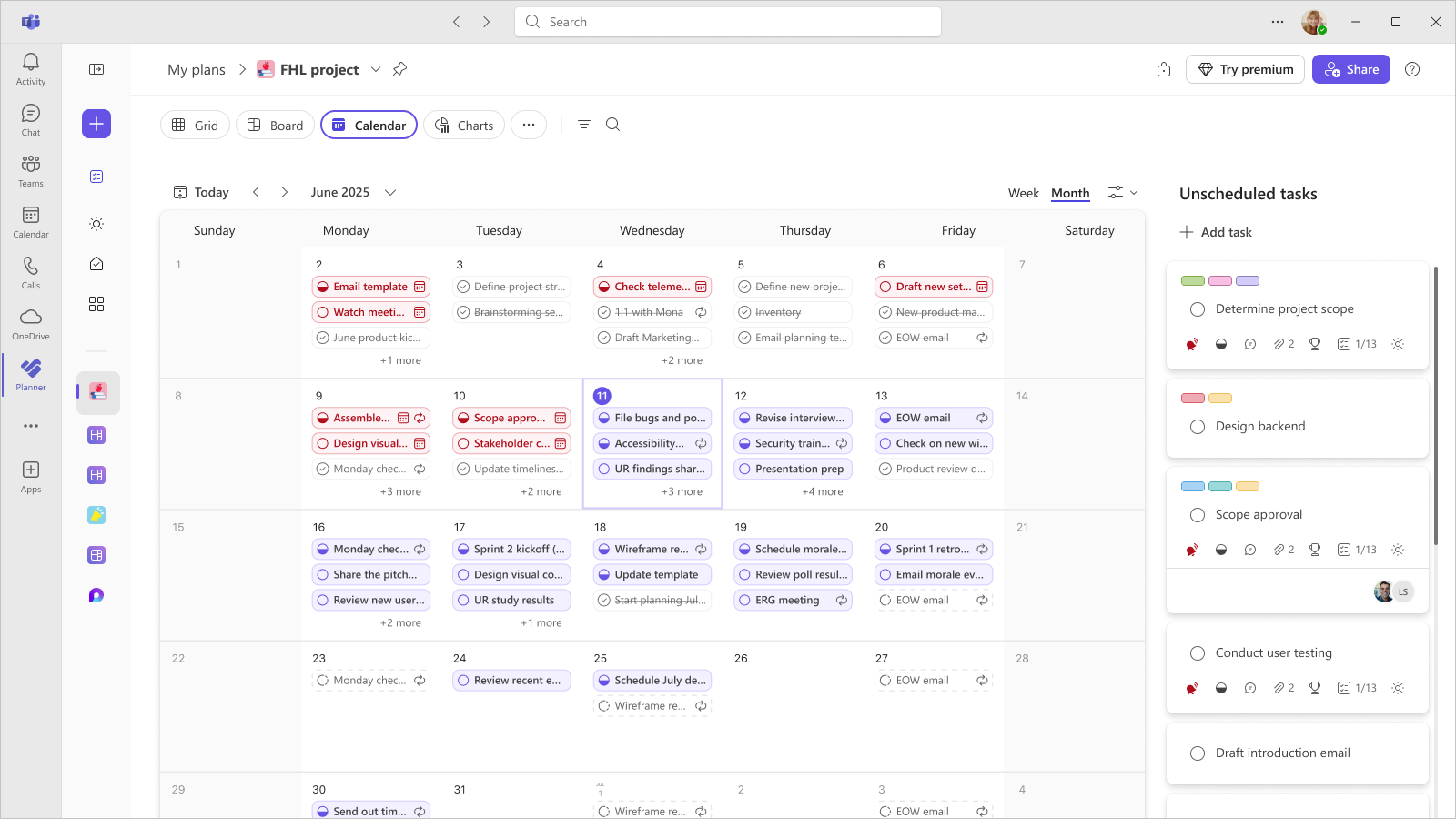
Use Schedule View In Microsoft Planner Microsoft Support
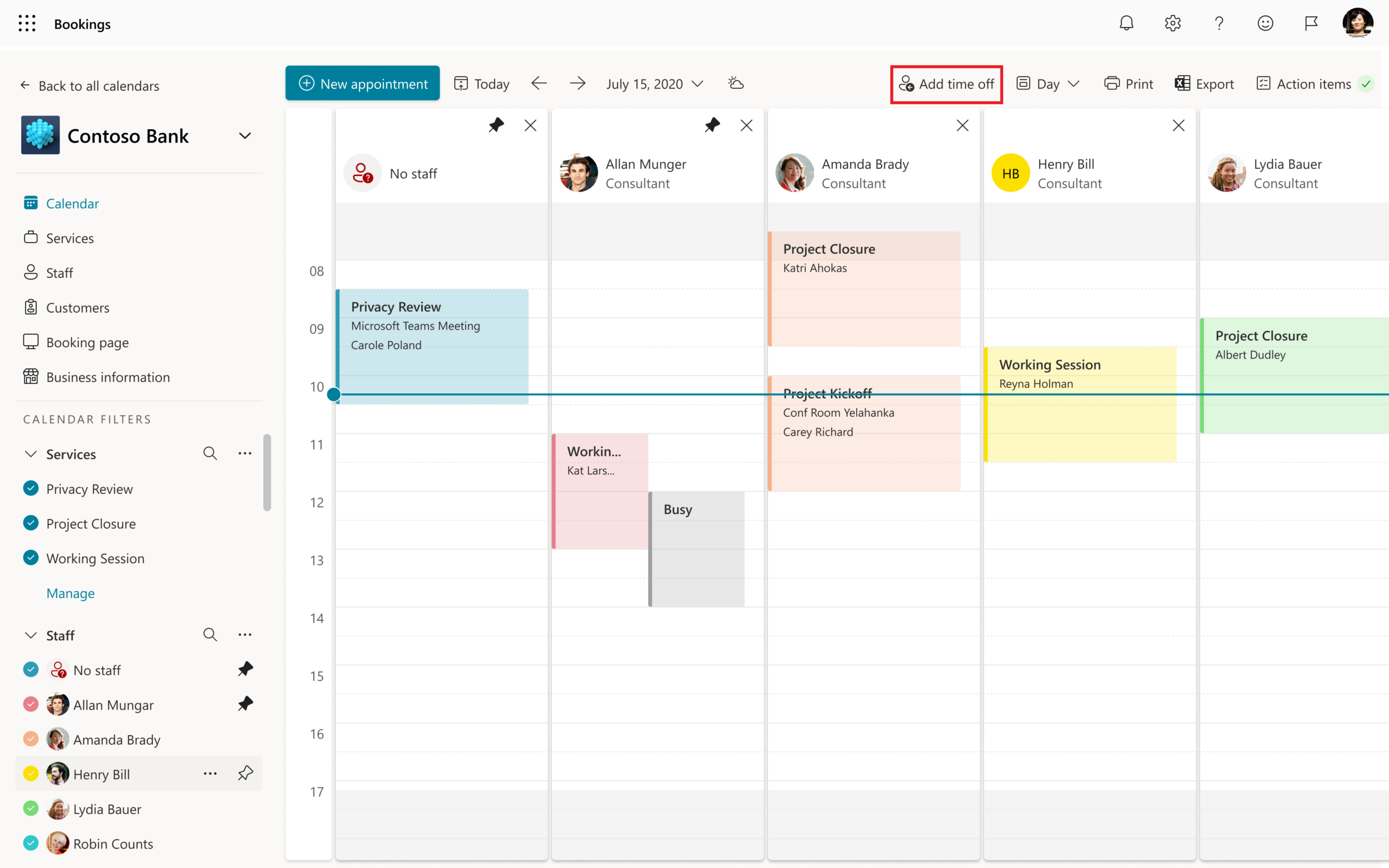
Planen Von Betriebsferien Arbeitsfreier Zeit Und Urlaubszeit
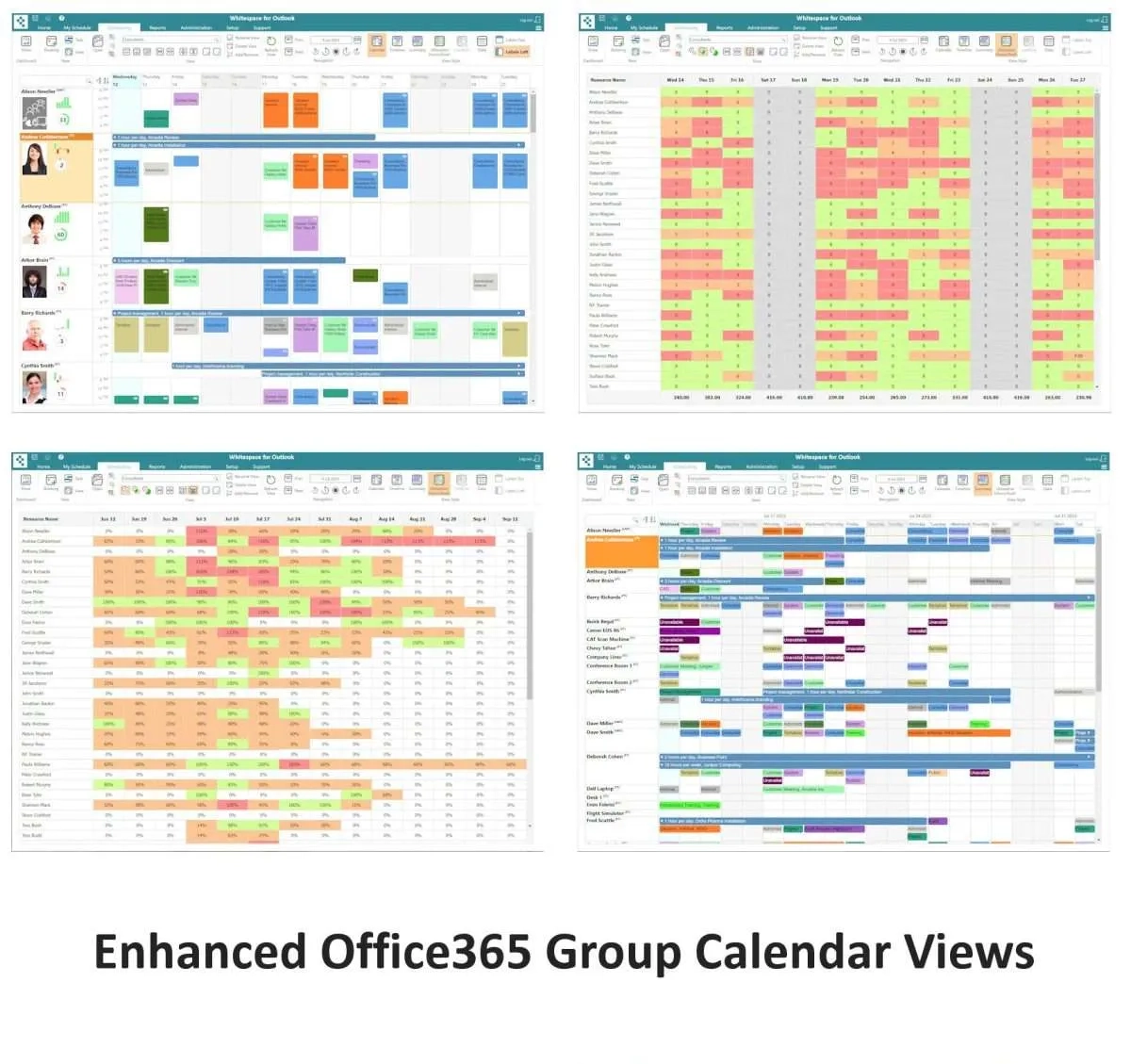
How To Setup Office 365 Group Calendar Views And Improve Them