Managing tasks and schedules can be overwhelming, especially when juggling multiple tools. Streamlining your workflow is essential for productivity, and integrating your tools can make a significant difference. One effective way to achieve this is through Microsoft Planner and Outlook Calendar.
Microsoft Planner Outlook Calendar Integration
Microsoft Planner Outlook Calendar Integration
The Microsoft Planner Outlook Calendar integration simplifies task management. When you create a task in Planner, it automatically appears in your Outlook Calendar, providing a clear view of your commitments. This feature saves time and reduces the risk of overlooking important deadlines.
Additionally, you can easily update tasks in Planner, and those changes will reflect in your Outlook Calendar. This real-time synchronization ensures that you always have the latest information at your fingertips. Staying organized has never been easier!
Another benefit of this integration is the ability to set reminders for tasks directly in Outlook. You can customize notifications to suit your preferences, ensuring that you’re always aware of upcoming deadlines. This feature helps maintain focus and accountability.
In conclusion, integrating Microsoft Planner with Outlook Calendar is a game-changer for productivity. By utilizing these tools together, you can streamline your workflow and stay on top of your tasks effortlessly. Embrace this integration to enhance your daily routine!
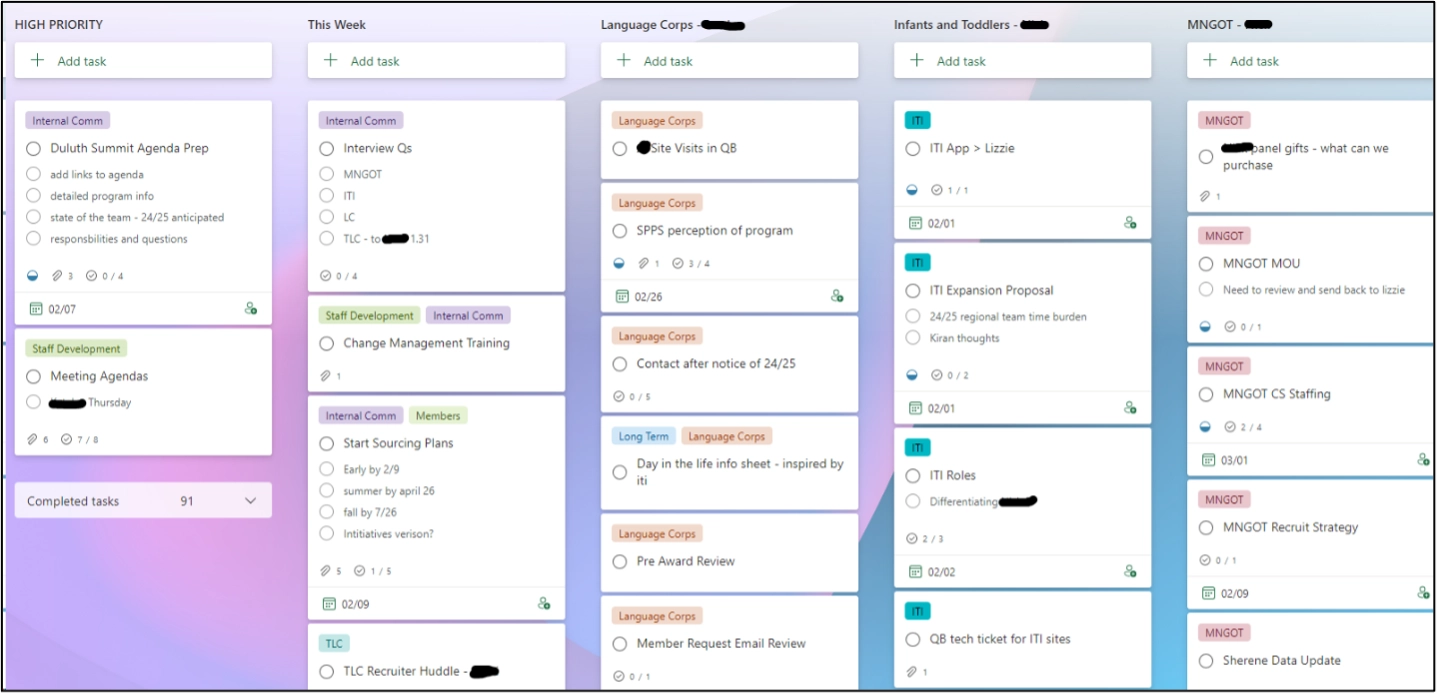
Microsoft s Planner To Try Or Not To Try The Together Group
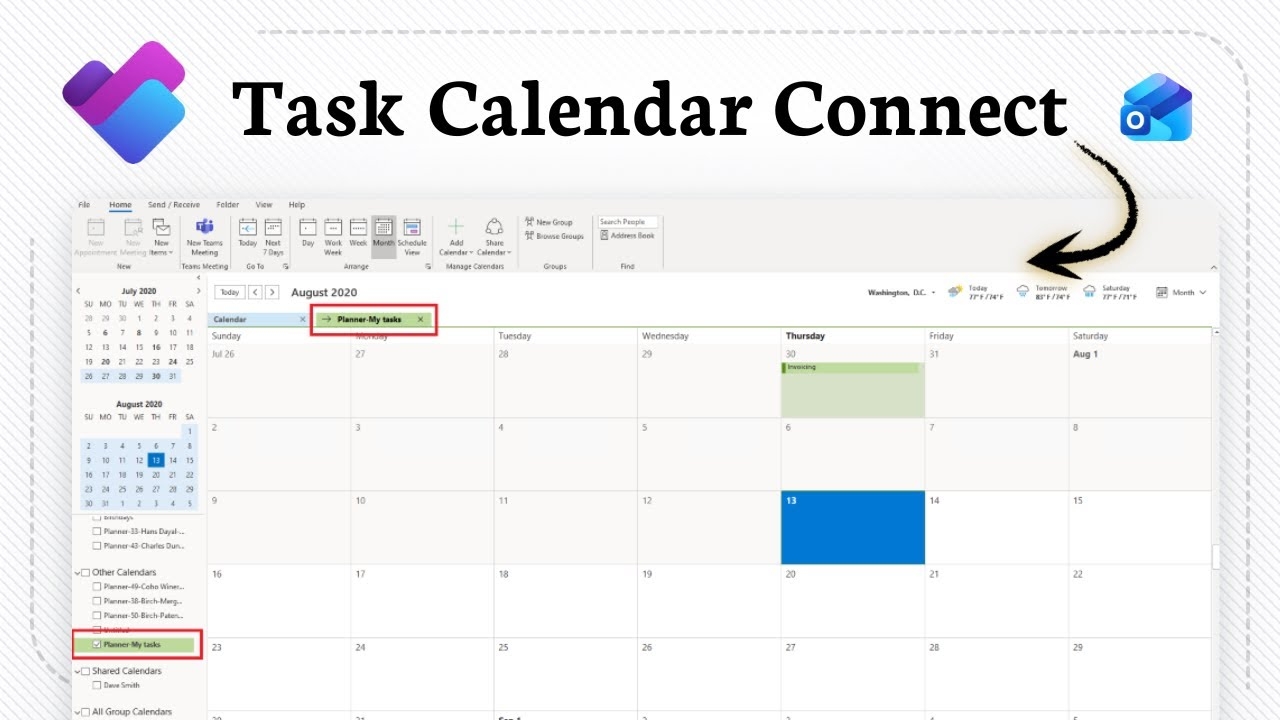
How To Link Microsoft Planner With Outlook Schedule Merge
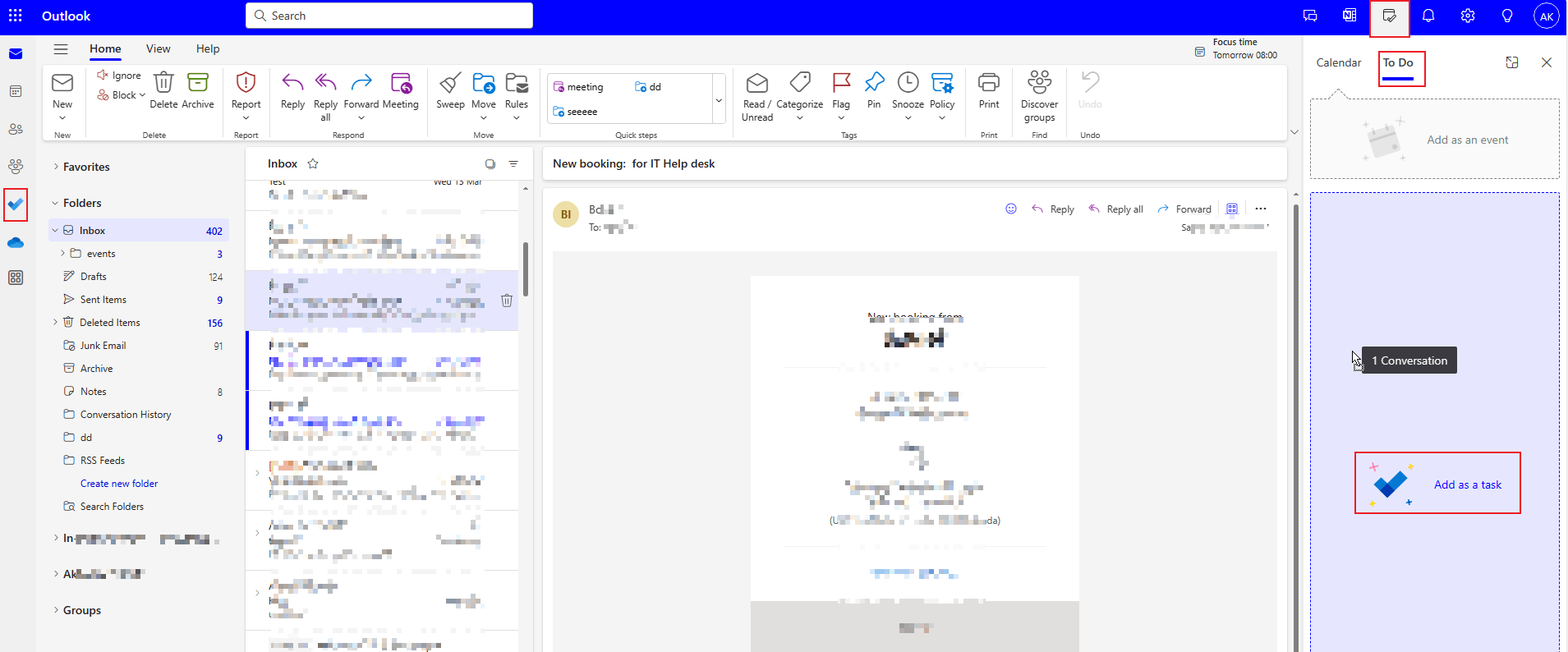
Todo Planner Integration With Outlook Microsoft Q amp A
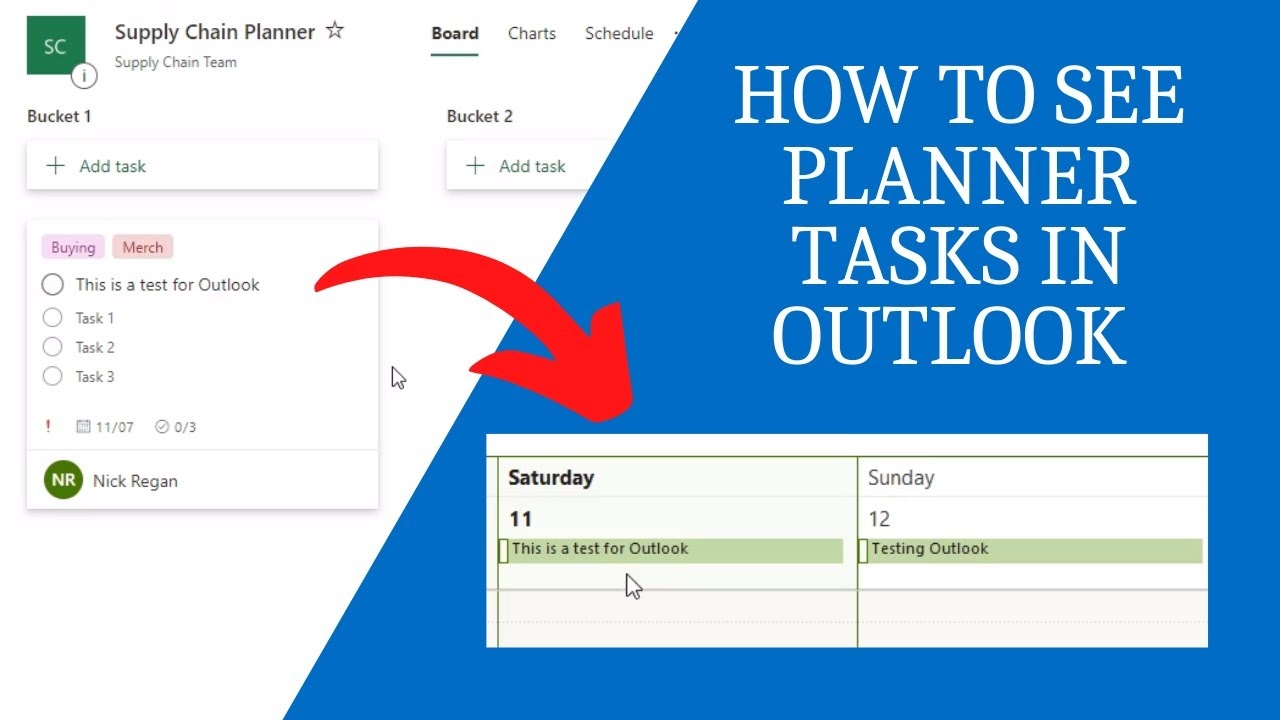
How To See Microsoft Planner Tasks In Outlook Integrate Planner With Outlook
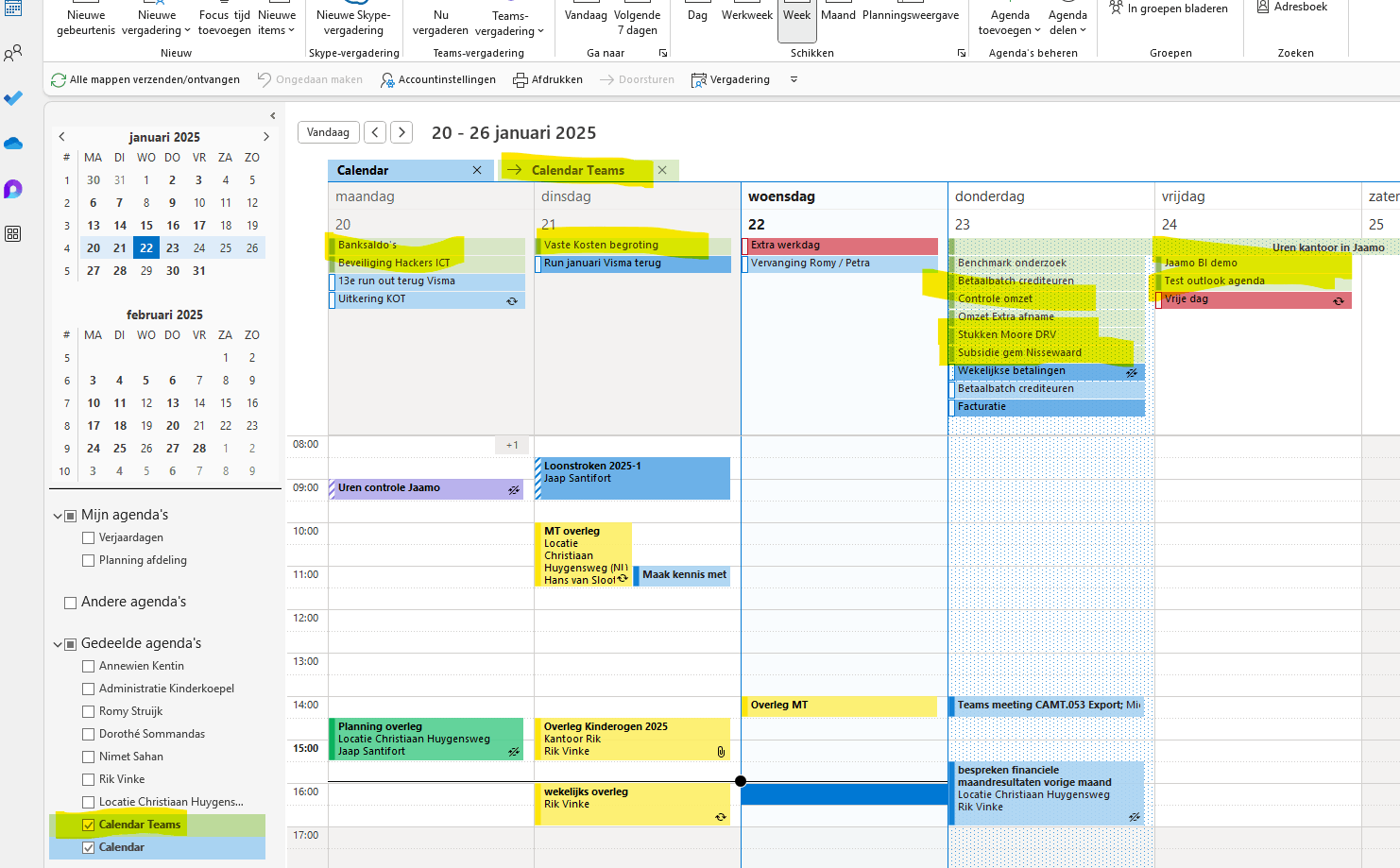
How To Add Planner Task To Outlook Calendar Microsoft Q amp A