Managing tasks and projects can be overwhelming, especially when juggling multiple deadlines. A reliable tool can make all the difference in staying organized and productive. Microsoft Planner is one such tool that simplifies task management.
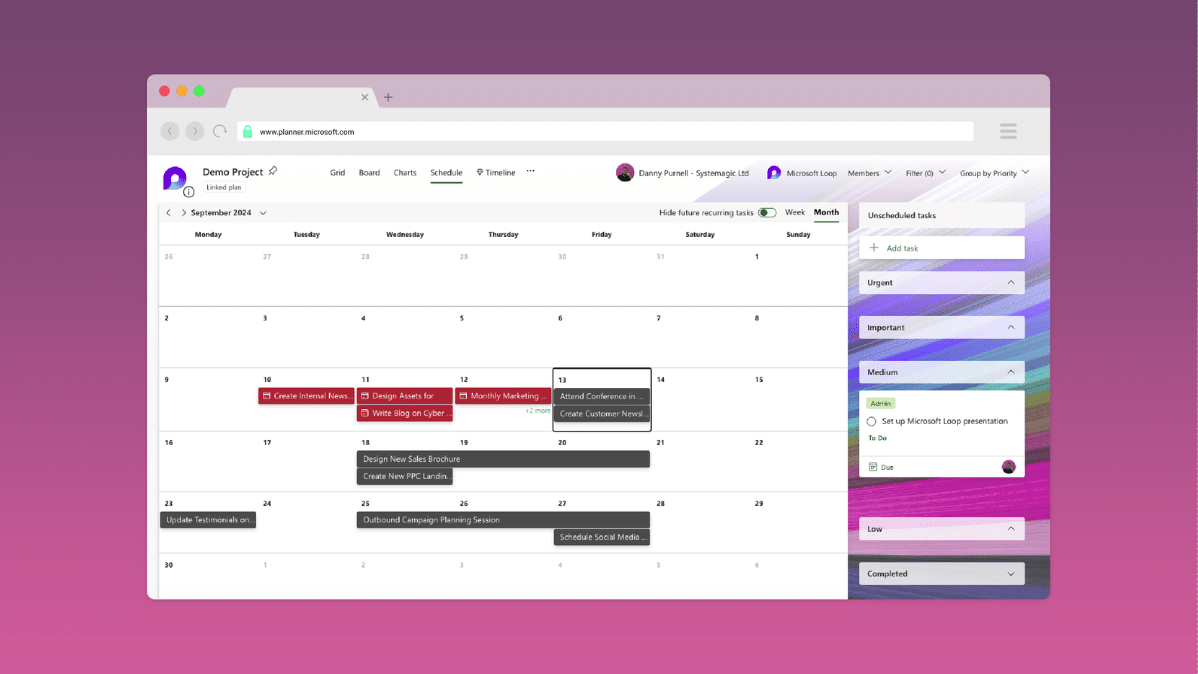
Microsoft Planner Calendar
Microsoft Planner Calendar
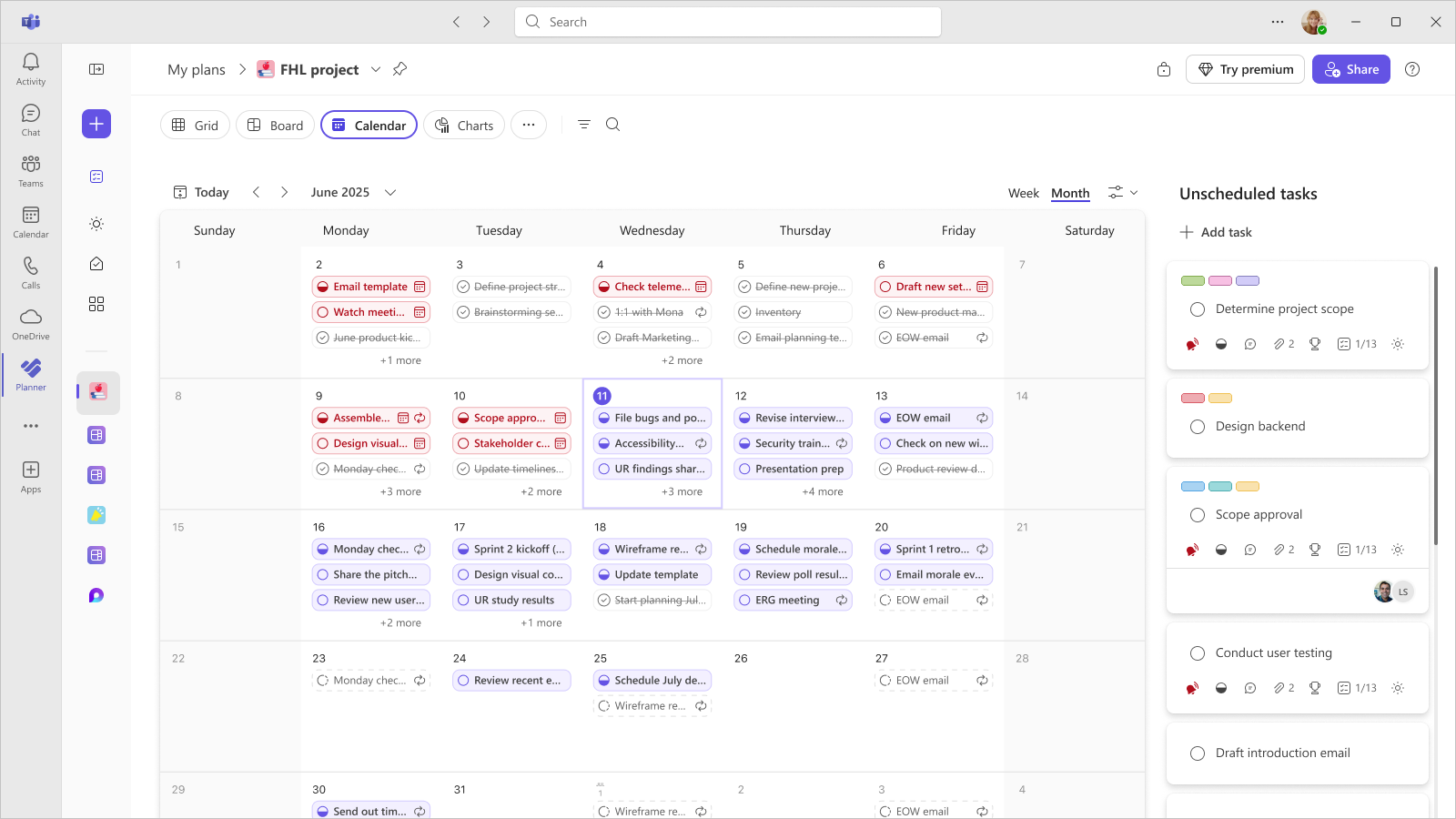
The Microsoft Planner Calendar feature integrates your tasks with a visual calendar view. This allows you to see deadlines and upcoming tasks at a glance, making planning easier than ever. You can quickly identify busy periods and adjust your workload accordingly.
Another great aspect of the Microsoft Planner Calendar is its synchronization with Outlook. This means that any changes made in Planner automatically reflect in your Outlook calendar, ensuring you never miss an important deadline or meeting.
Additionally, the calendar view promotes better team collaboration. Team members can see each other’s tasks and deadlines, fostering accountability and encouraging communication. This transparency helps everyone stay aligned on project goals.
In conclusion, utilizing the Microsoft Planner Calendar can significantly enhance your productivity and organization. By integrating tasks with a visual calendar, you can manage your time more effectively and keep your projects on track.
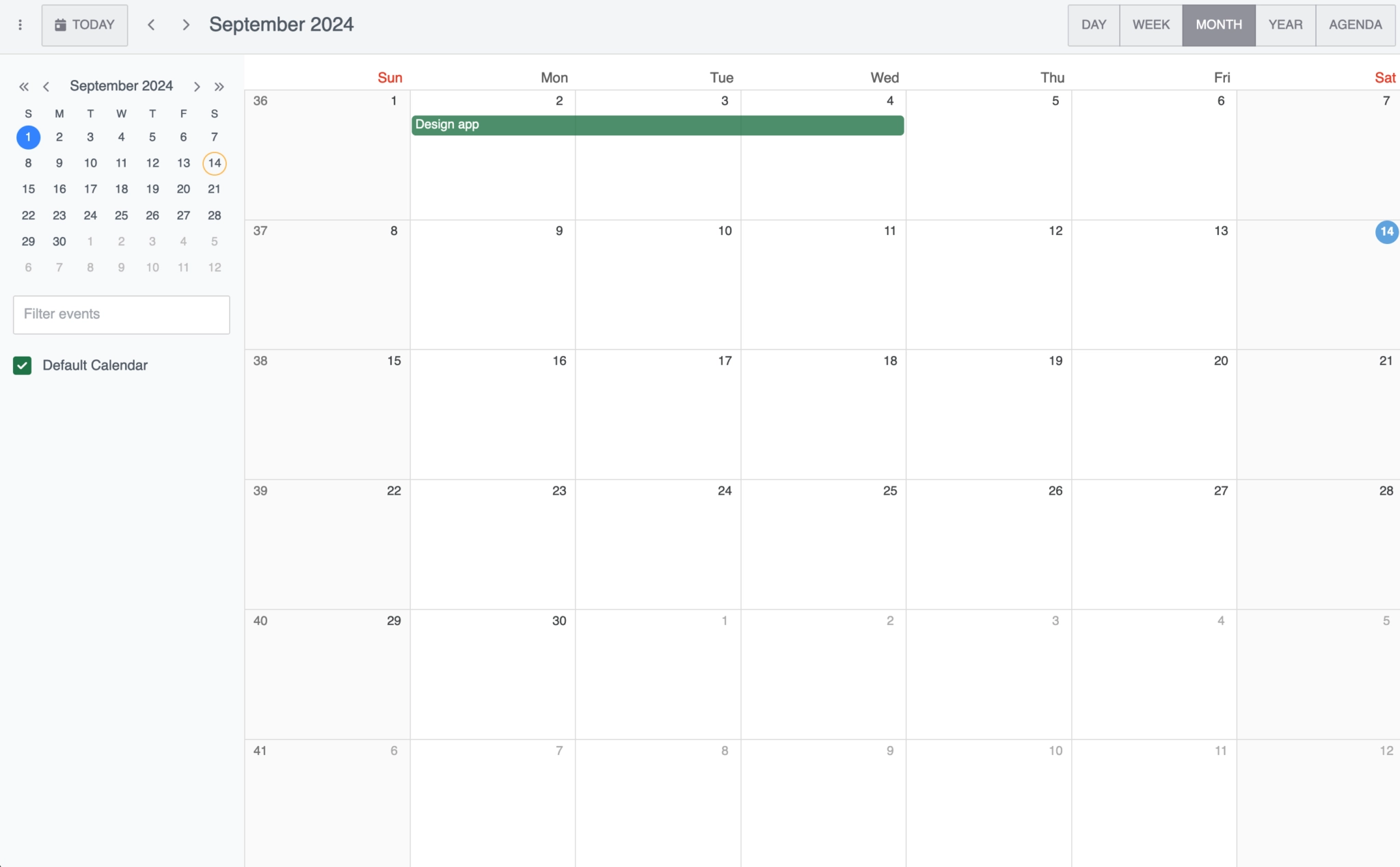
How To Connect And Sync Bryntum Calendar To Microsoft Planner
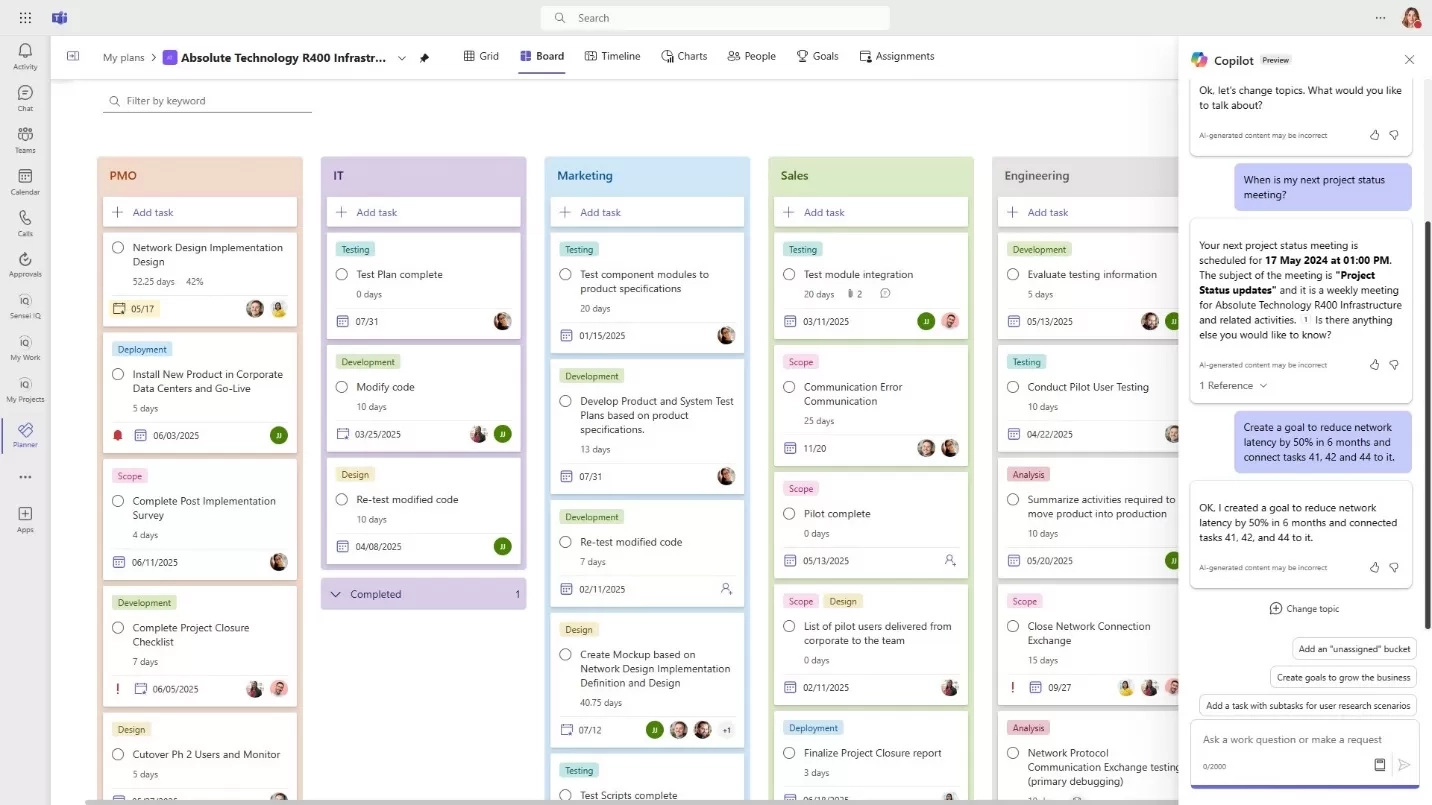
Unboxing The New Microsoft Planner For Enterprise Work Management
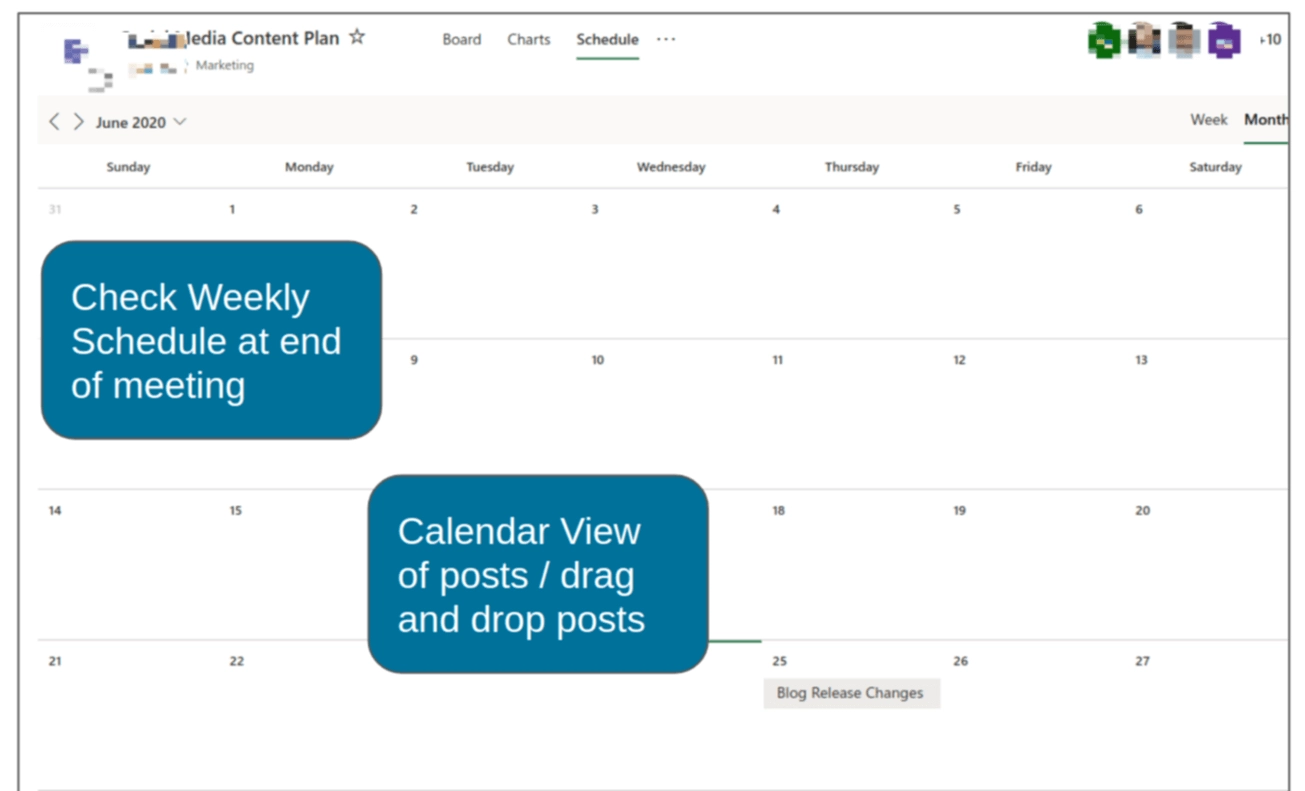
How To Use Microsoft Planner For Social Media Content Planning
Verwenden Der Planungsansicht In Microsoft Planner Microsoft Support
Microsoft s Planner To Try Or Not To Try The Together Group