Managing tasks and projects can often feel overwhelming, especially when juggling multiple tools. Streamlining your workflow is essential for productivity and efficiency. One effective way to achieve this is by integrating your task management tools with your calendar.
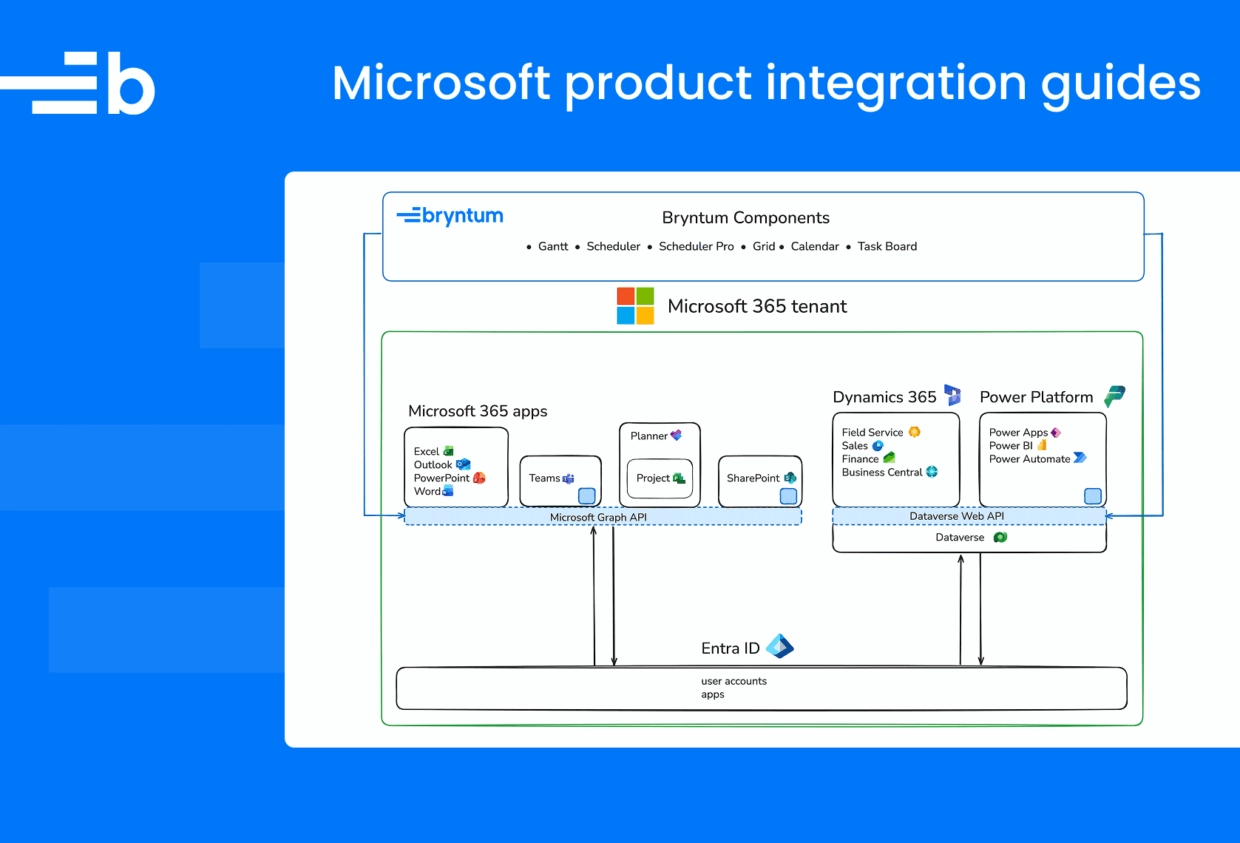
Microsoft Planner Calendar Integration
Microsoft Planner Calendar Integration
Integrating Microsoft Planner with your calendar allows you to sync tasks and deadlines seamlessly. This means you can view all your important dates in one place, reducing the chances of missing critical deadlines.
To set up the integration, simply connect Microsoft Planner with Outlook or any other calendar tool you use. Once linked, all your Planner tasks will automatically appear on your calendar, providing a comprehensive overview of your commitments.
This integration not only saves time but also enhances collaboration among team members. Everyone can stay informed about project timelines and individual responsibilities, fostering better teamwork and accountability.
Incorporating Microsoft Planner Calendar Integration into your workflow can significantly improve your productivity. By having everything in one place, you can focus more on completing tasks rather than managing them.
Embracing this integration is a smart move for anyone looking to enhance their project management skills. With a clearer view of your tasks and deadlines, you’ll find it easier to stay organized and productive.
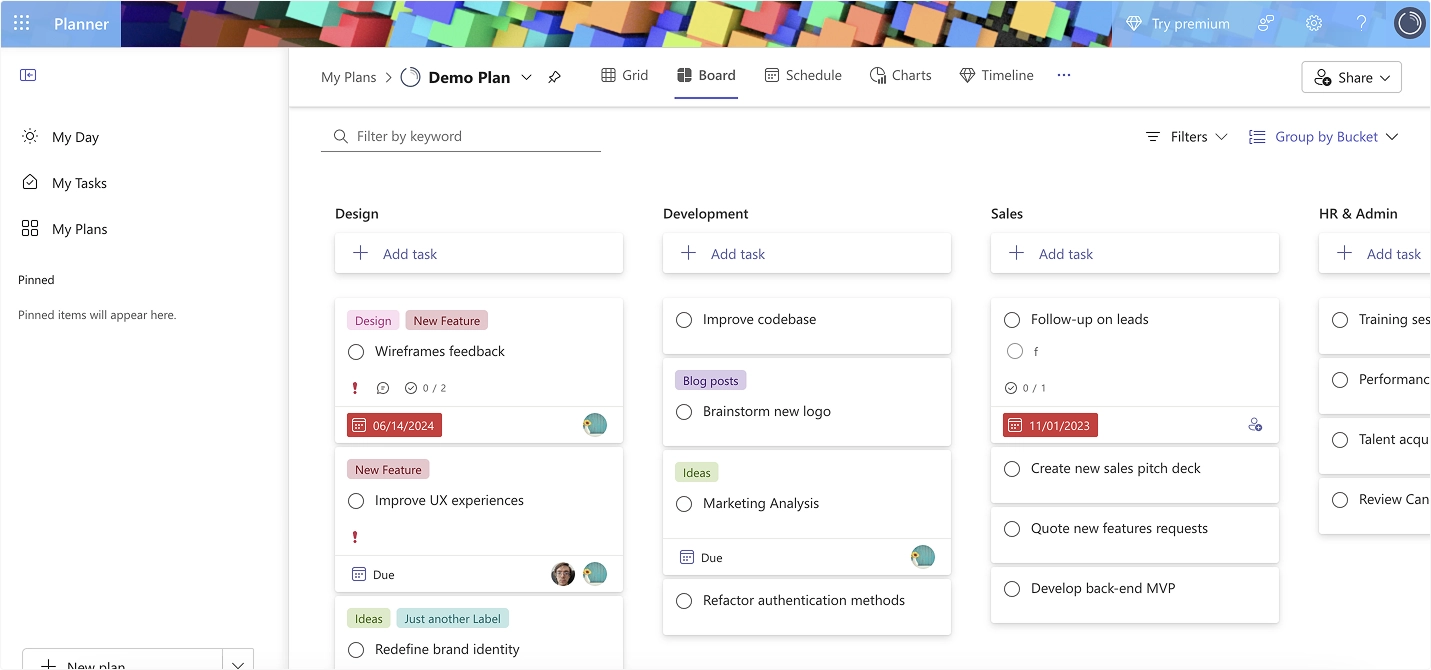
Microsoft Planner 2025 New Features And Productivity Benefits
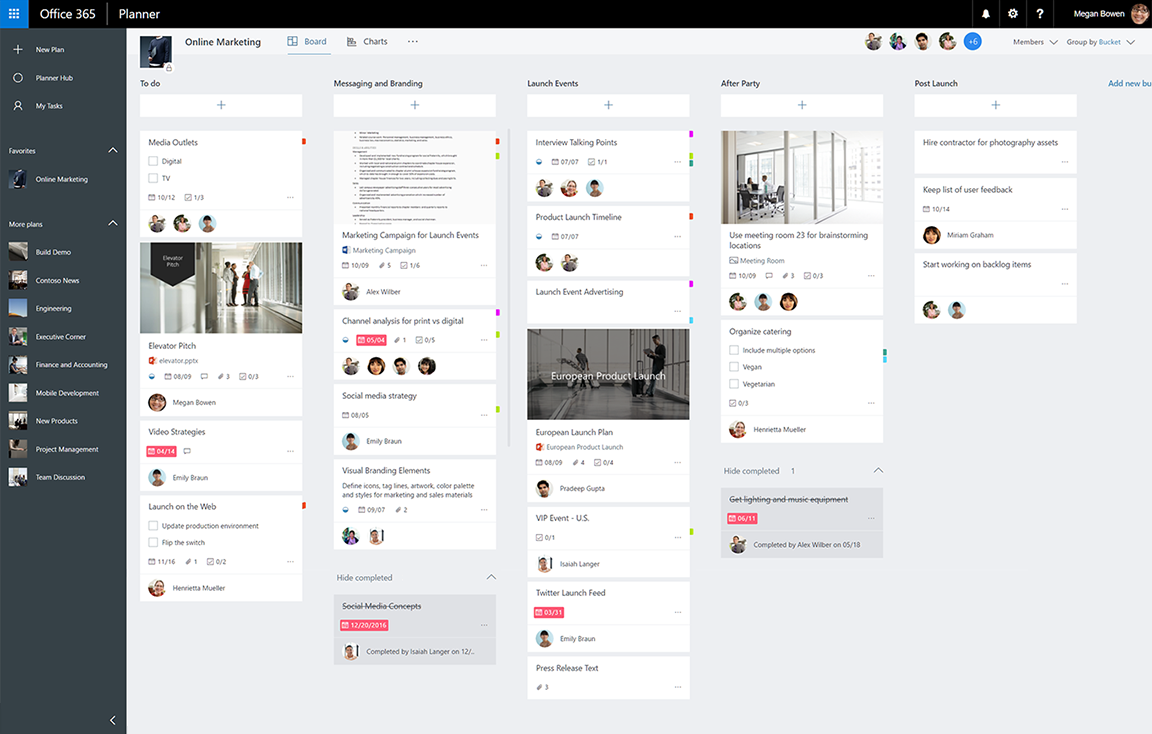
Planner Tasks And Plans API Overview Microsoft Graph Microsoft
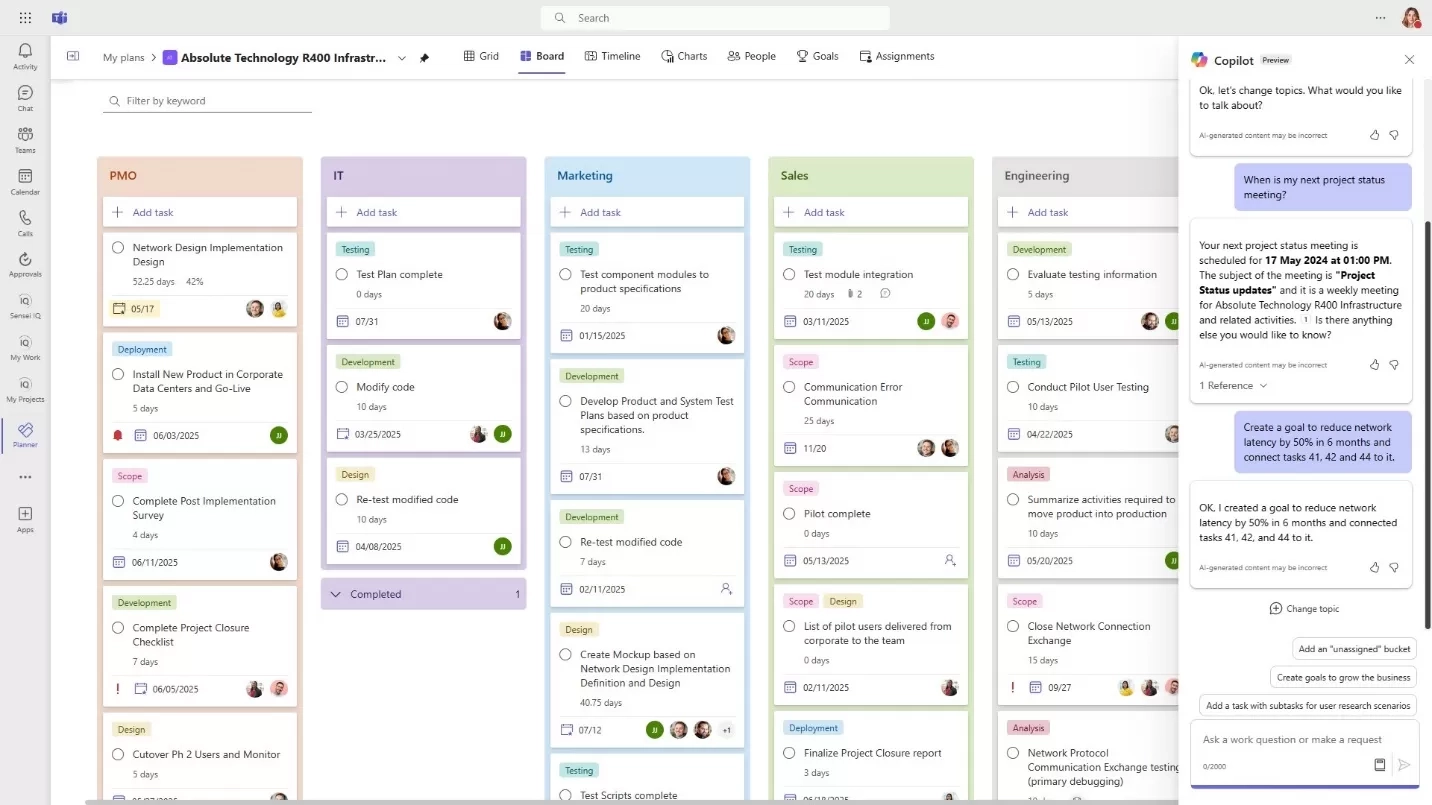
Unboxing The New Microsoft Planner For Enterprise Work Management
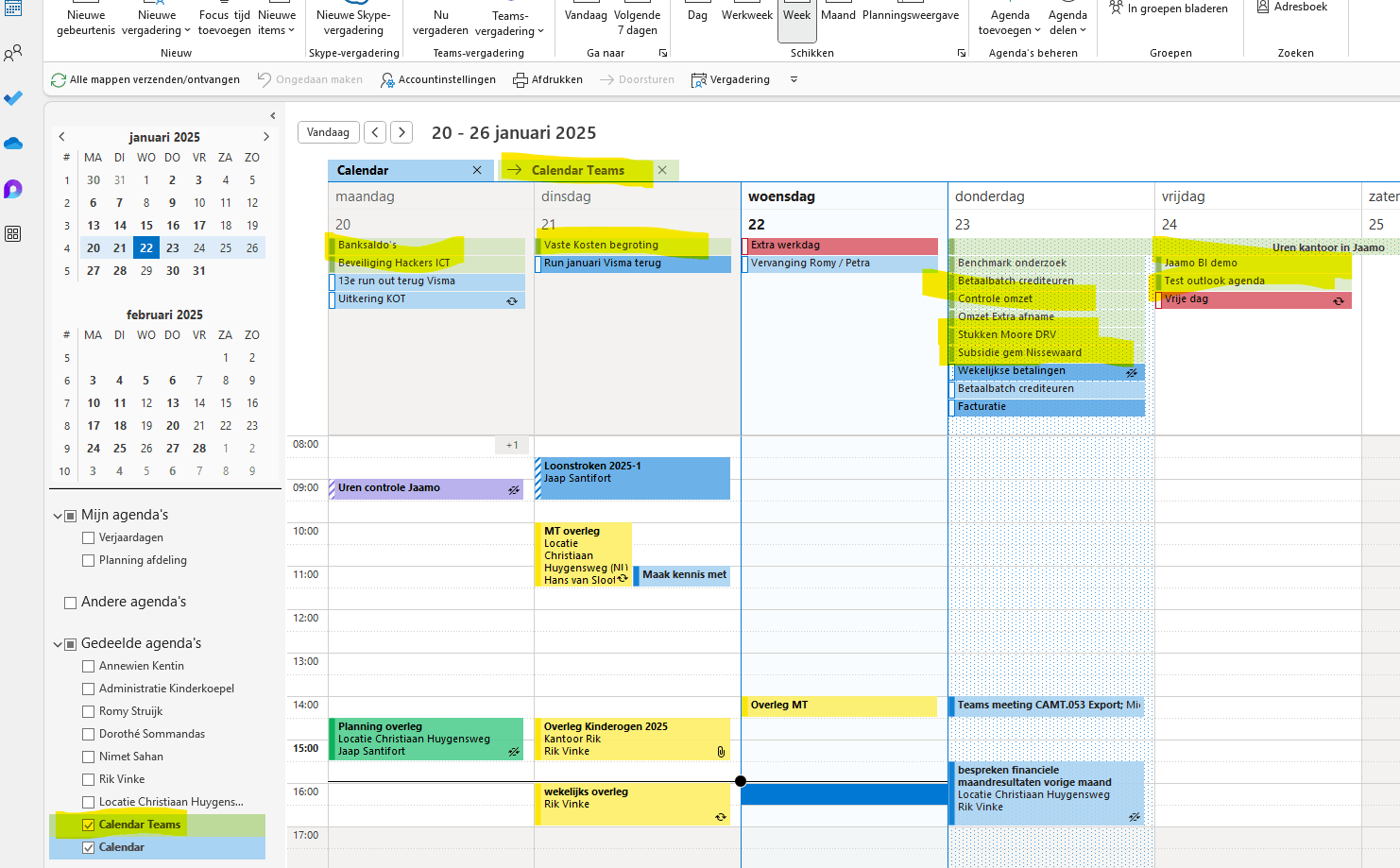
How To Add Planner Task To Outlook Calendar Microsoft Q amp A
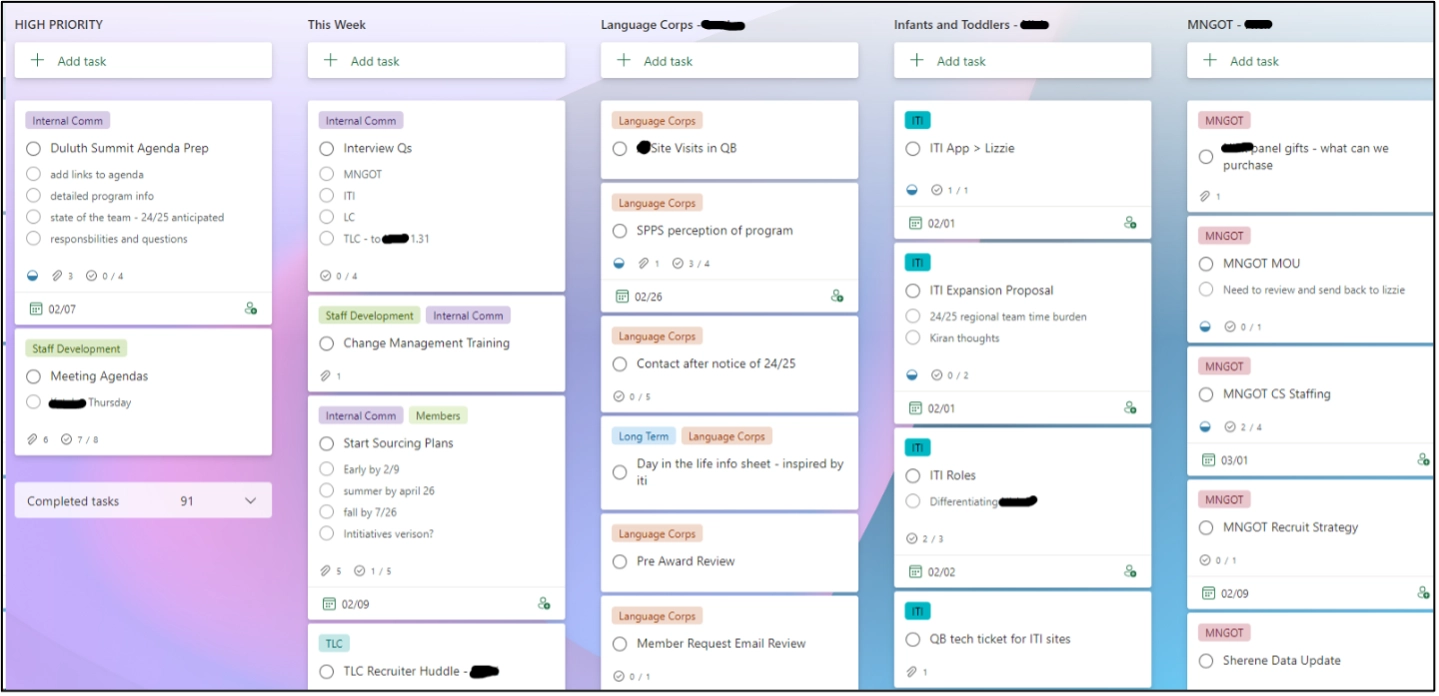
Microsoft s Planner To Try Or Not To Try The Together Group