Managing tasks and schedules can be overwhelming, especially when juggling multiple projects. Microsoft Planner offers a streamlined way to organize tasks, but integrating it with Outlook can enhance productivity even further.
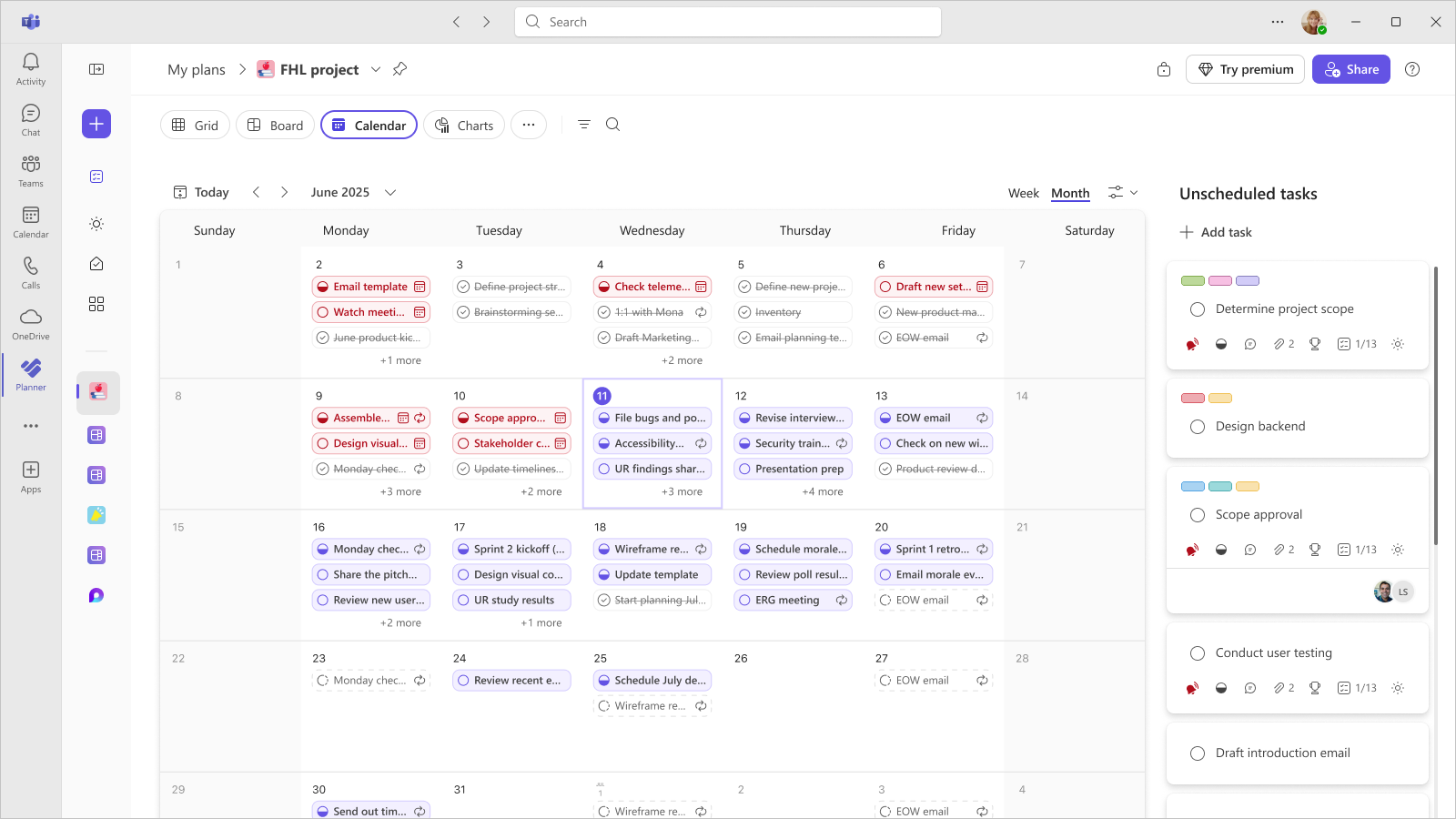
Microsoft Planner Calendar In Outlook
Microsoft Planner Calendar In Outlook
The Microsoft Planner Calendar in Outlook allows users to see all their tasks in one place. This feature is particularly useful for teams working on collaborative projects, as it provides a clear overview of responsibilities and deadlines.
To access the Planner Calendar, simply navigate to the calendar section in Outlook. Here, you can view tasks assigned to you, making it easier to prioritize your workload and manage your time efficiently.
Moreover, any updates made in Microsoft Planner automatically reflect in Outlook. This real-time synchronization ensures that you always have the latest information at your fingertips, reducing the chances of miscommunication.
Utilizing the Microsoft Planner Calendar in Outlook not only boosts individual productivity but also enhances team collaboration. Everyone stays informed about project timelines and can adjust their schedules accordingly.
Integrating Microsoft Planner with Outlook is a game-changer for anyone looking to improve their task management. Embracing this tool can lead to better organization and a more productive work environment.
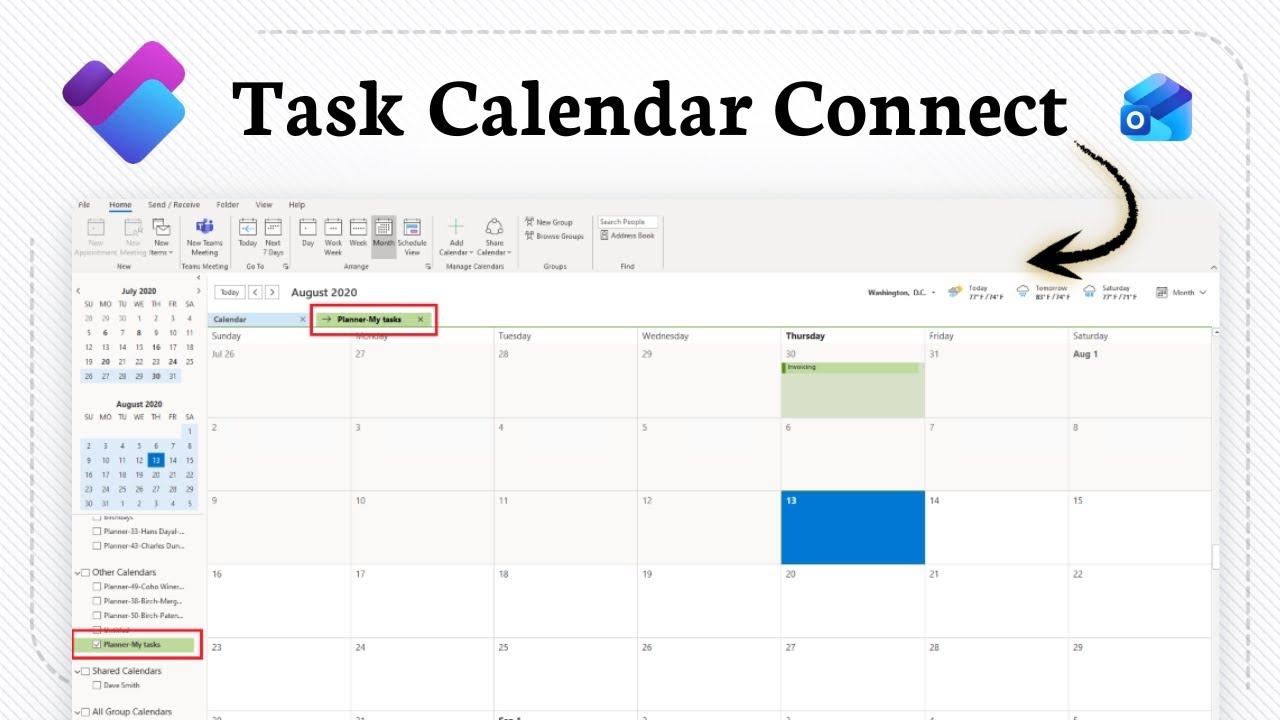
How To Link Microsoft Planner With Outlook Schedule Merge
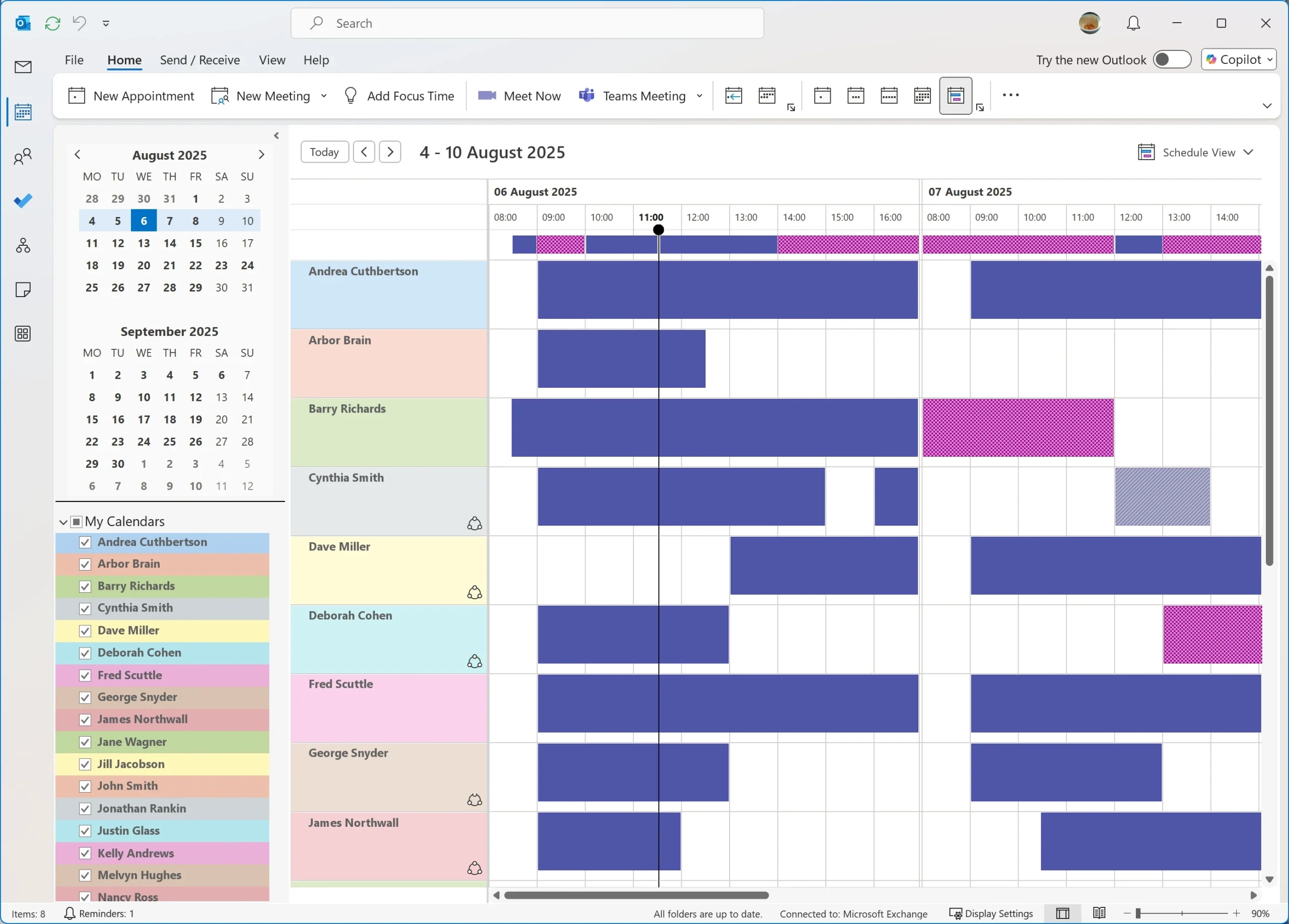
How To Create An Outlook Team Calendar For Better Employee Scheduling
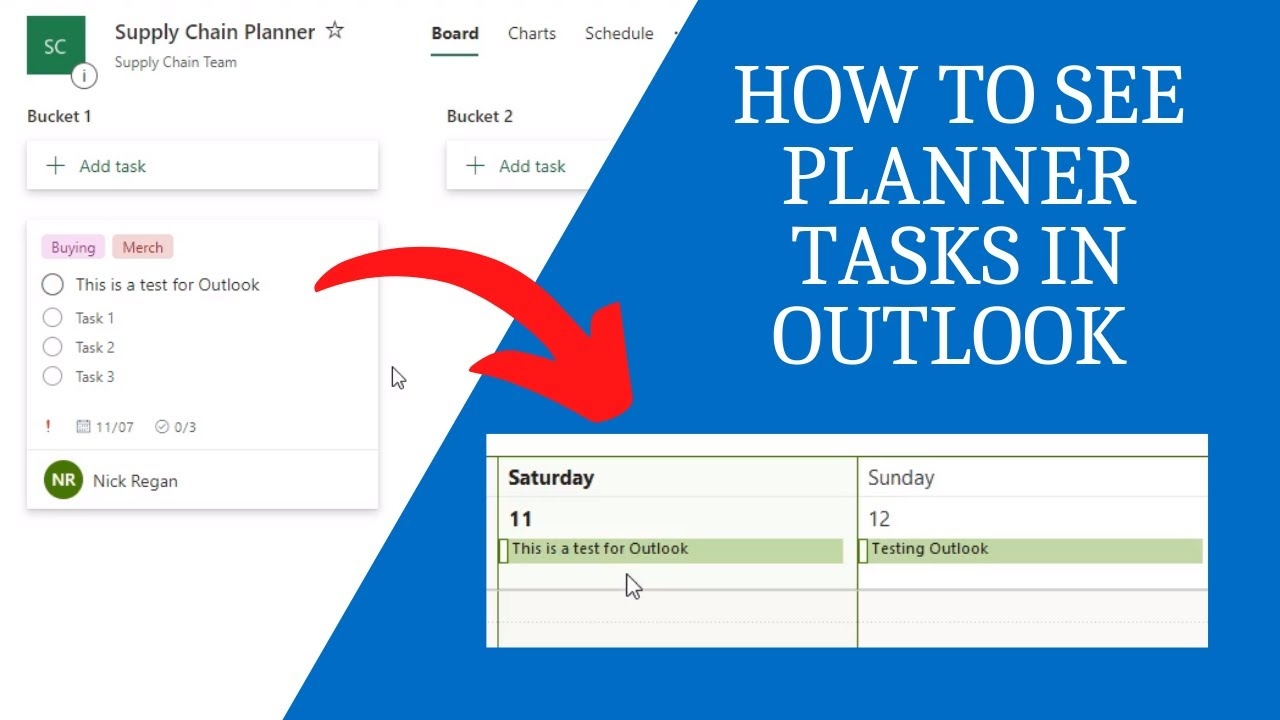
How To See Microsoft Planner Tasks In Outlook Integrate Planner With Outlook
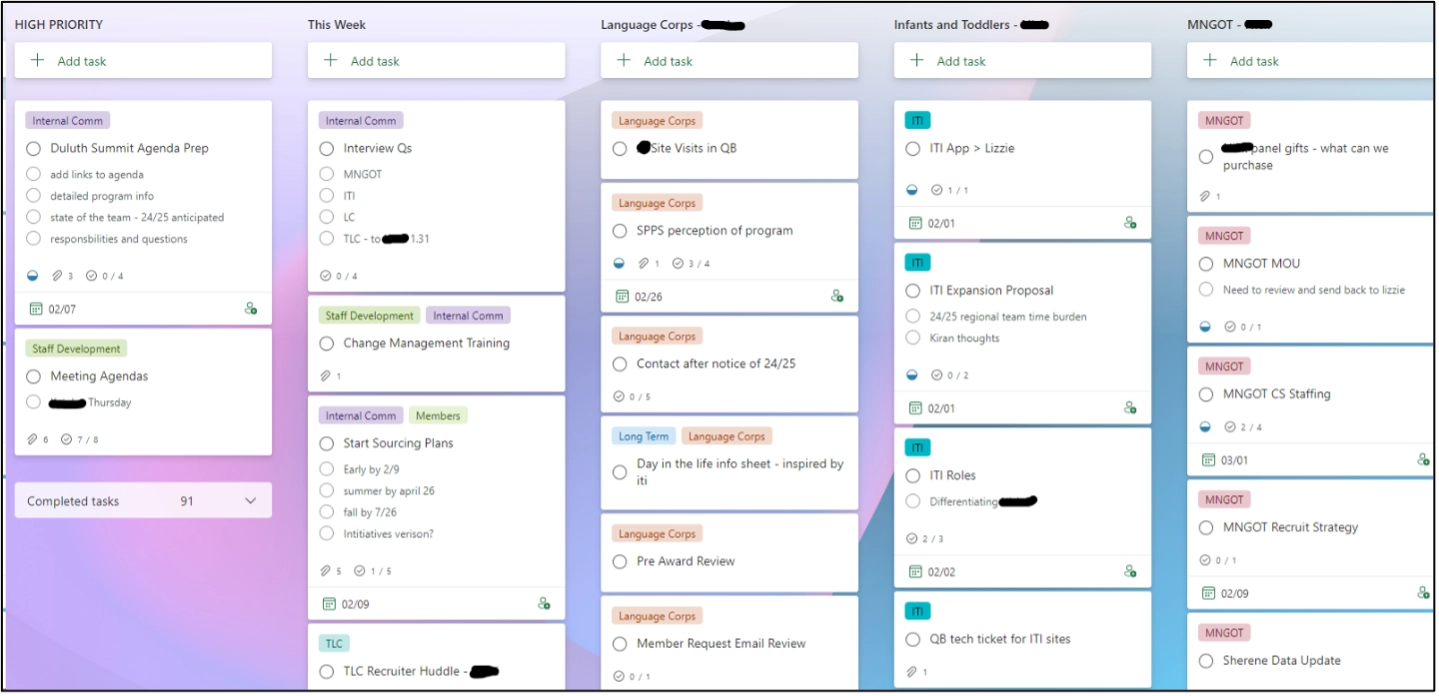
Microsoft s Planner To Try Or Not To Try The Together Group
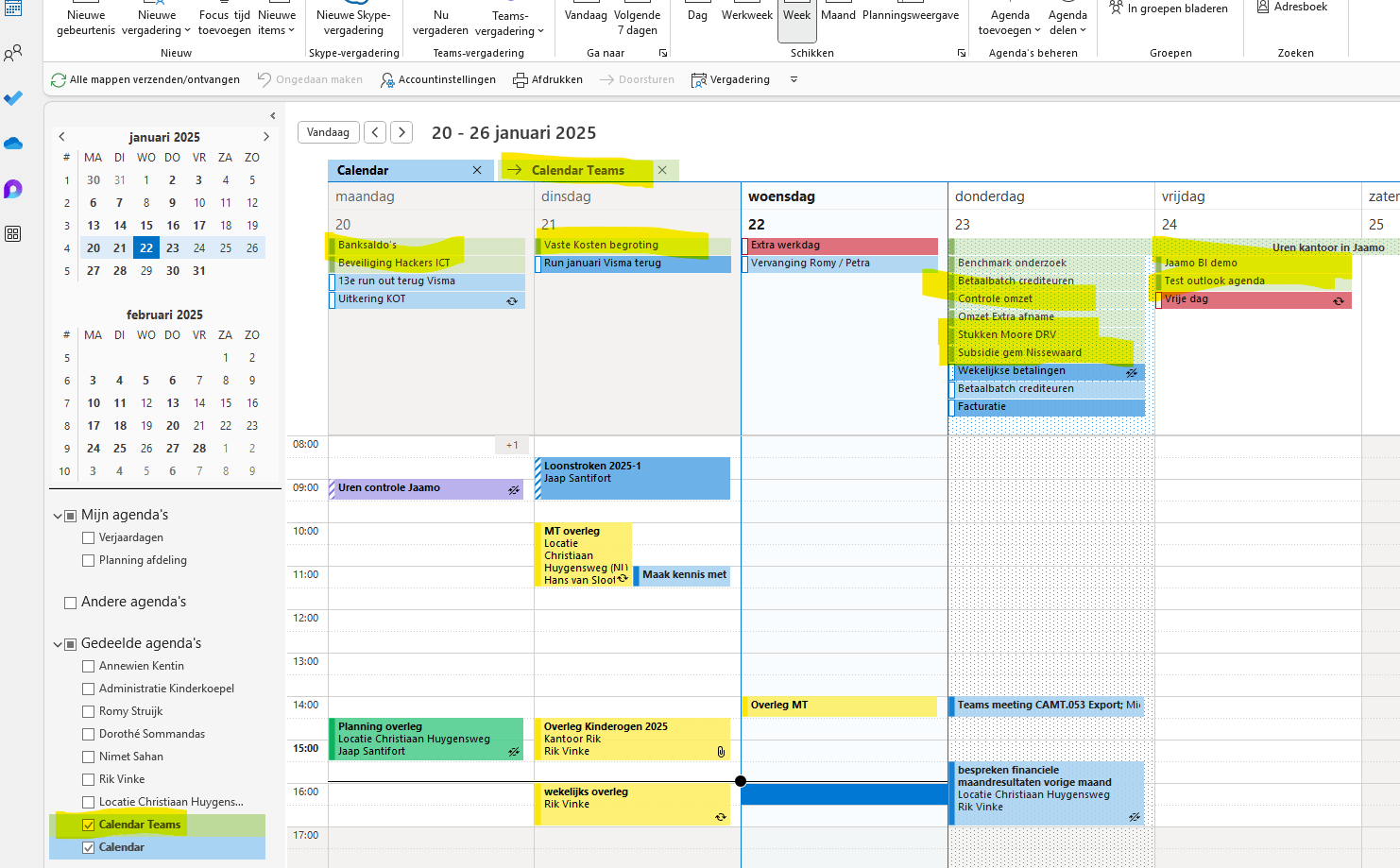
How To Add Planner Task To Outlook Calendar Microsoft Q amp A