Managing tasks can often feel overwhelming, especially when juggling multiple projects. Finding a way to keep everything organized is essential for productivity and peace of mind. One effective method is integrating your planner tasks with your Outlook Calendar.
Add Planner Tasks To Outlook Calendar
Add Planner Tasks To Outlook Calendar
To add planner tasks to Outlook Calendar, start by opening your planner app. Look for the option to export or sync tasks, which will allow you to integrate them seamlessly with your calendar. This step is crucial for maintaining organization.
Once your tasks are synced, open Outlook Calendar and check that all tasks appear correctly. You can customize reminders and notifications for each task, ensuring you stay informed about upcoming deadlines. This feature enhances accountability and keeps you focused.
Regularly reviewing your calendar helps you prioritize tasks effectively. By visualizing your planner tasks alongside appointments, you can allocate time wisely and avoid last-minute rushes. This practice fosters a more balanced approach to work and personal life.
Incorporating planner tasks into your Outlook Calendar is a simple yet powerful way to enhance productivity. By staying organized, you can manage your time better and achieve your goals with ease. Embrace this method for a more efficient daily routine.
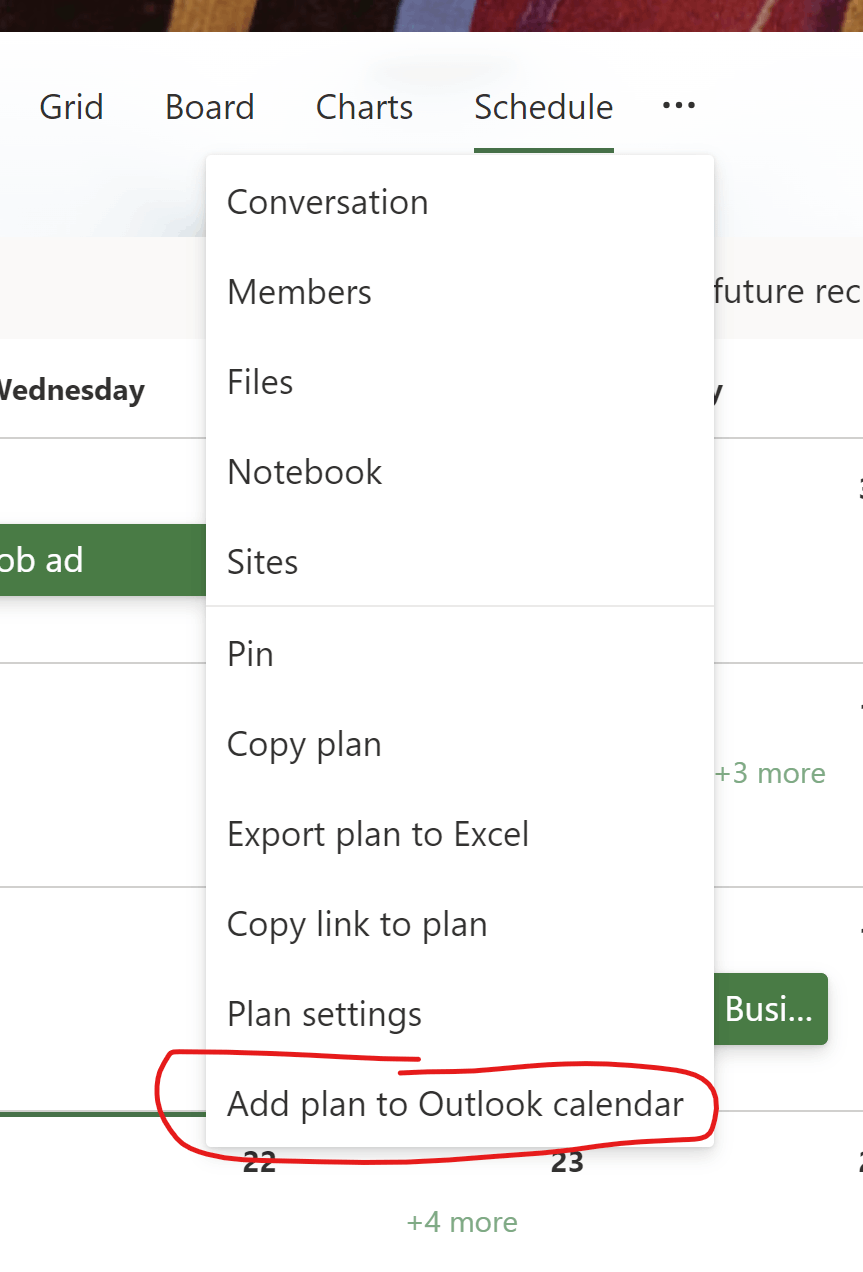
Sync Tasks Planner amp To Do Between Outlooks amp Teams WebVersion
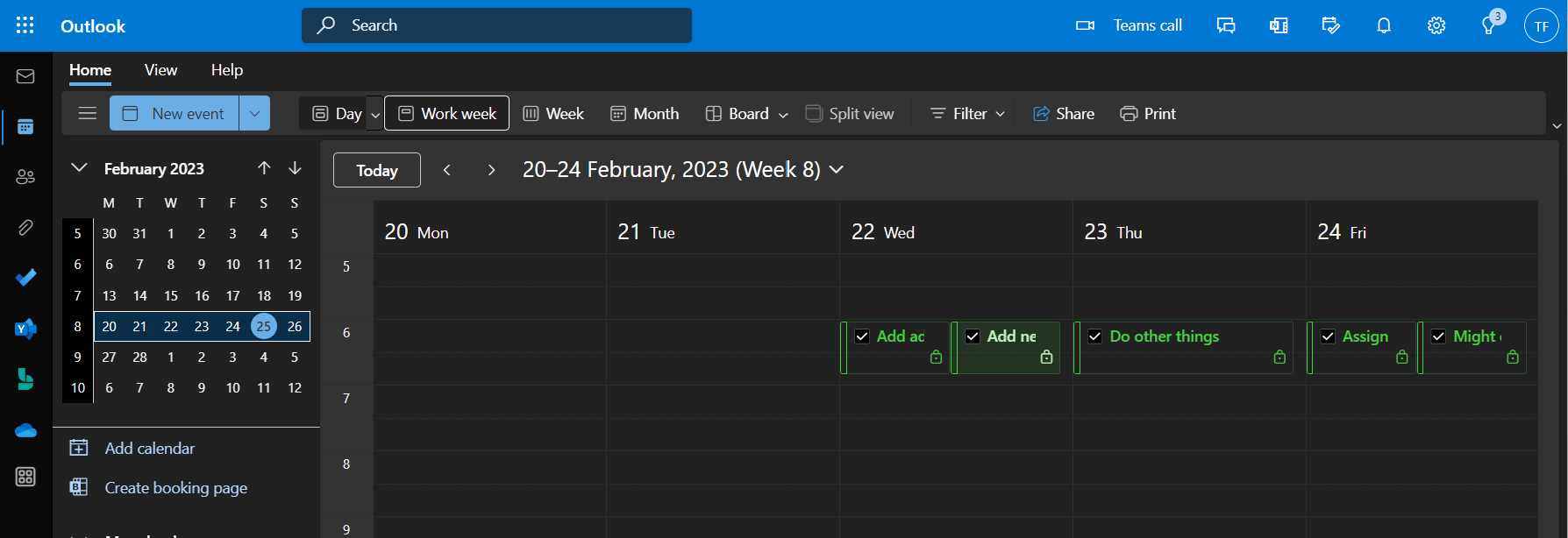
Adding All Your To Do And Planner Tasks To Your Calendar With
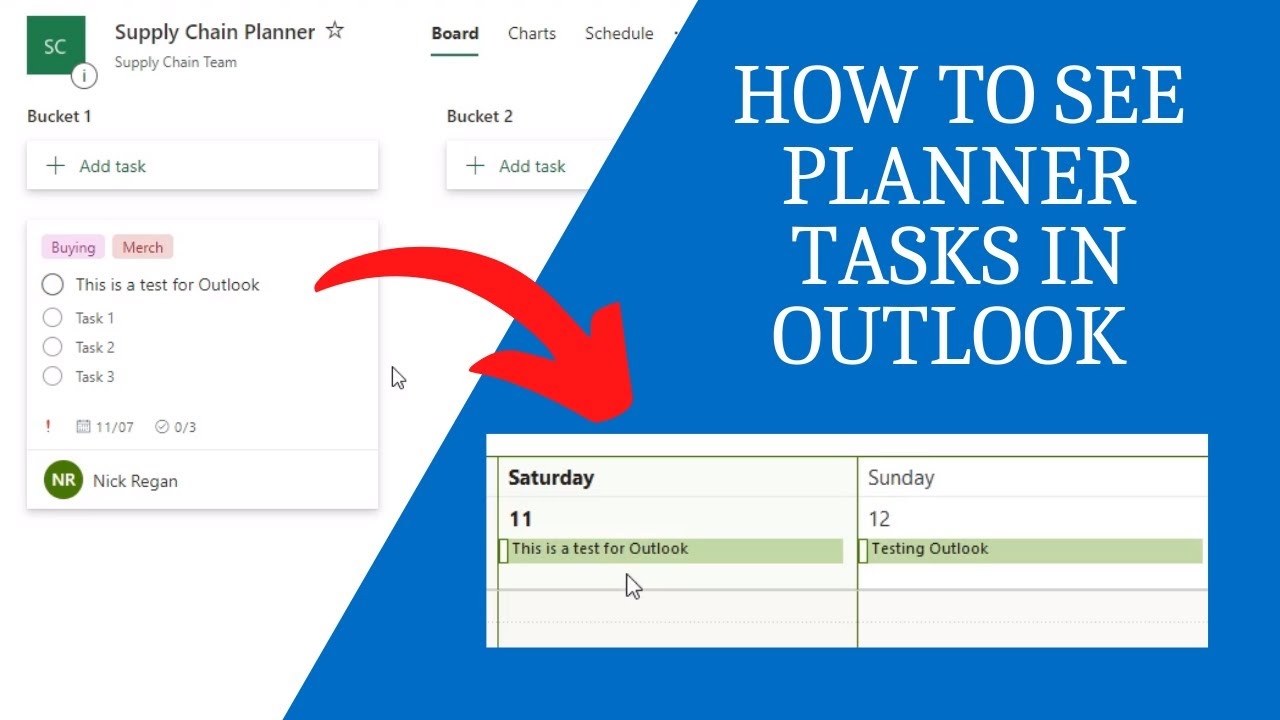
How To See Microsoft Planner Tasks In Outlook Integrate Planner With Outlook
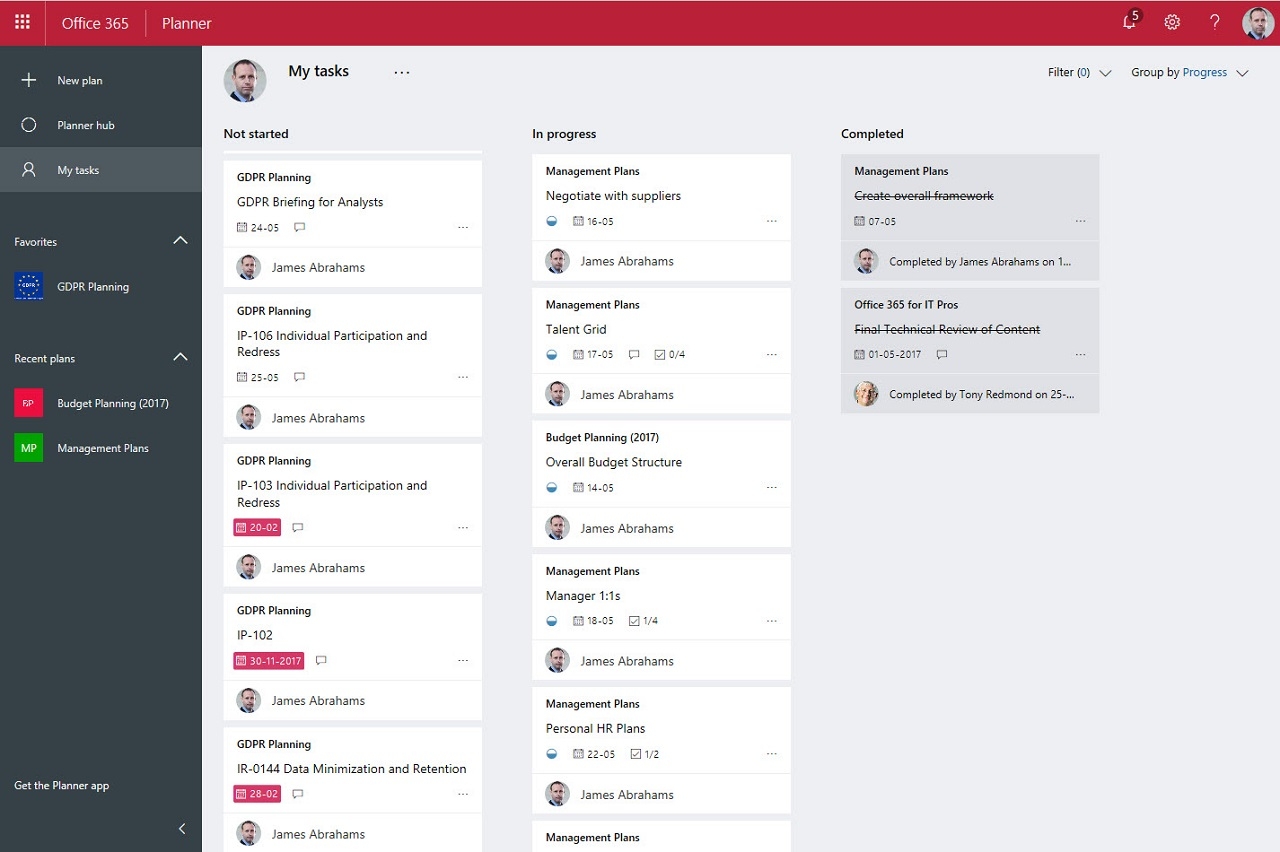
How Planner Synchronizes Its Tasks To Outlook s Calendar Petri
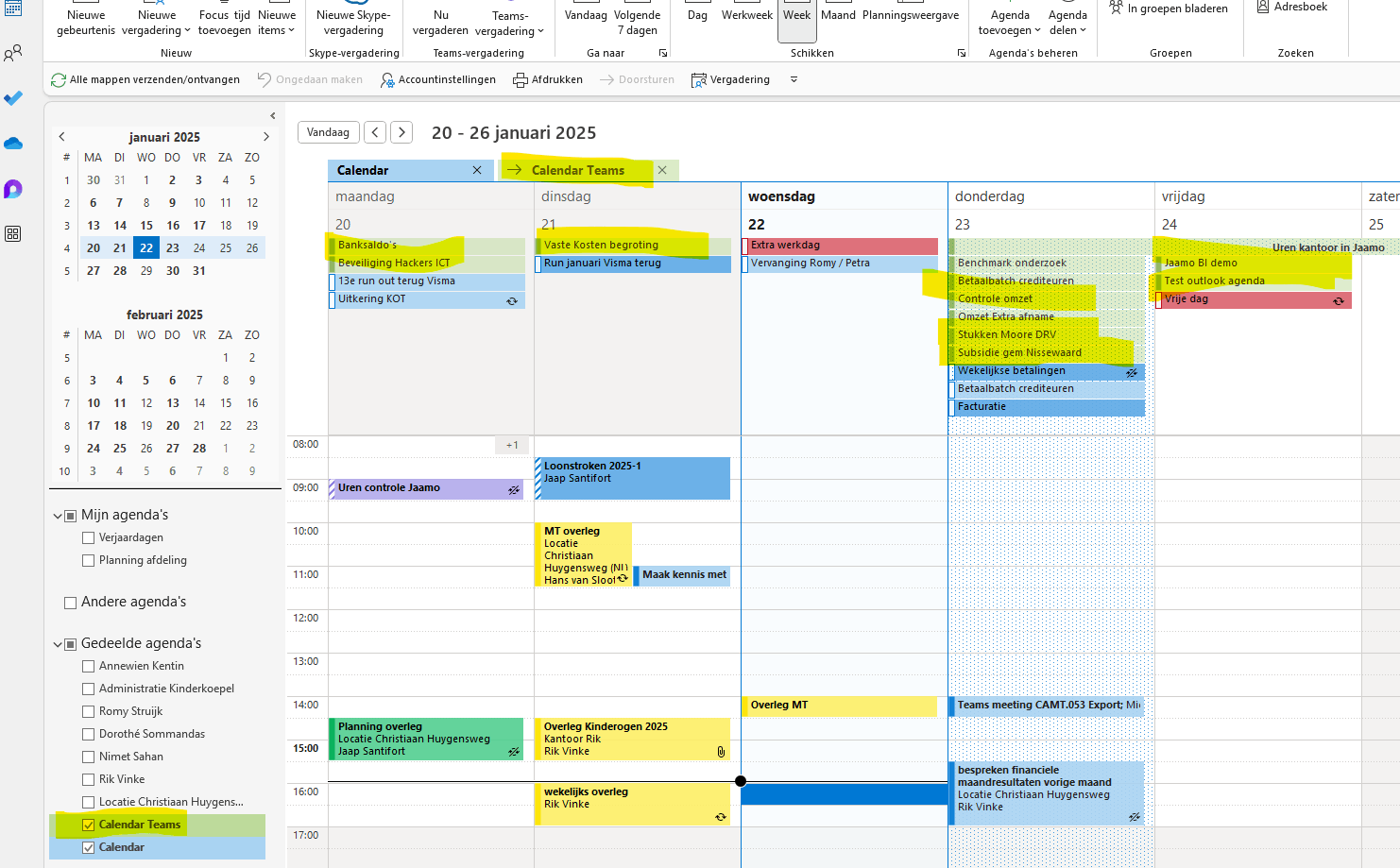
How To Add Planner Task To Outlook Calendar Microsoft Q amp A