Managing your time effectively can be a challenge, especially with so many tasks and appointments to juggle. Finding the right tools to help you stay organized is essential for success in both personal and professional life.
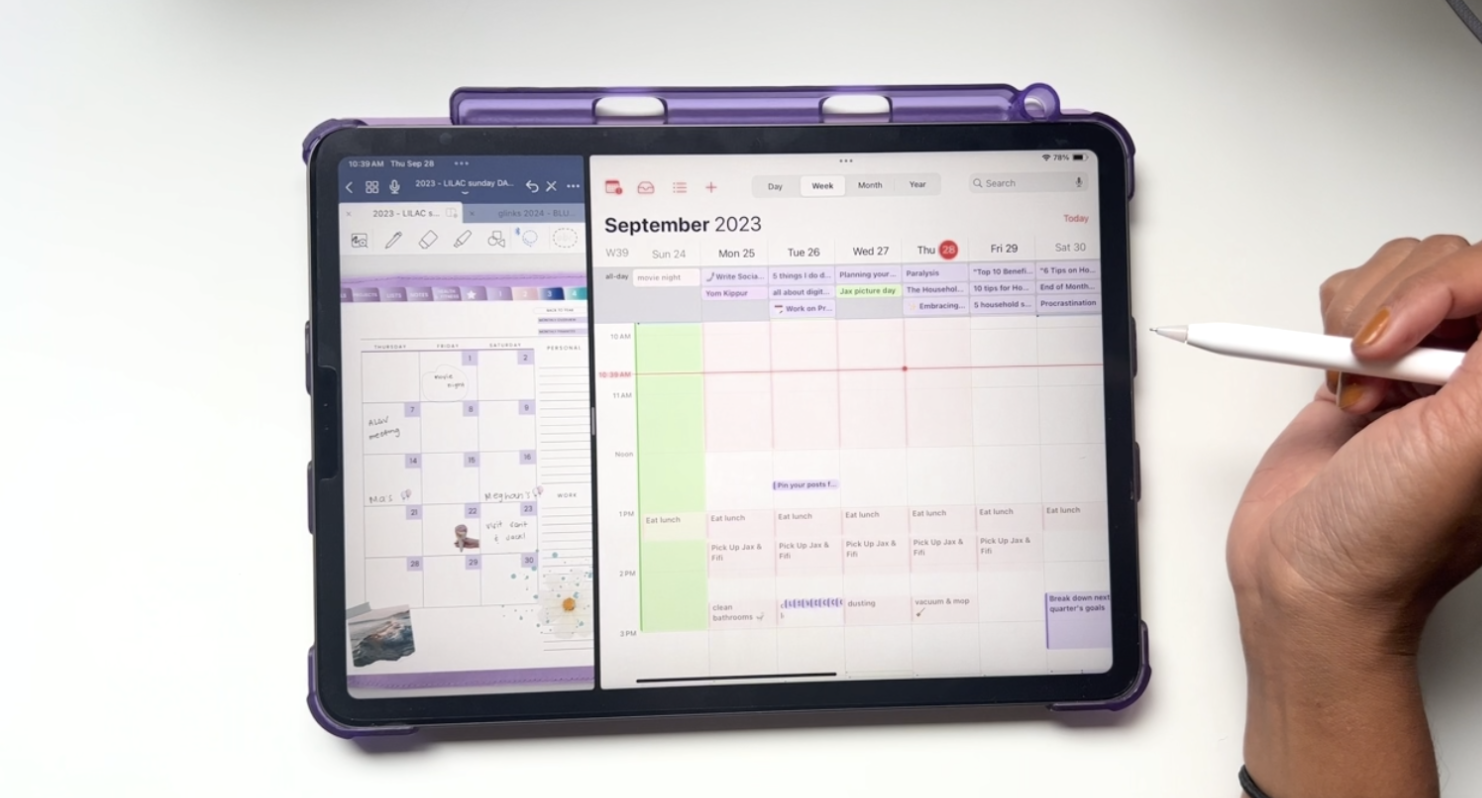
Using Apple Calendar As A Planner
Using Apple Calendar As A Planner
Apple Calendar allows you to create events, set reminders, and even share calendars with others. This feature is particularly useful for coordinating schedules with family or colleagues, ensuring everyone is on the same page.
Another great aspect of Apple Calendar is its integration with other apps. You can sync it with your email, task managers, and even fitness trackers, making it a central hub for all your planning needs.
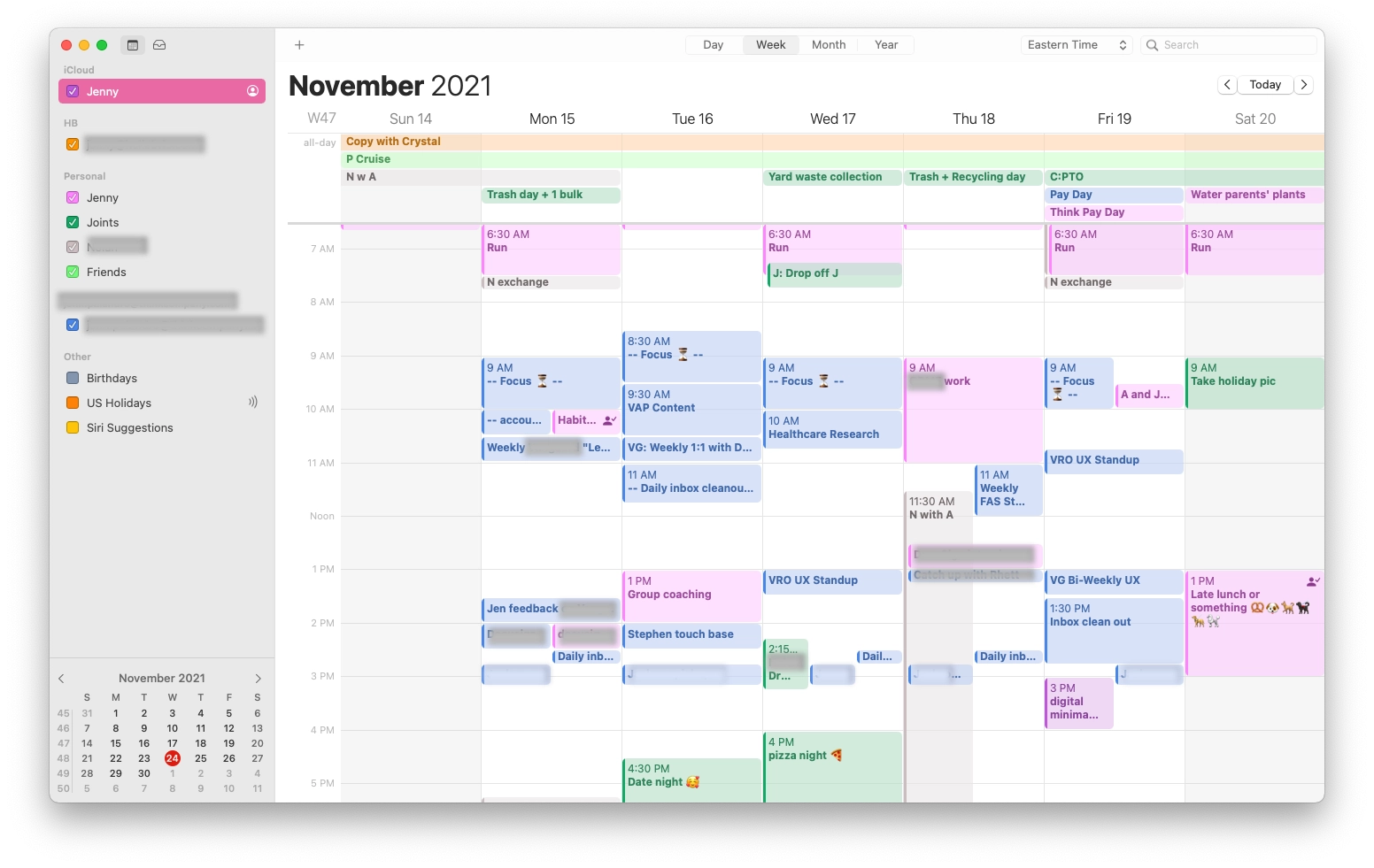
Customizing your calendar view is easy. You can switch between daily, weekly, or monthly views, allowing you to see your schedule in the way that works best for you. This flexibility helps in planning ahead effectively.
Utilizing color coding for different types of events can also enhance your planning experience. By assigning specific colors to work, personal, or family events, you can quickly identify what’s on your agenda at a glance.
Incorporating Apple Calendar into your daily routine can significantly improve your time management skills. By leveraging its features, you’ll find it easier to stay organized and focused on what truly matters.
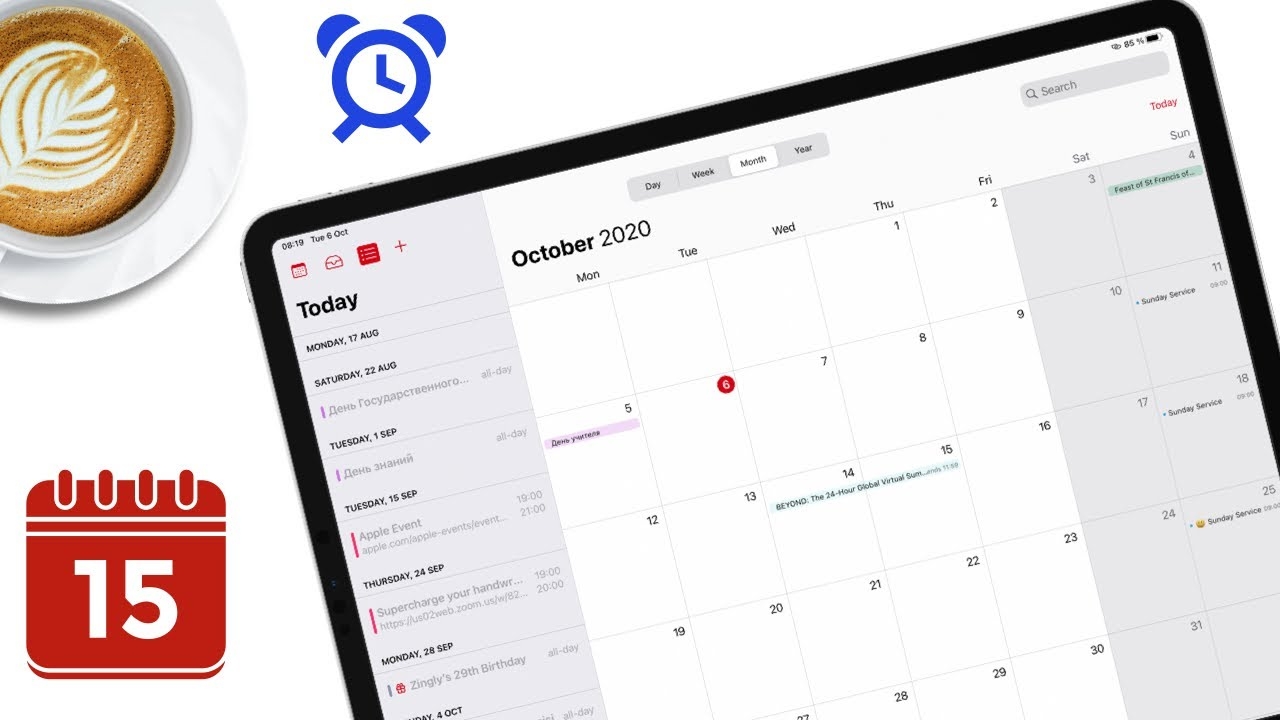
Apple Calendar For Scheduling Your Meetings On The IPad In IPadOS 14 Digital Planning
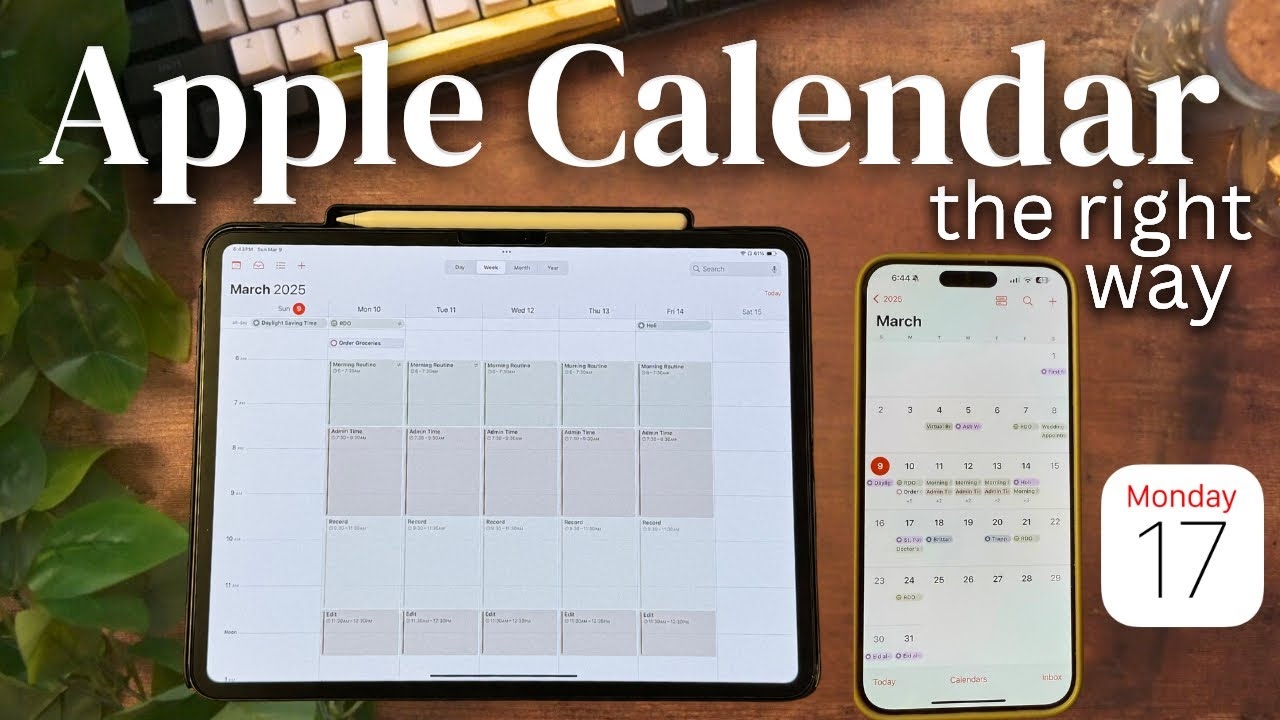
You re Using Apple Calendar All Wrong How To Use Apple Calendar For Productivity
Create A Digital Bullet Journal In Apple Notes Hello Brio
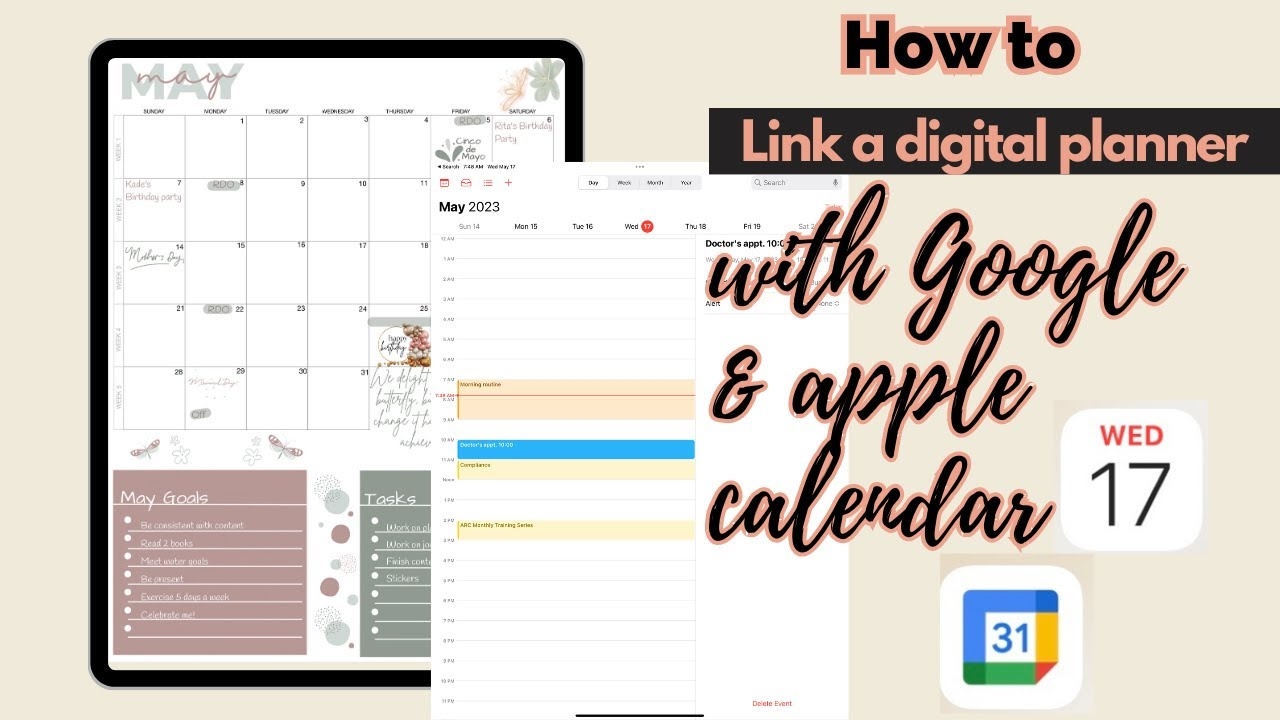
Link Apple Calendar amp Google Calendar W Your Digital Planner Set Reminders GoodNotes Tutorial
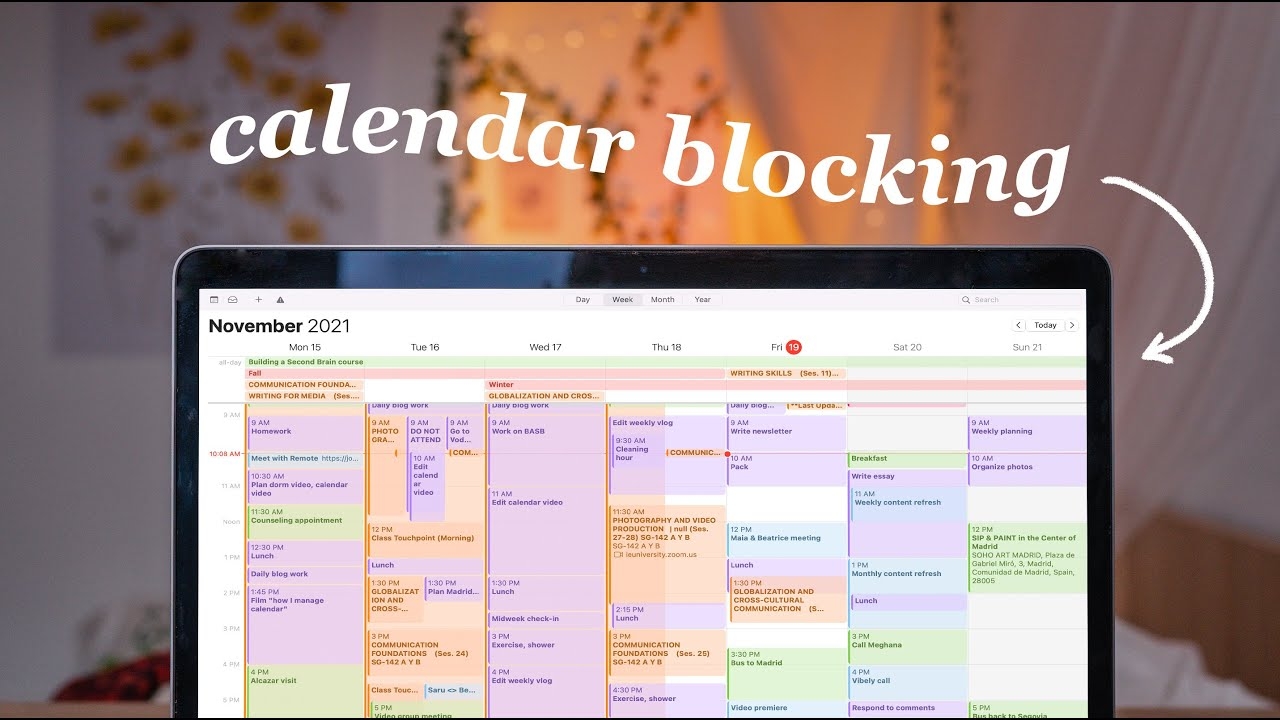
How I Schedule My Entire Life In ICal