Managing tasks and schedules can often feel overwhelming, especially when juggling multiple projects. Finding the right tools to streamline your workflow is essential for staying organized and productive. Microsoft Planner and Outlook Calendar are two powerful resources that can help.
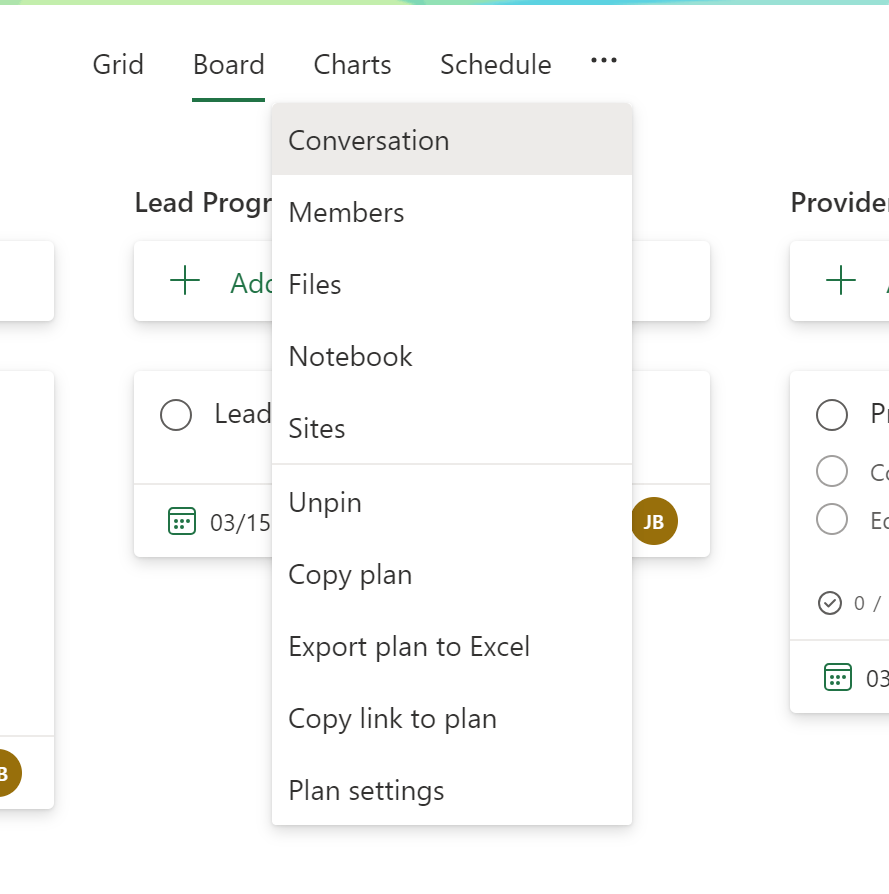
Microsoft Planner Outlook Calendar
Microsoft Planner Outlook Calendar
Microsoft Planner is designed for team collaboration, enabling users to create plans, assign tasks, and track progress. When paired with Outlook Calendar, you can visualize your deadlines alongside your scheduled meetings, enhancing your time management skills.
Using Microsoft Planner within Outlook Calendar allows you to receive notifications about upcoming deadlines. This feature ensures that you never miss an important task or meeting, keeping you on top of your responsibilities effortlessly.
Additionally, the integration allows for easy sharing of plans with team members. Everyone can stay informed about project timelines and updates, fostering better communication and collaboration among team members.
Incorporating Microsoft Planner and Outlook Calendar into your daily routine can significantly enhance productivity. By keeping everything organized in one place, you’ll find it easier to focus on what truly matters—getting things done efficiently.
Embracing these tools can transform how you manage your tasks and schedule. With Microsoft Planner and Outlook Calendar working together, achieving your goals becomes a more straightforward and enjoyable process.
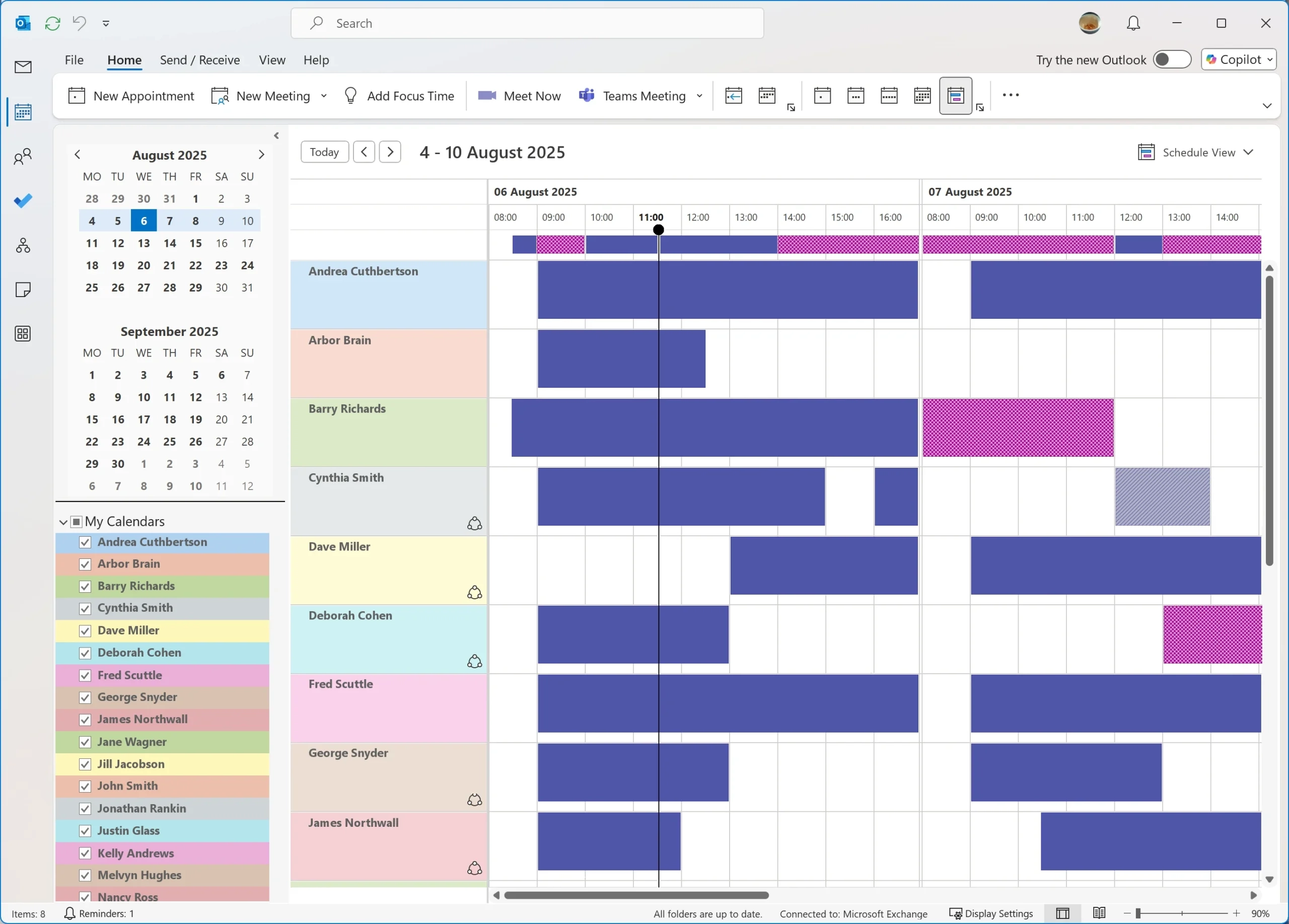
How To Create An Outlook Team Calendar For Better Employee Scheduling
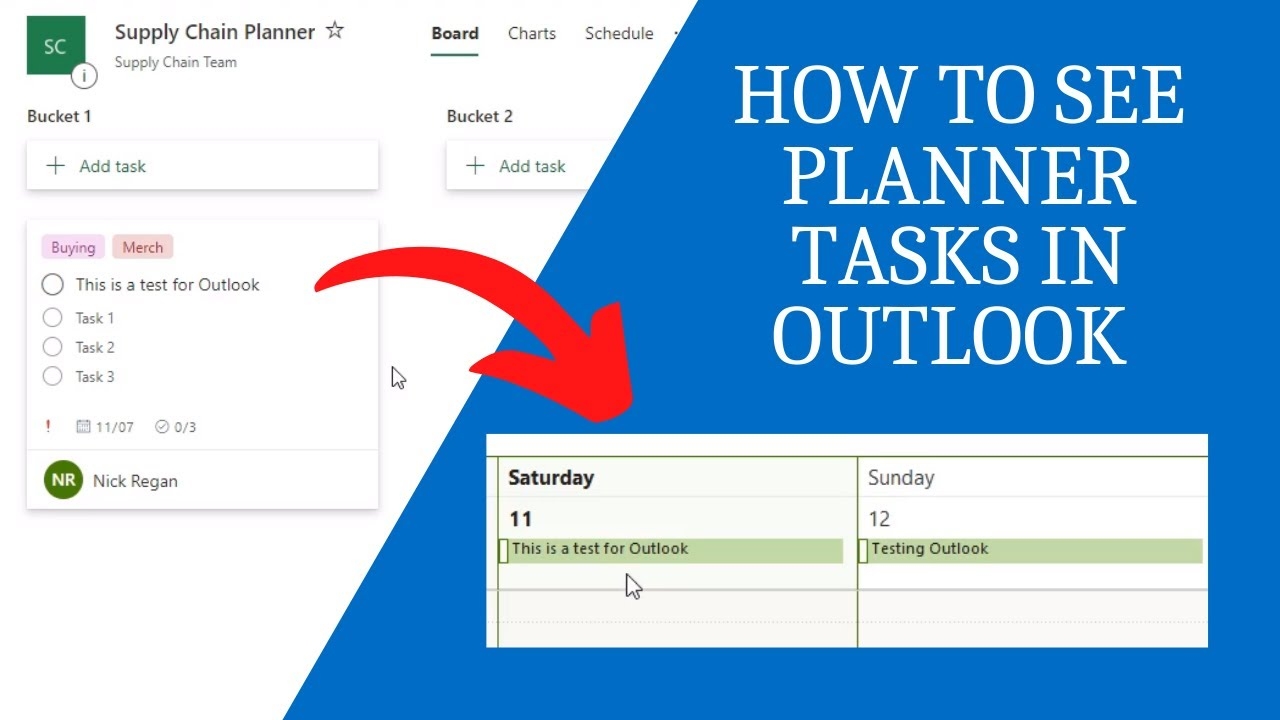
How To See Microsoft Planner Tasks In Outlook Integrate Planner With Outlook
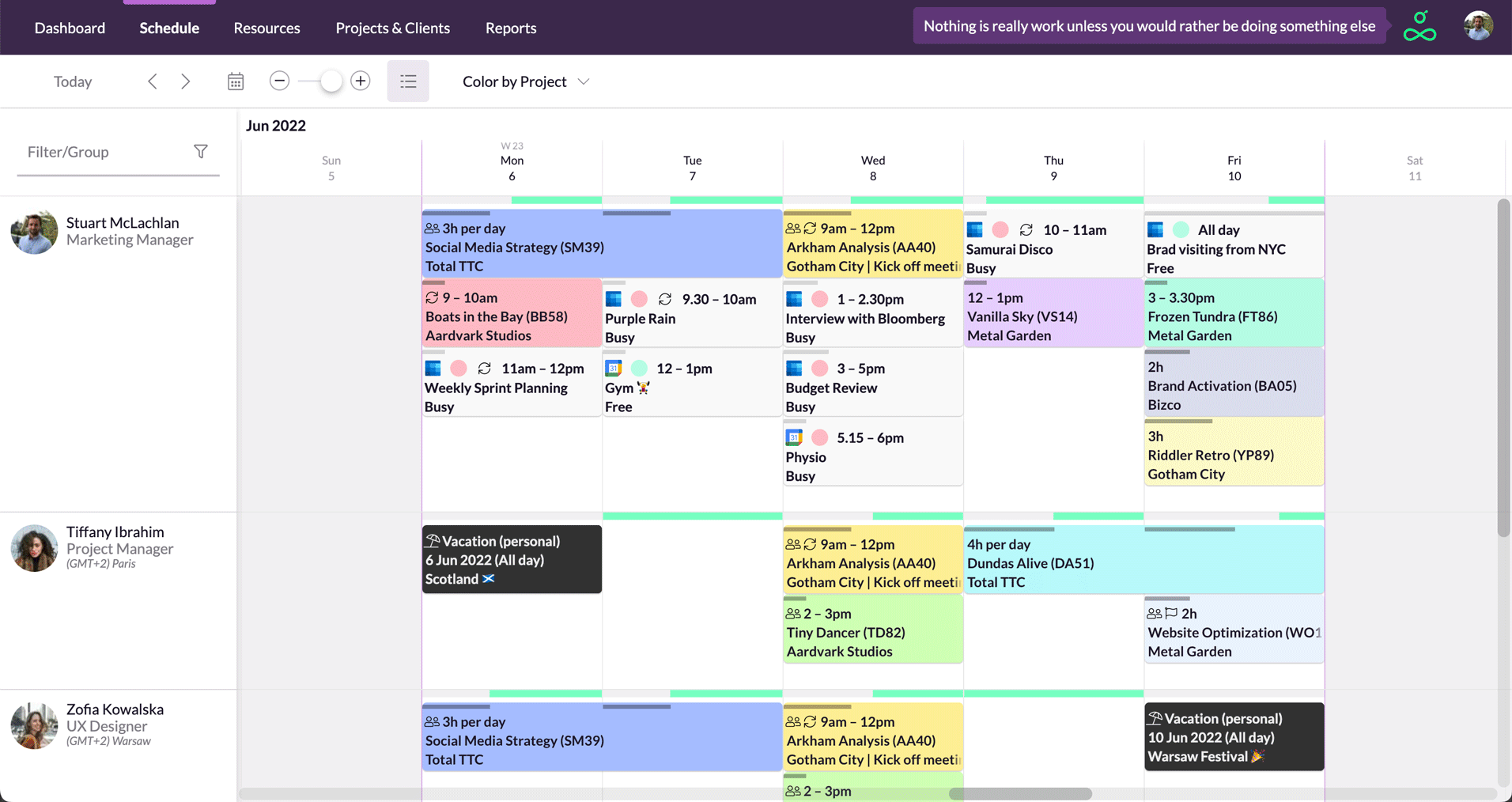
Sync Your Schedule With Microsoft Outlook Calendar
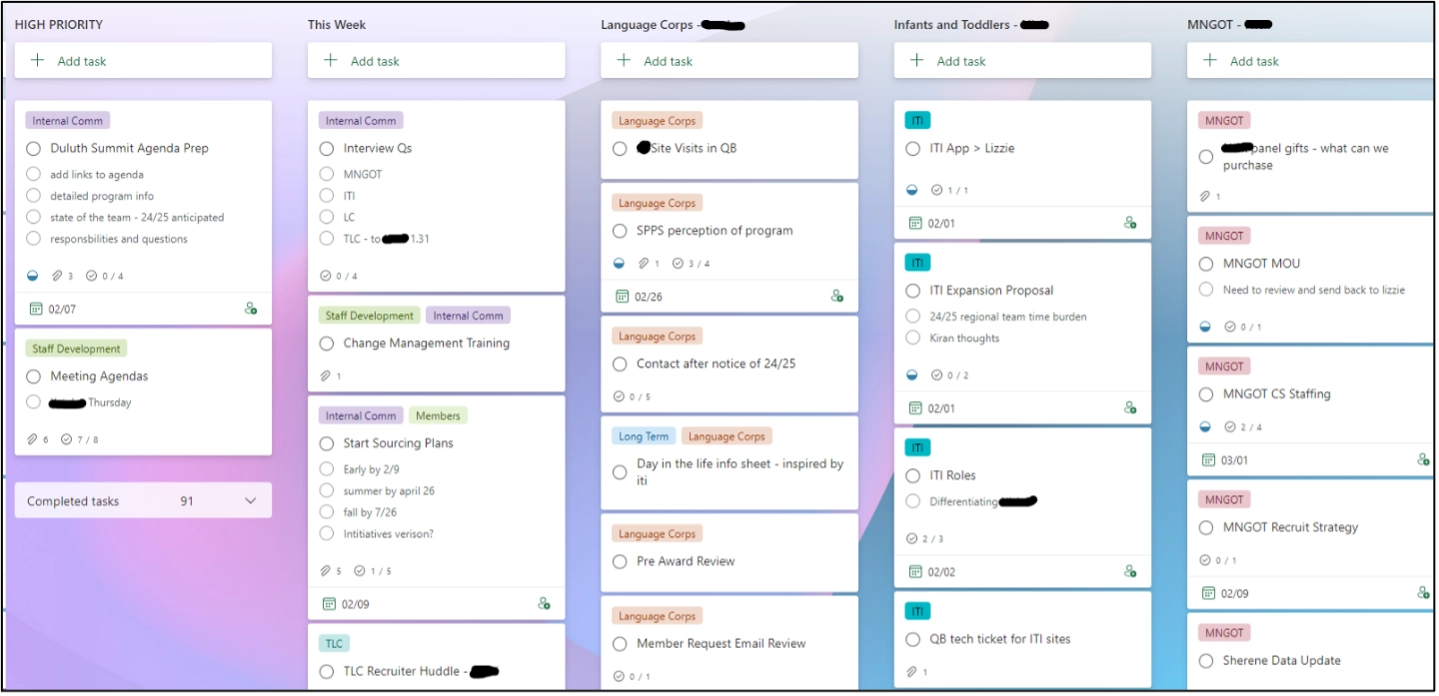
Microsoft s Planner To Try Or Not To Try The Together Group
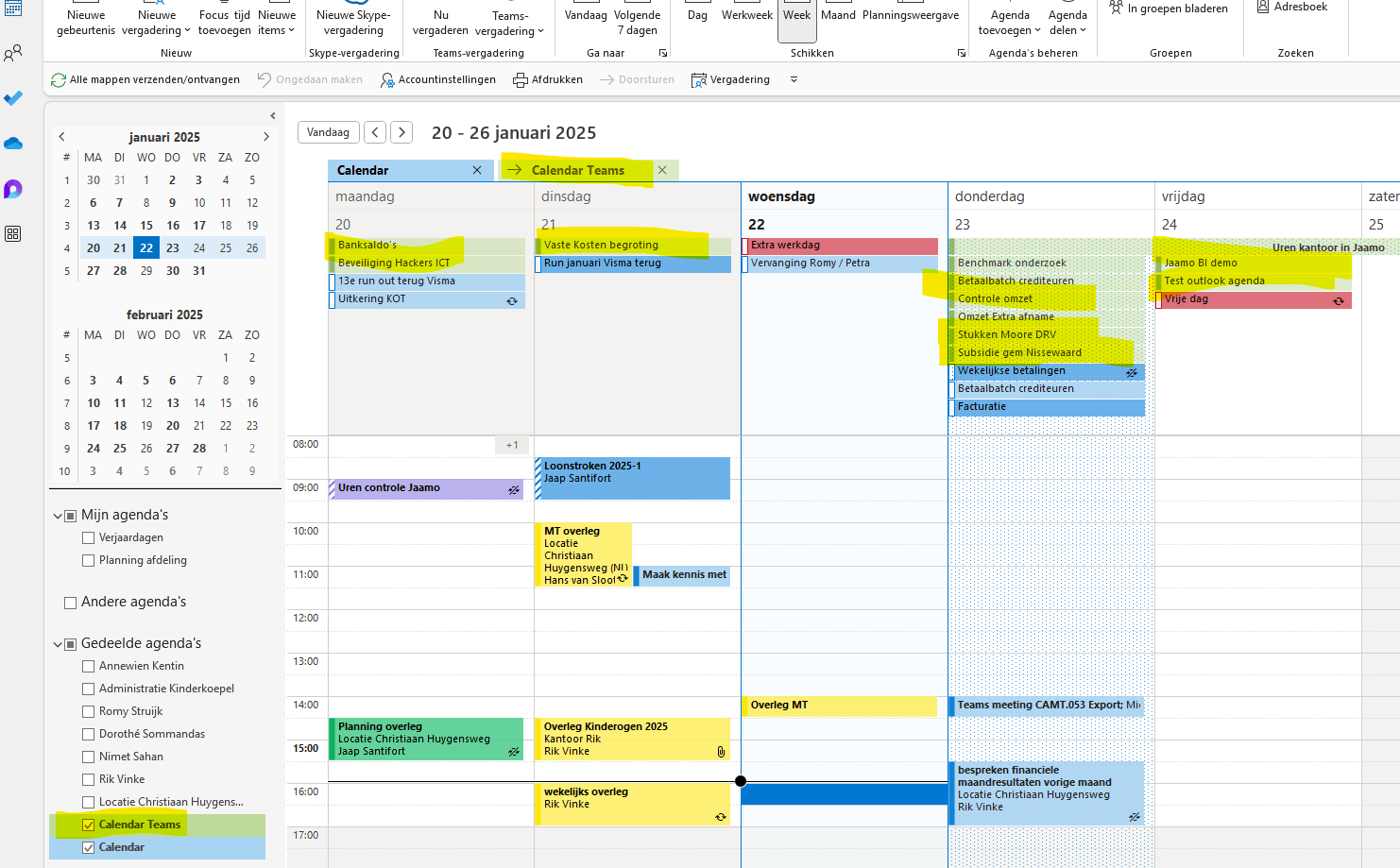
How To Add Planner Task To Outlook Calendar Microsoft Q amp A