Creating a calendar can help you stay organized and manage your time effectively. With Excel, you can easily design a printable calendar tailored to your needs, making it both functional and visually appealing.
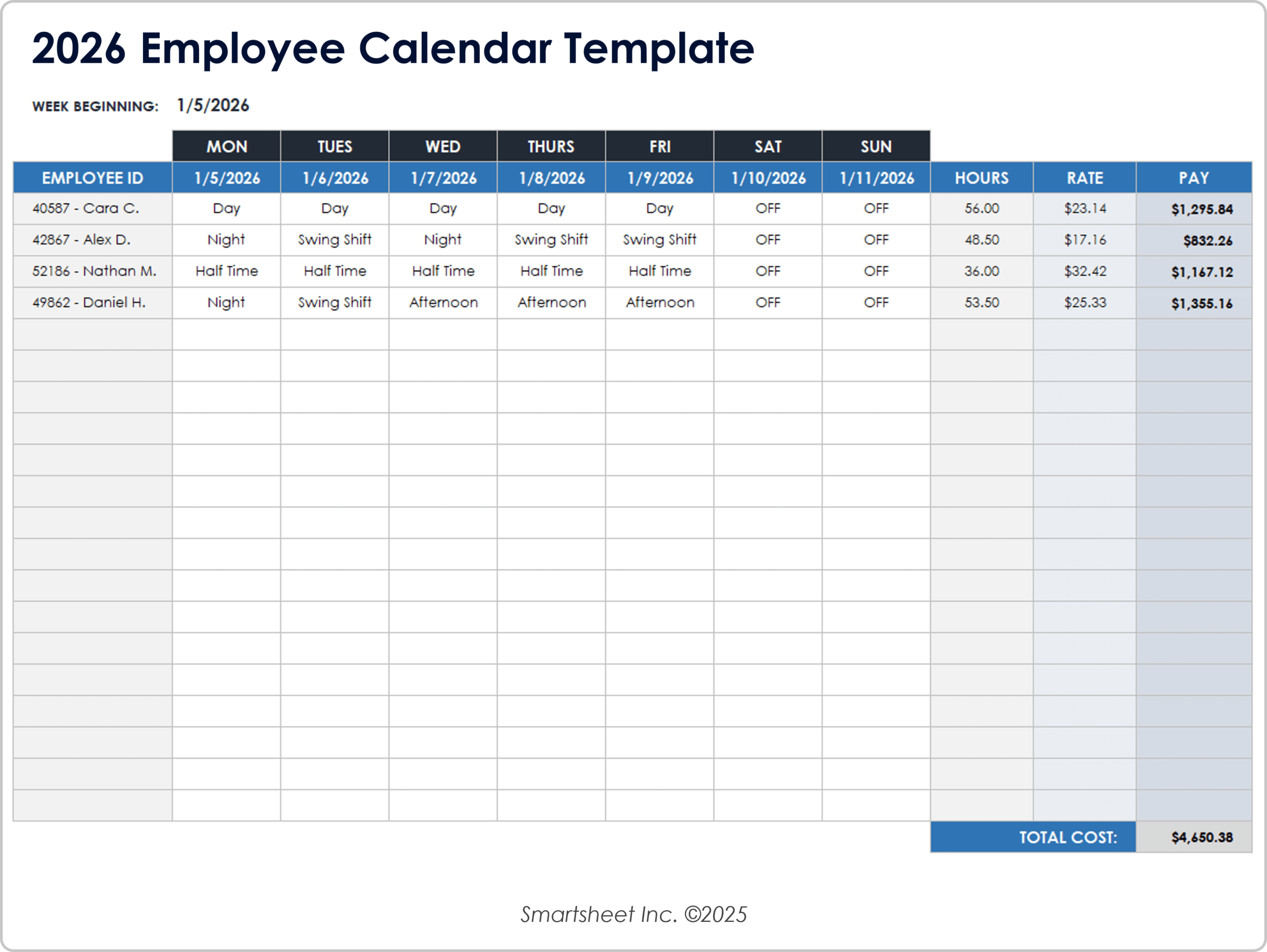
Create A Printable Calendar In Excel
Create A Printable Calendar In Excel
To start, open Excel and choose a blank workbook. You can use templates available online or create your own layout from scratch. This flexibility allows you to design a calendar that fits your style.
Next, set up the months and days in your chosen format. You can use merged cells for month titles and adjust the column widths for better visibility. Adding colors or borders can enhance the overall look of your calendar.
Once your layout is ready, consider adding important dates like holidays or birthdays. This personal touch makes your calendar more useful and ensures you never miss an important event.
Finally, save your calendar as a PDF for easy printing. This way, you can have a physical copy to hang on your wall or keep on your desk for quick reference.
Creating a printable calendar in Excel is simple and enjoyable. With just a few steps, you can have a personalized tool that keeps you organized throughout the year.
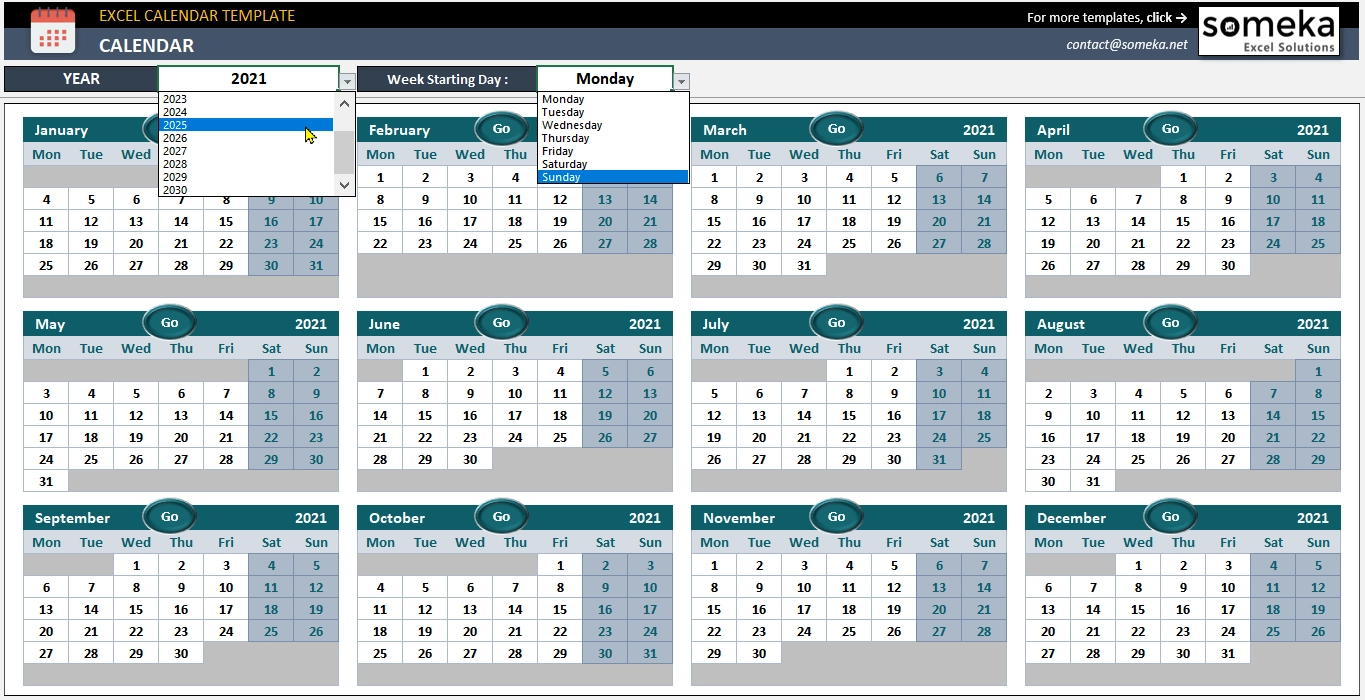
Dynamic Calendar Excel Template Editable 2026 Calendar
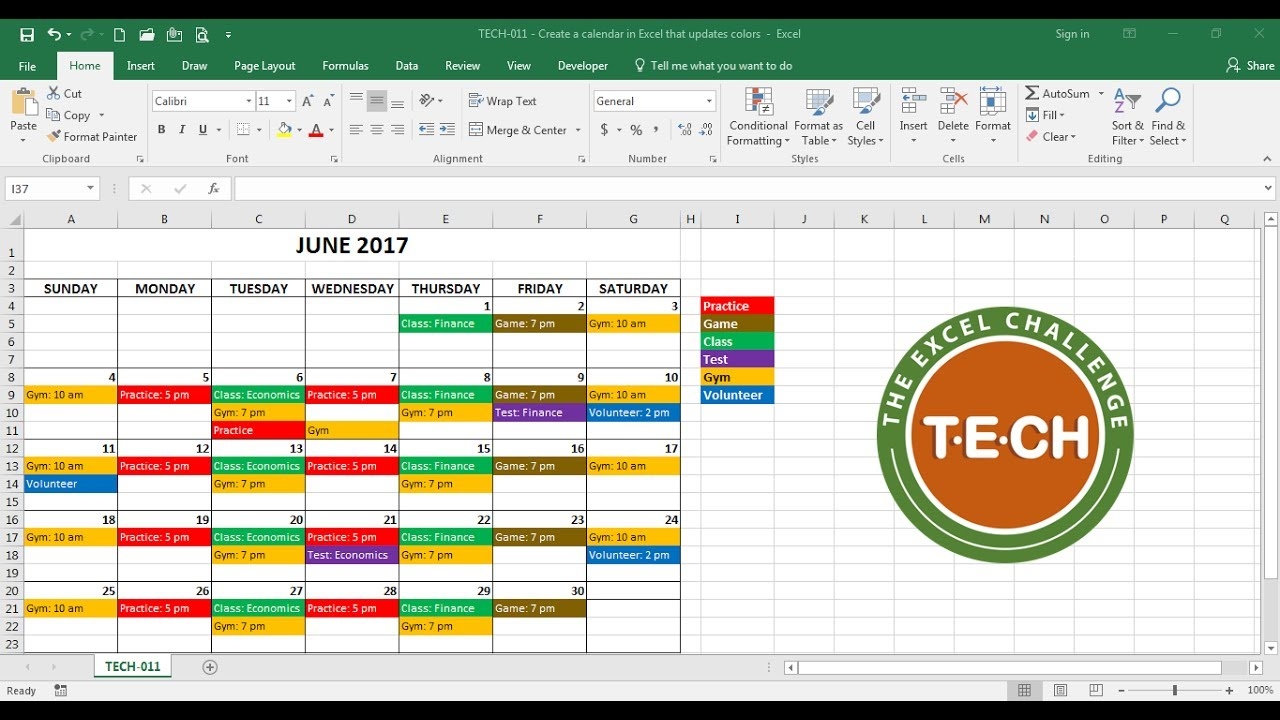
TECH 011 Create A Calendar In Excel That Automatically Updates Colors By Event Category
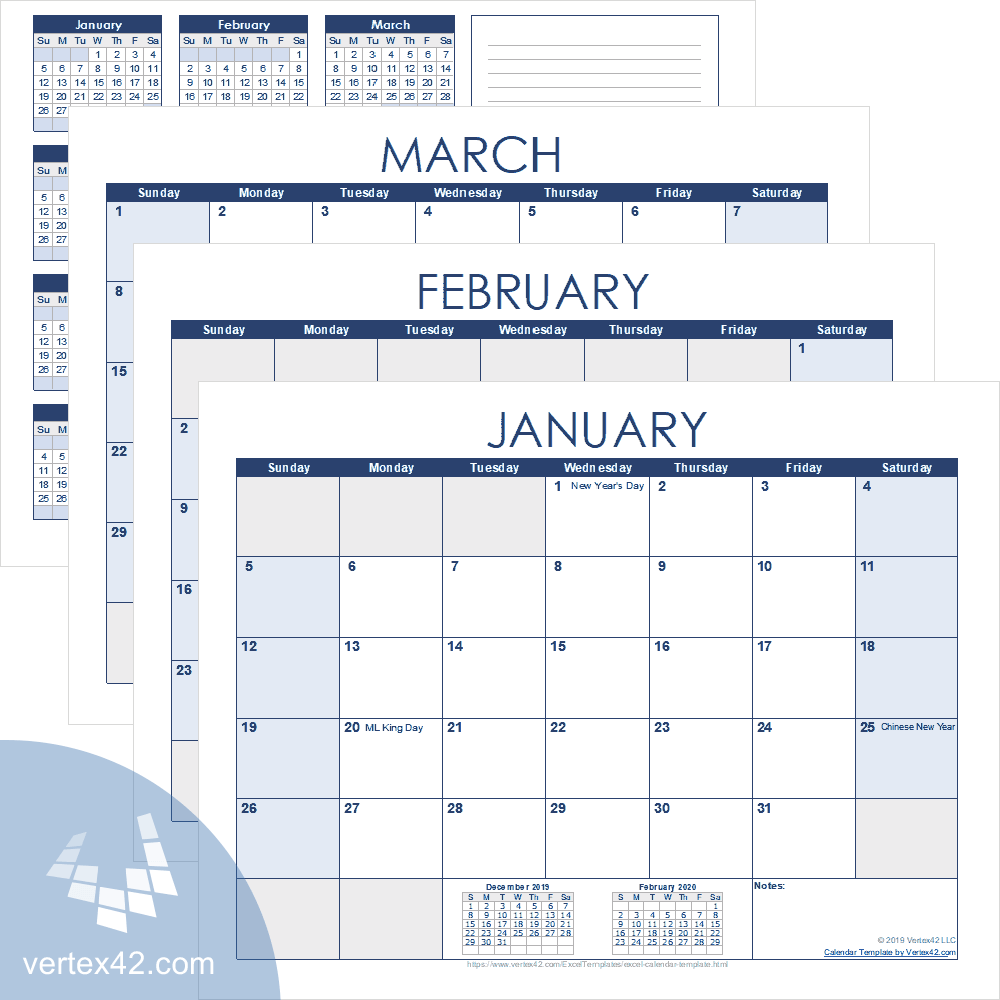
Excel Calendar Template For 2026 And Beyond
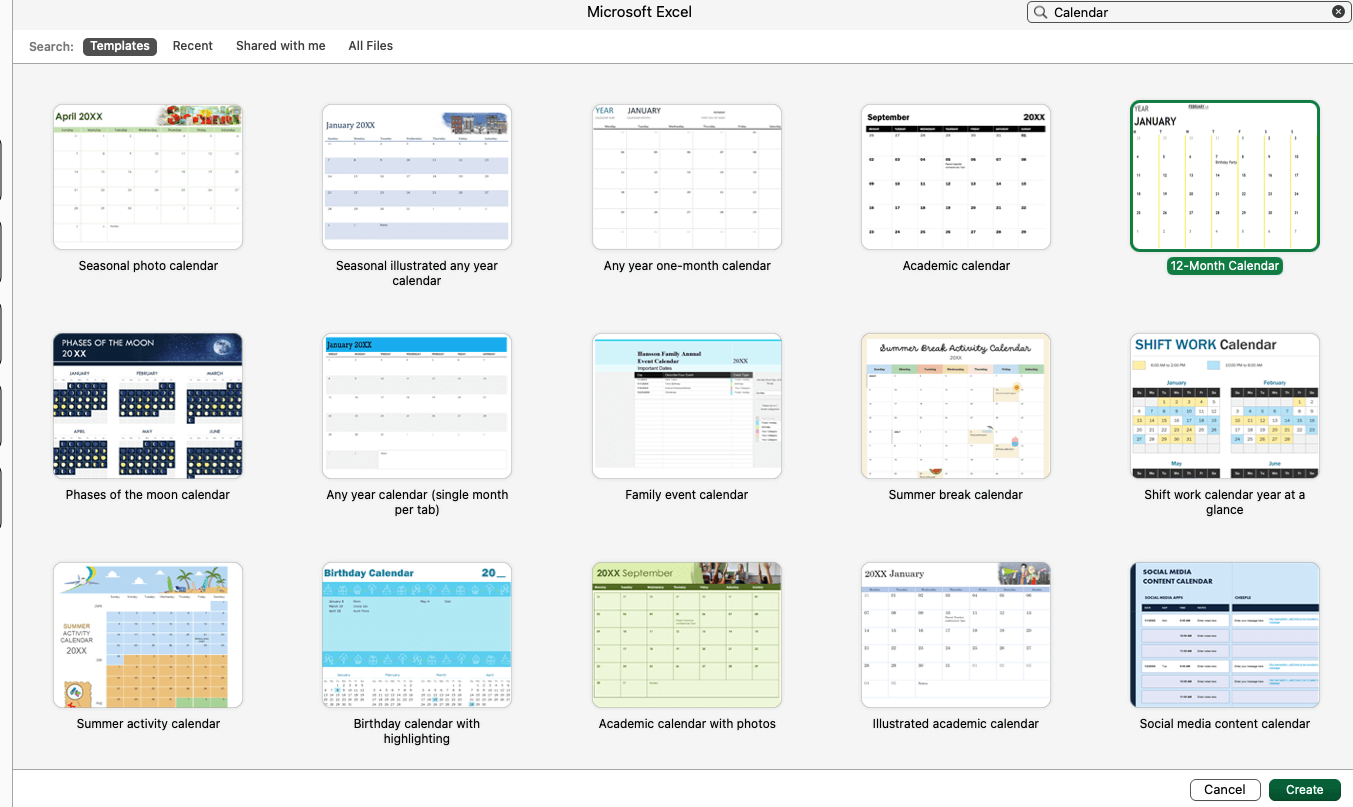
Easiest Way To Make A Calendar In Excel with Template
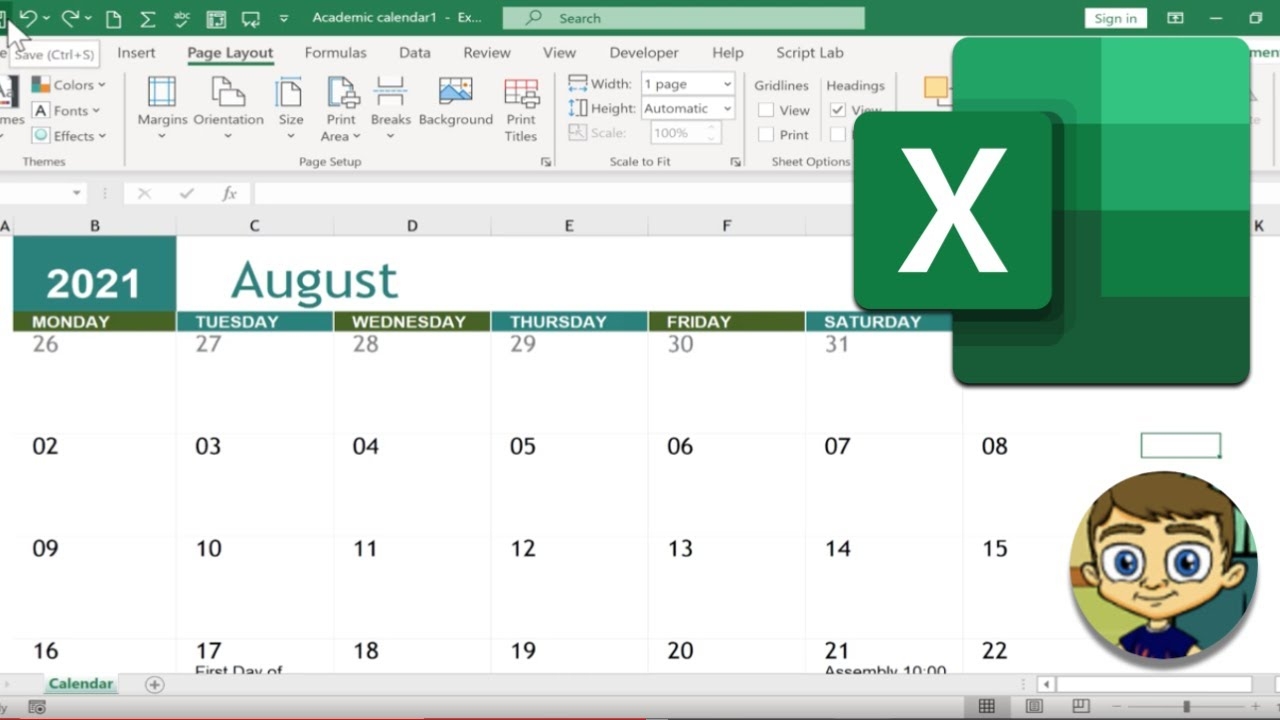
Creating A Calendar In Excel