Planning your schedule can be a breeze with the right tools. Many people find that using a calendar planner helps them stay organized and on track with their daily tasks. Excel offers a versatile solution for this purpose.
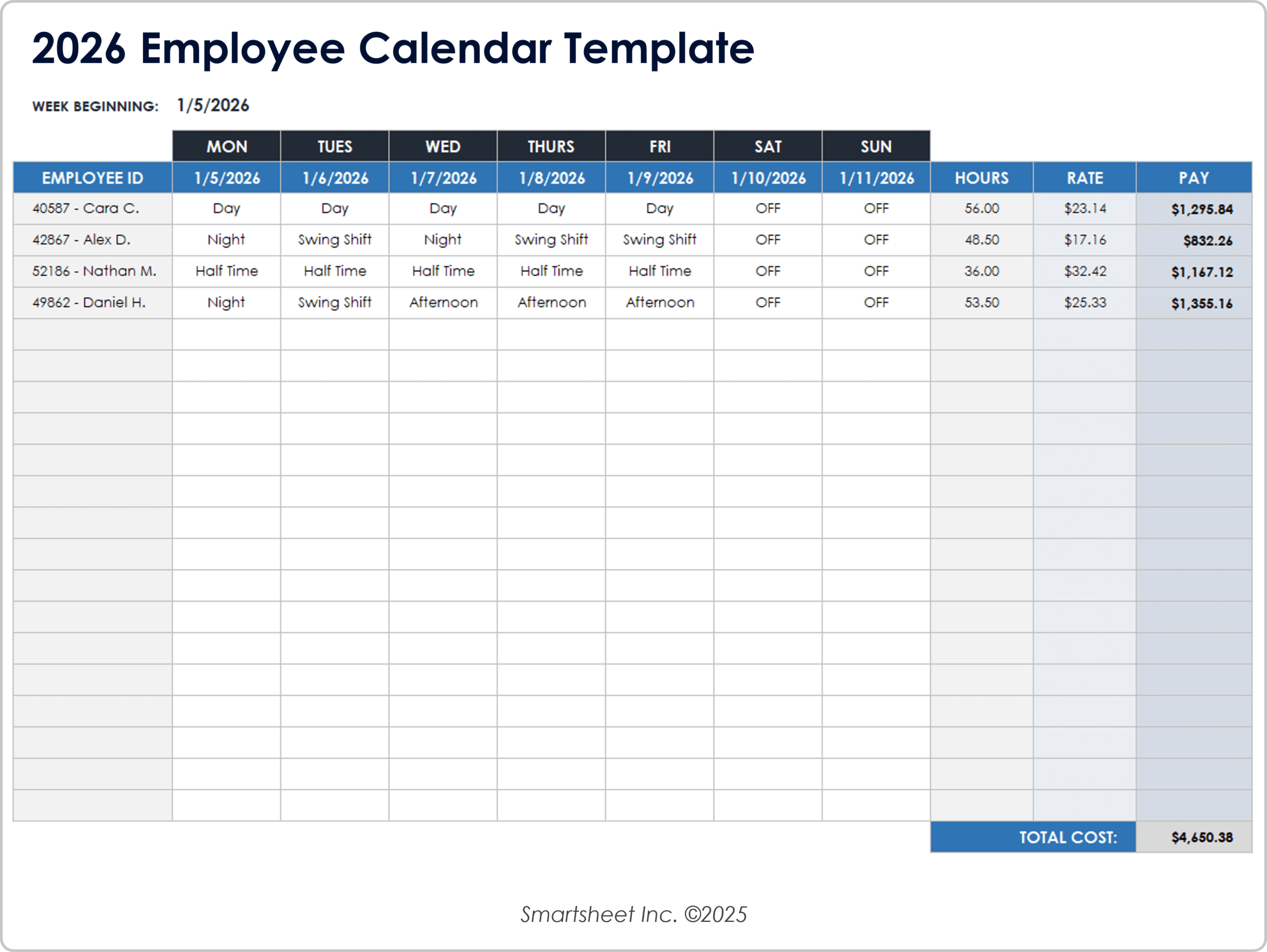
Calendar Planner In Excel
Calendar Planner In Excel
Using a calendar planner in Excel is straightforward. Start by selecting a template or creating your own layout. You can choose different colors and formats to make it visually appealing and easy to navigate.
Another advantage of an Excel calendar planner is its flexibility. You can adjust the layout for monthly, weekly, or daily views, depending on what works best for you. This adaptability makes it suitable for various planning styles.
Additionally, Excel allows you to incorporate formulas and functions. This means you can automate certain tasks, like calculating deadlines or tracking progress on projects, saving you time and effort.
Sharing your calendar planner with others is also simple. You can easily send the file via email or share it through cloud services, ensuring everyone stays informed about important dates and events.
Incorporating a calendar planner in Excel into your routine can significantly enhance your productivity. With its customizable features and user-friendly interface, staying organized has never been easier.
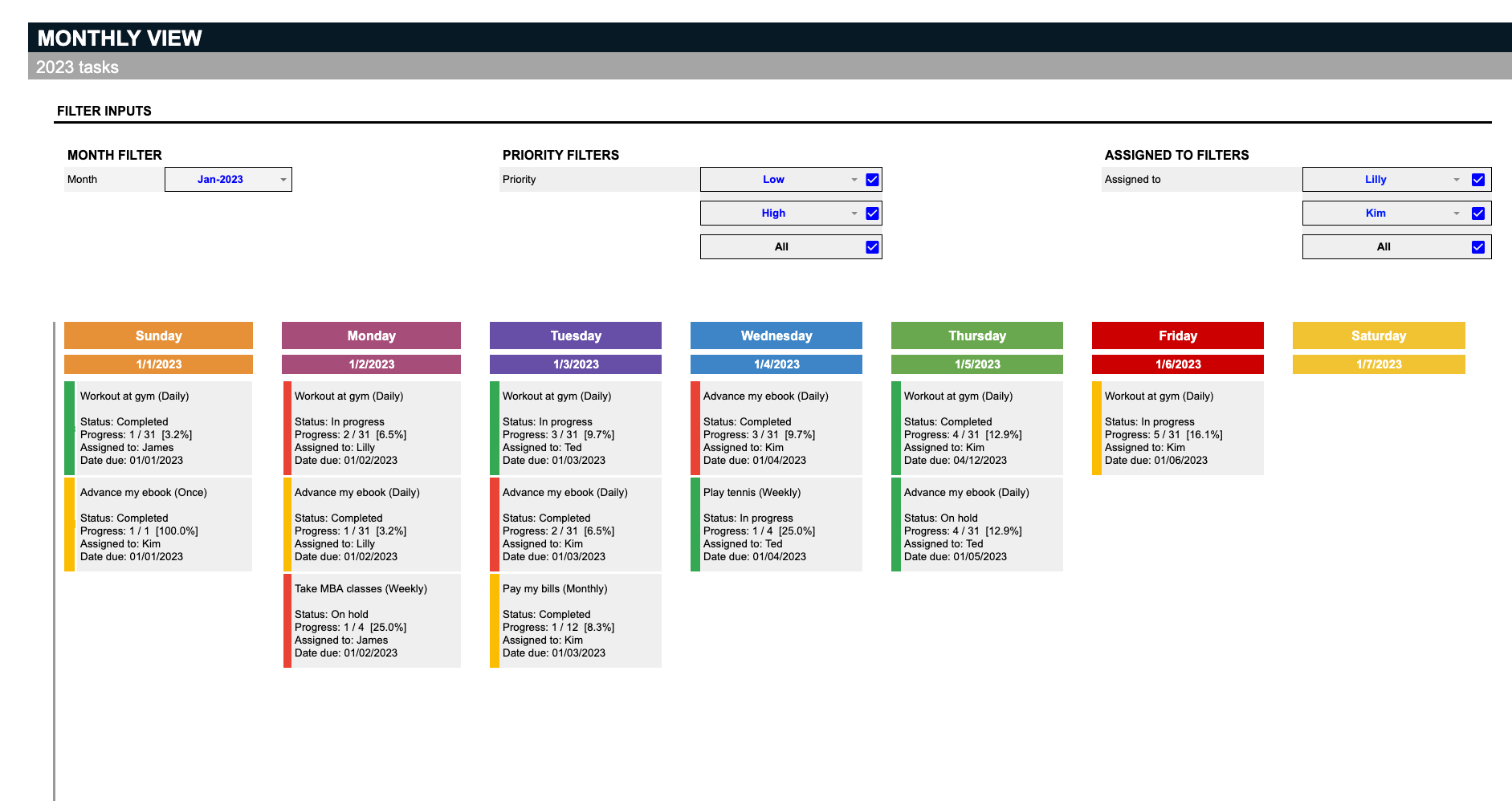
2023 Calendar Spreadsheet Template
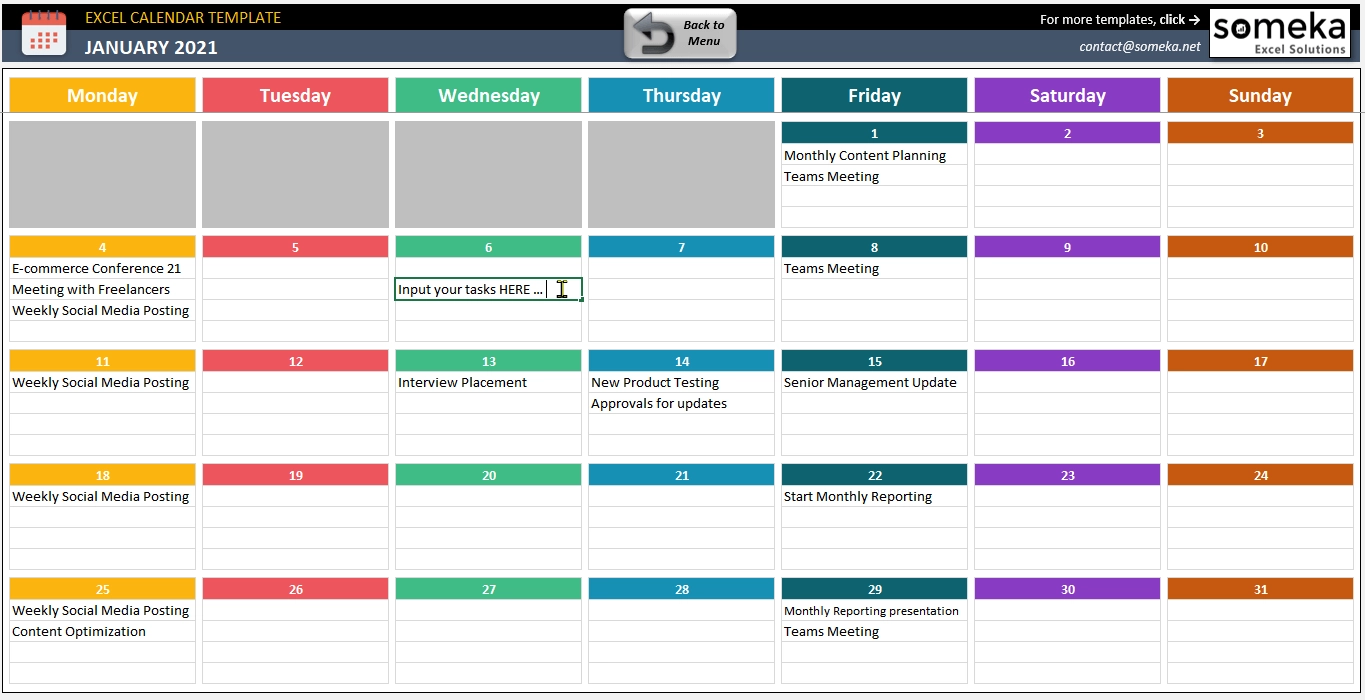
Dynamic Calendar Excel Template Editable 2026 Calendar
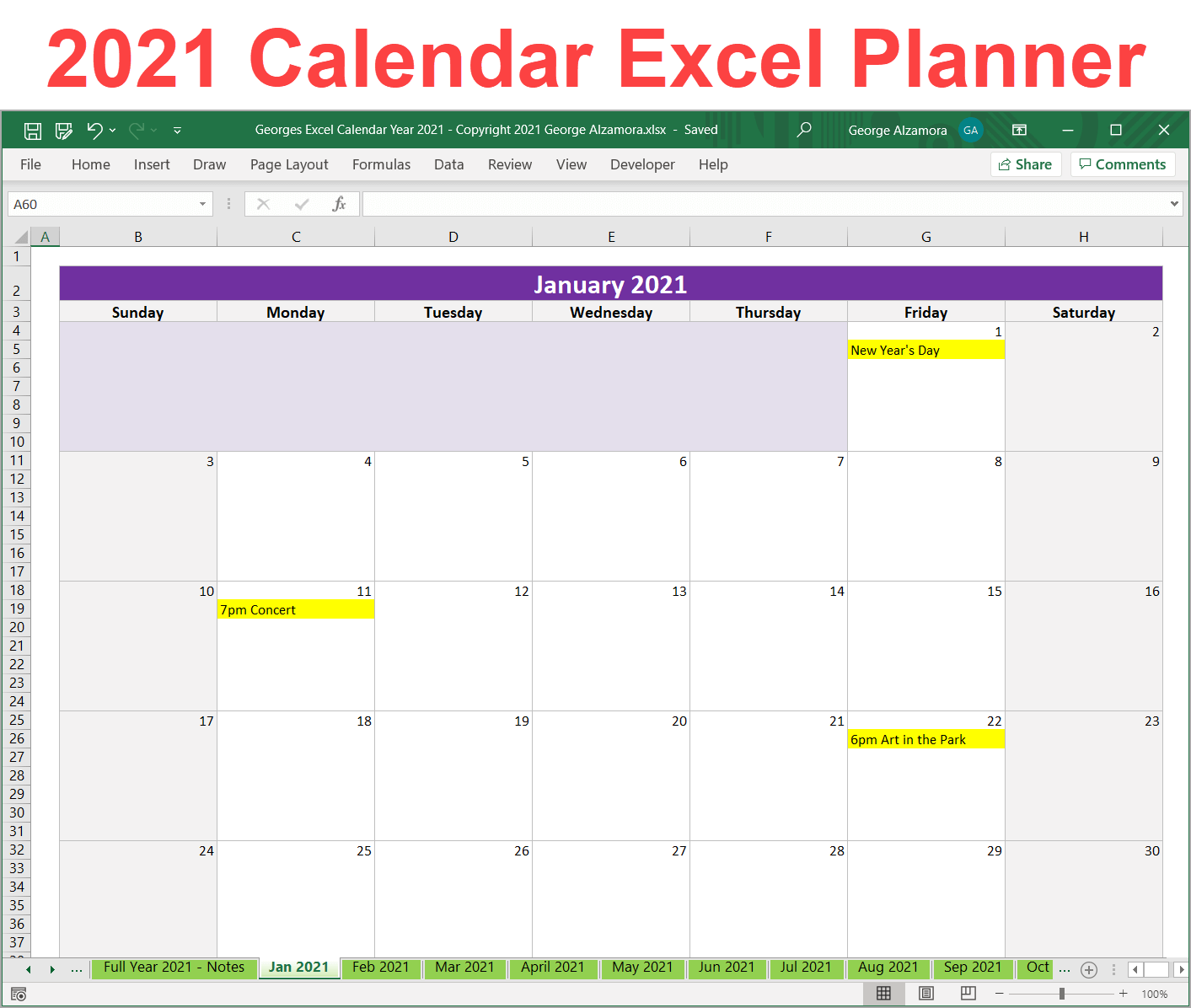
Georges Excel Calendar Year 2021
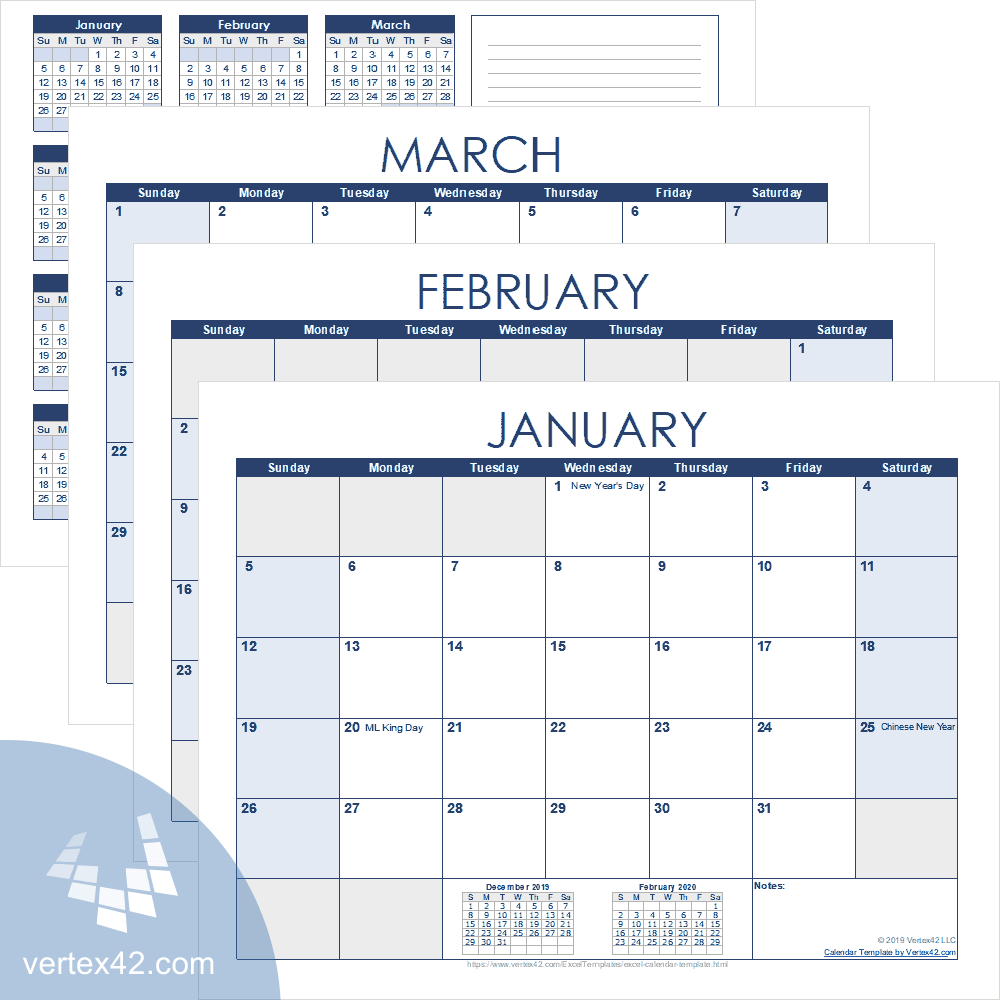
Excel Calendar Template For 2026 And Beyond
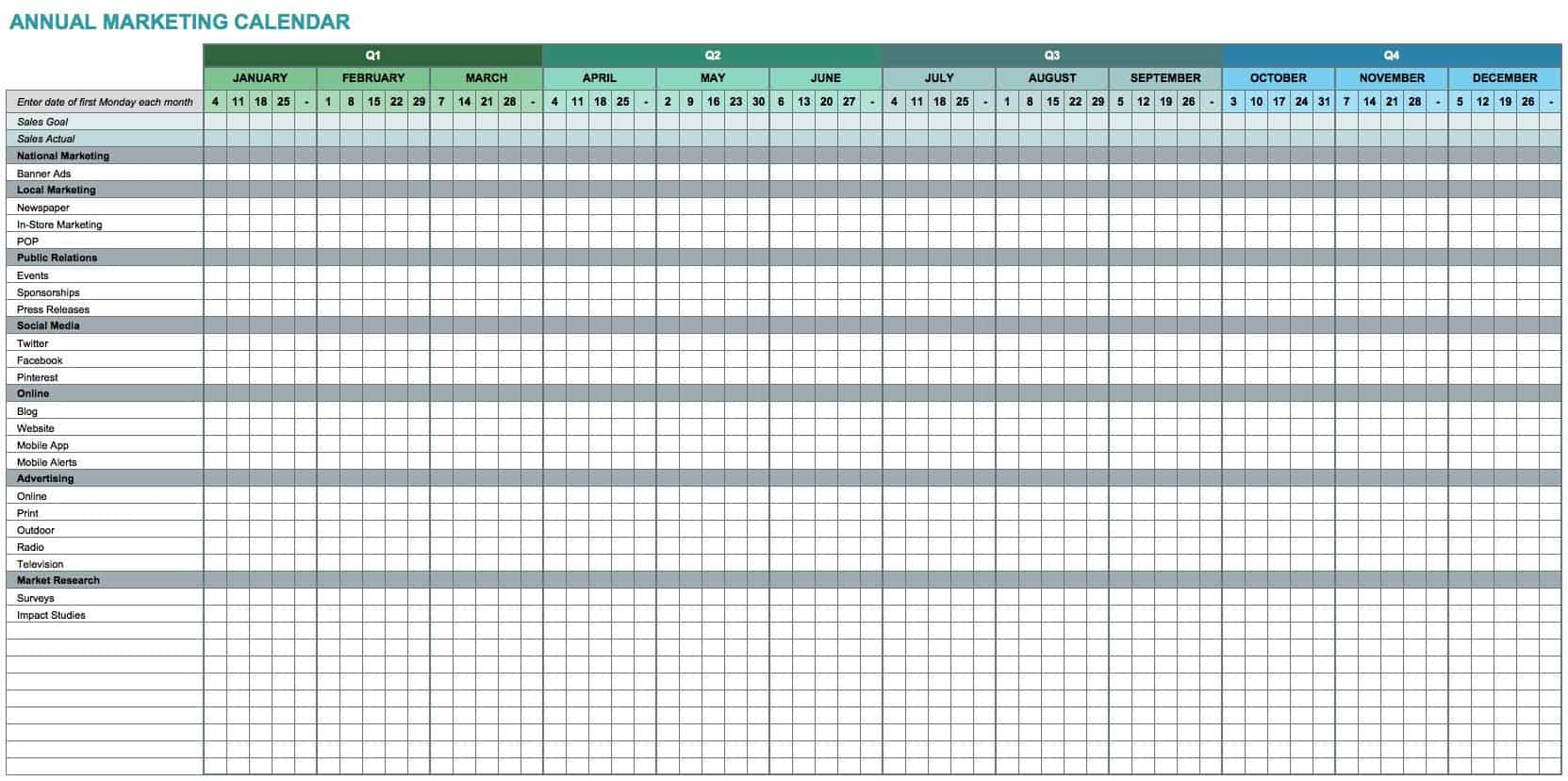
Easiest Way To Make A Calendar In Excel with Template