Managing your time effectively can be a challenge, especially with busy schedules and numerous commitments. A reliable tool can make all the difference in staying organized and productive throughout the day.
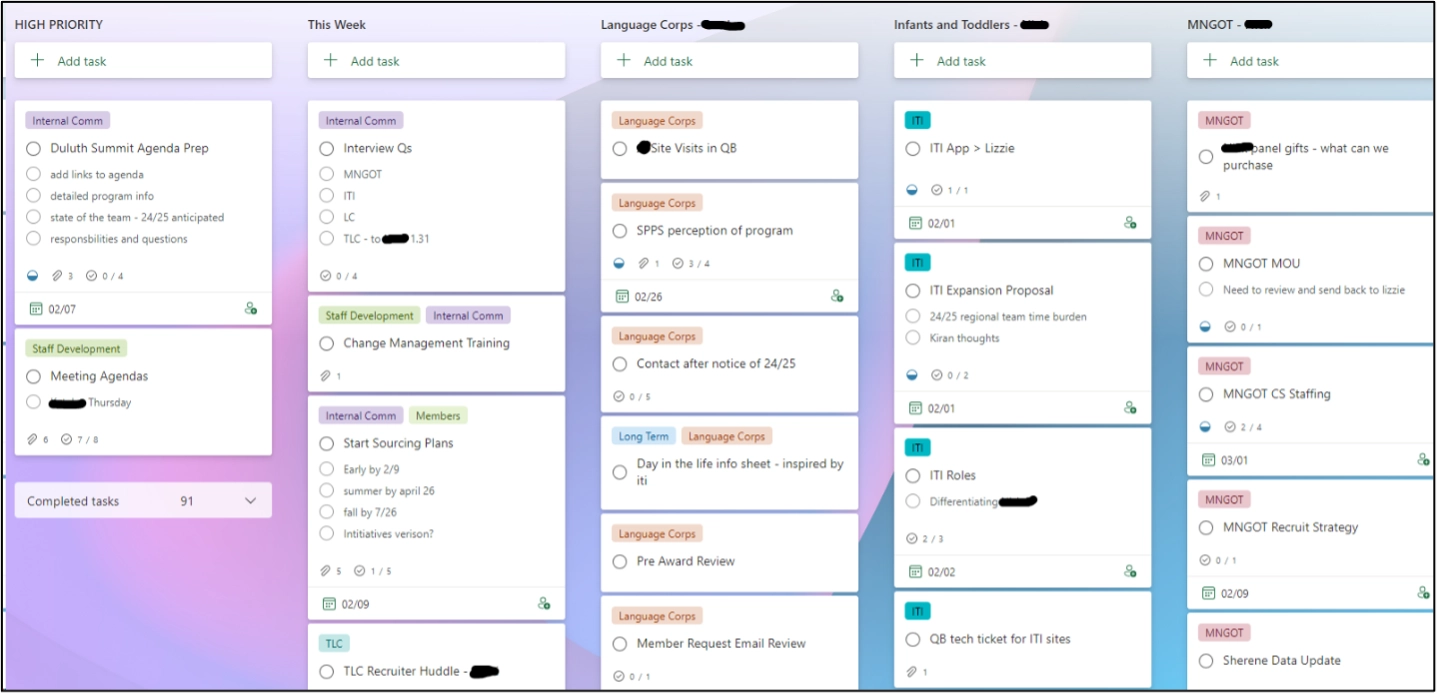
Planner Outlook Calendar
Planner Outlook Calendar
The Planner Outlook Calendar integrates smoothly with other Microsoft applications, making it easy to sync your tasks and reminders. This feature ensures you never miss an important meeting or event again.
With customizable views, you can choose between daily, weekly, or monthly layouts. This flexibility allows you to visualize your schedule in a way that suits your planning style best.
Additionally, sharing your calendar with colleagues or family members is simple. This feature fosters better communication and collaboration, ensuring everyone stays on the same page regarding important dates.
Using the Planner Outlook Calendar can significantly enhance your productivity. By organizing your tasks and appointments in one place, you can focus on what truly matters without getting overwhelmed.
Incorporating the Planner Outlook Calendar into your daily routine can lead to better time management and less stress. Embrace this tool to streamline your life and enjoy a more organized approach to your commitments.
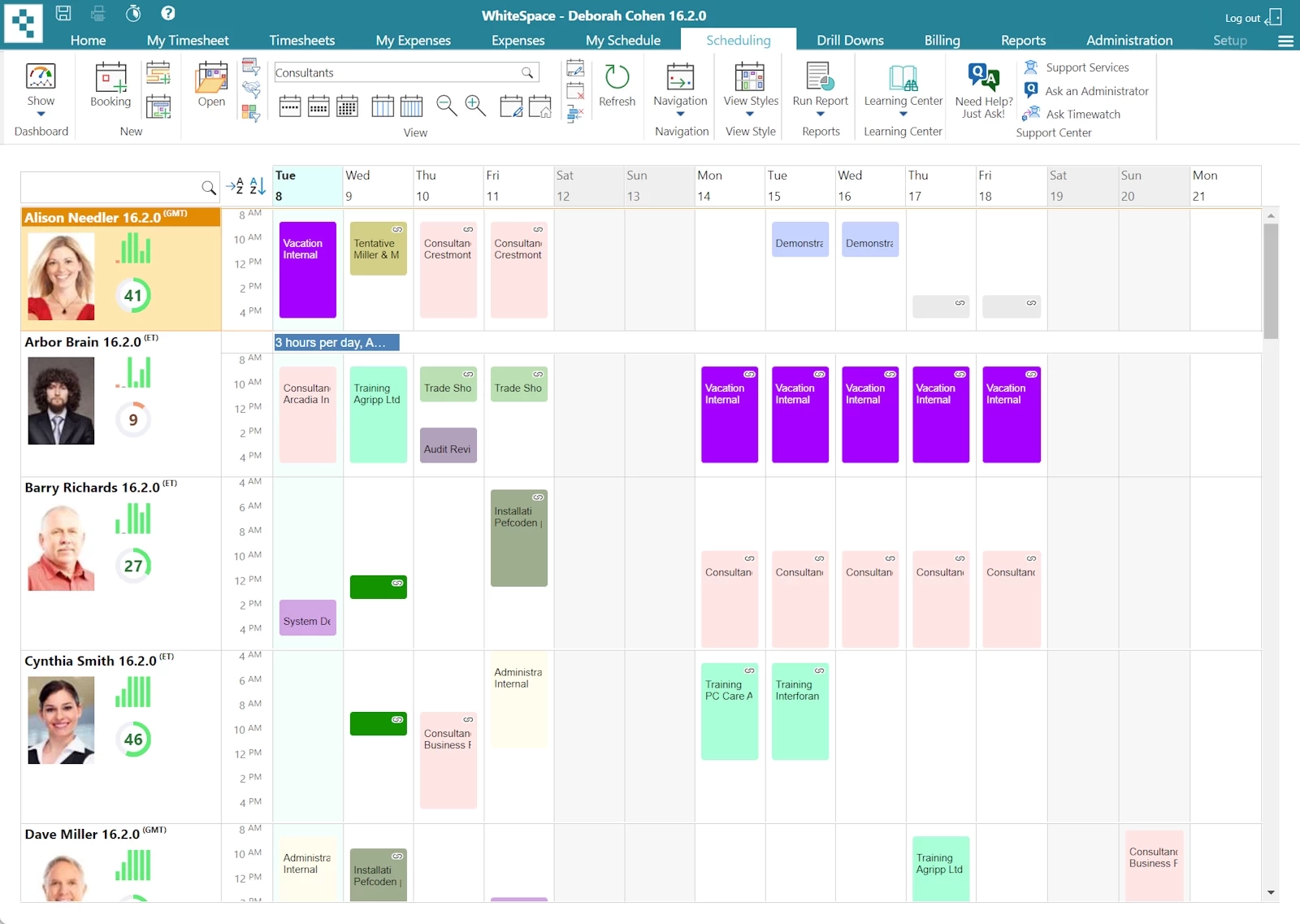
How Outlook Calendar Reporting Delivers Capacity Planning Timewatch
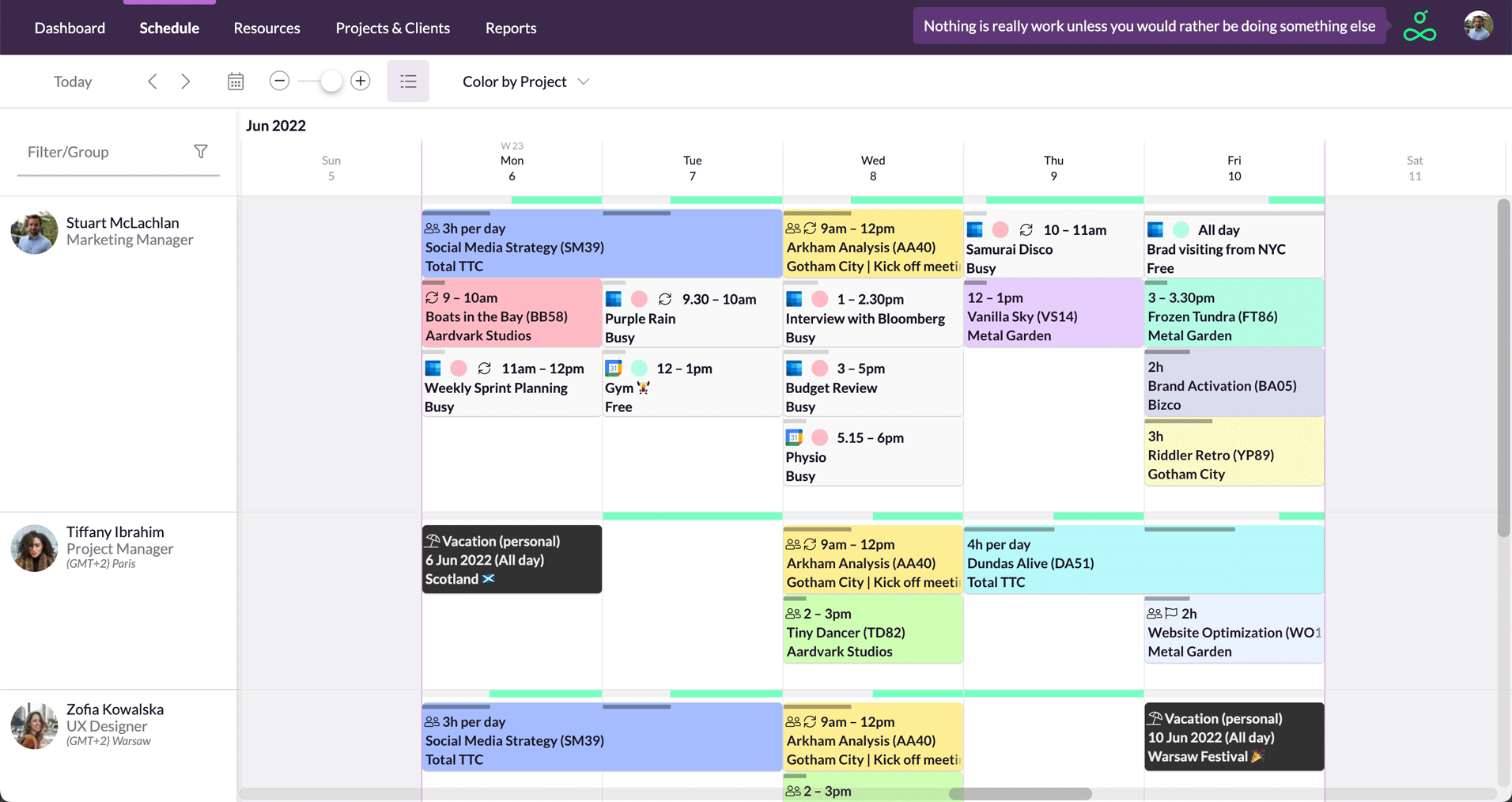
Sync Your Schedule With Microsoft Outlook Calendar
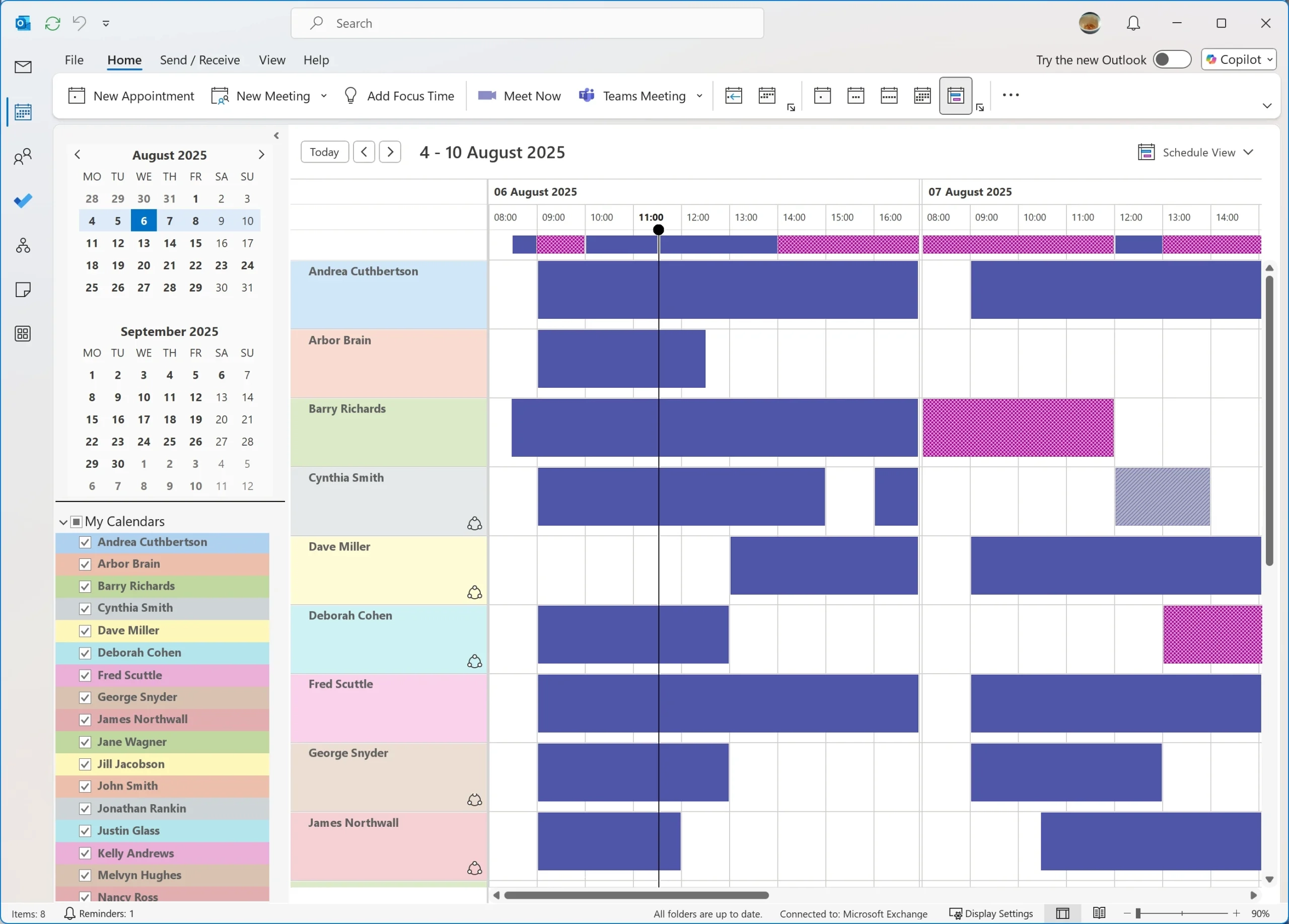
How To Create An Outlook Team Calendar For Better Employee Scheduling
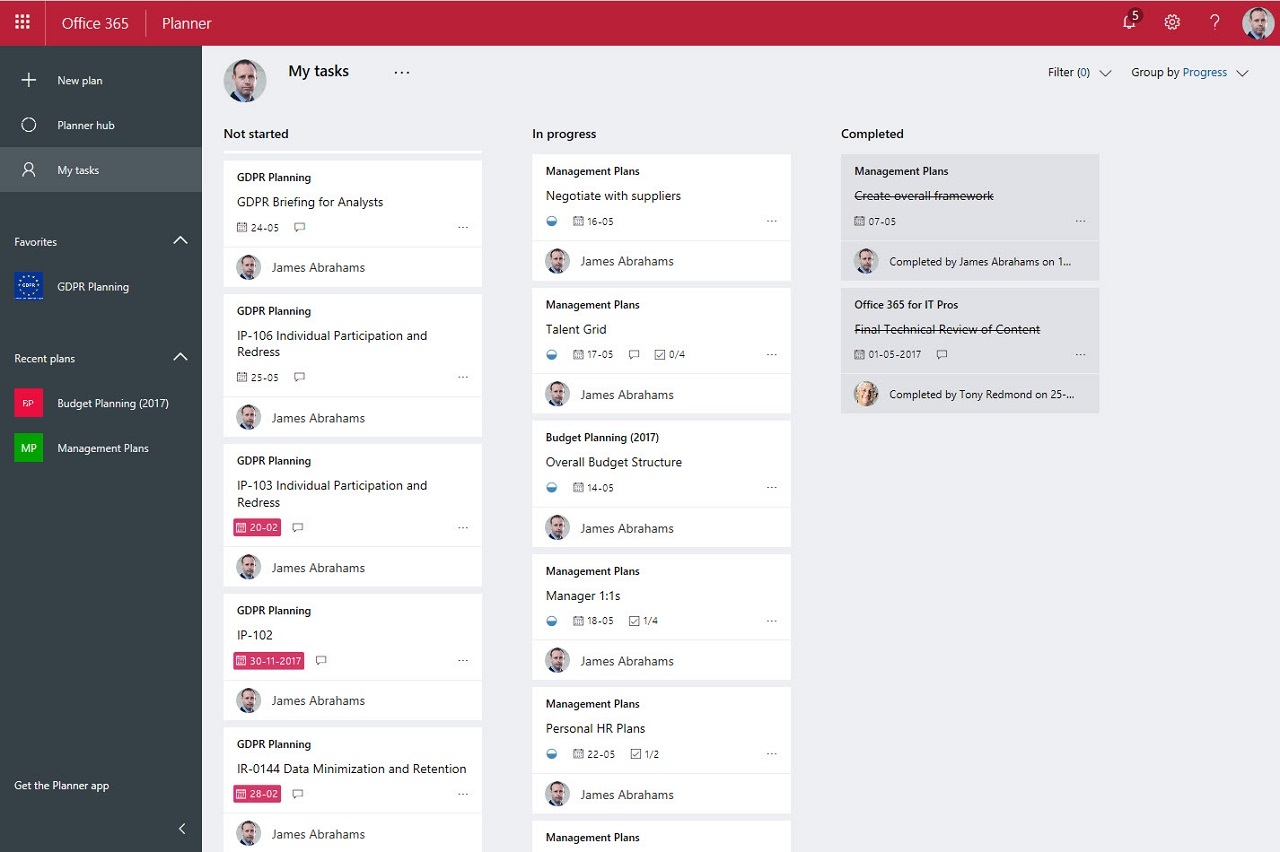
How Planner Synchronizes Its Tasks To Outlook s Calendar Petri
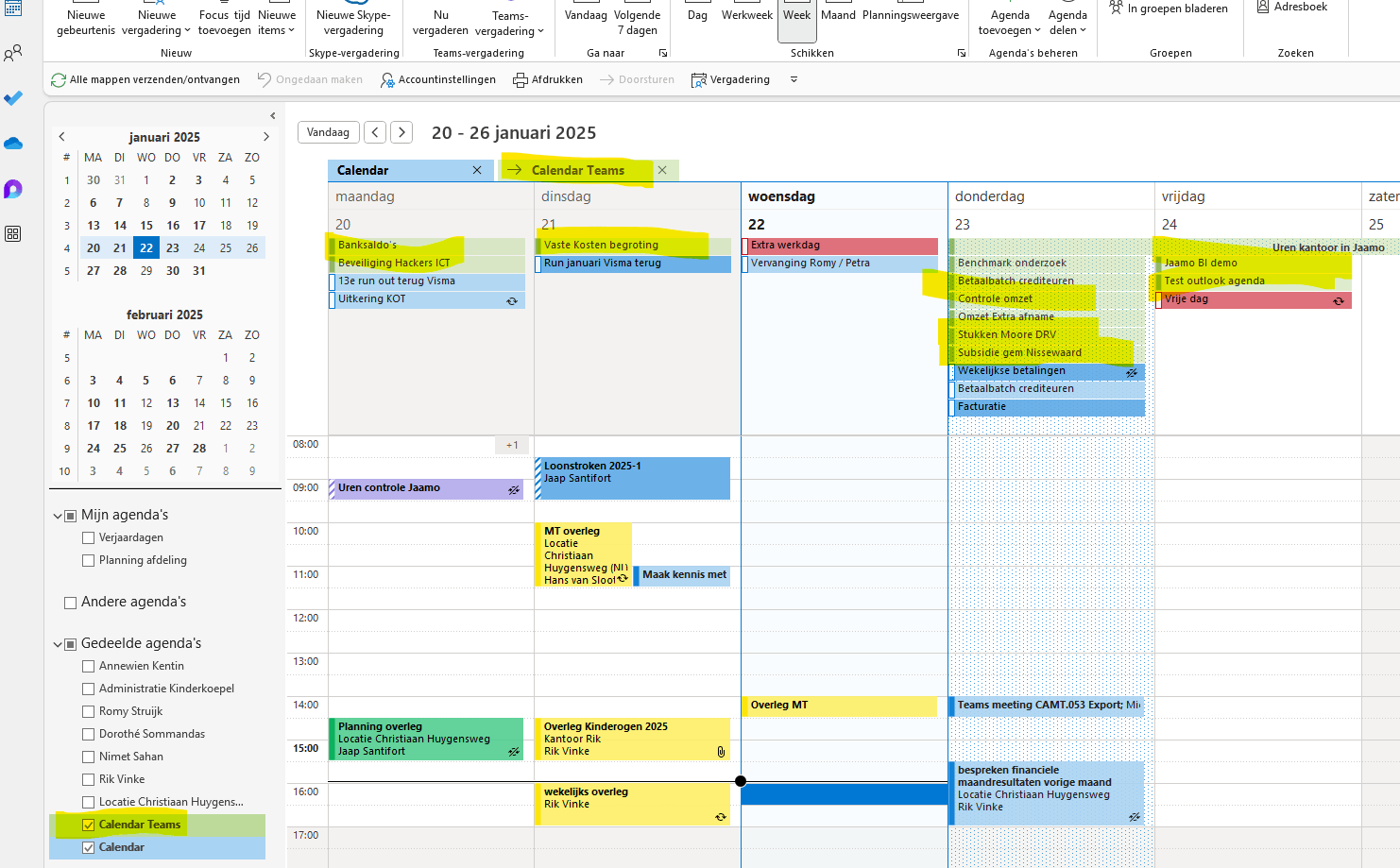
How To Add Planner Task To Outlook Calendar Microsoft Q amp A