Managing your time effectively is crucial in today’s fast-paced world. A planner calendar can help streamline your tasks and appointments, making it easier to stay organized and focused throughout the day.
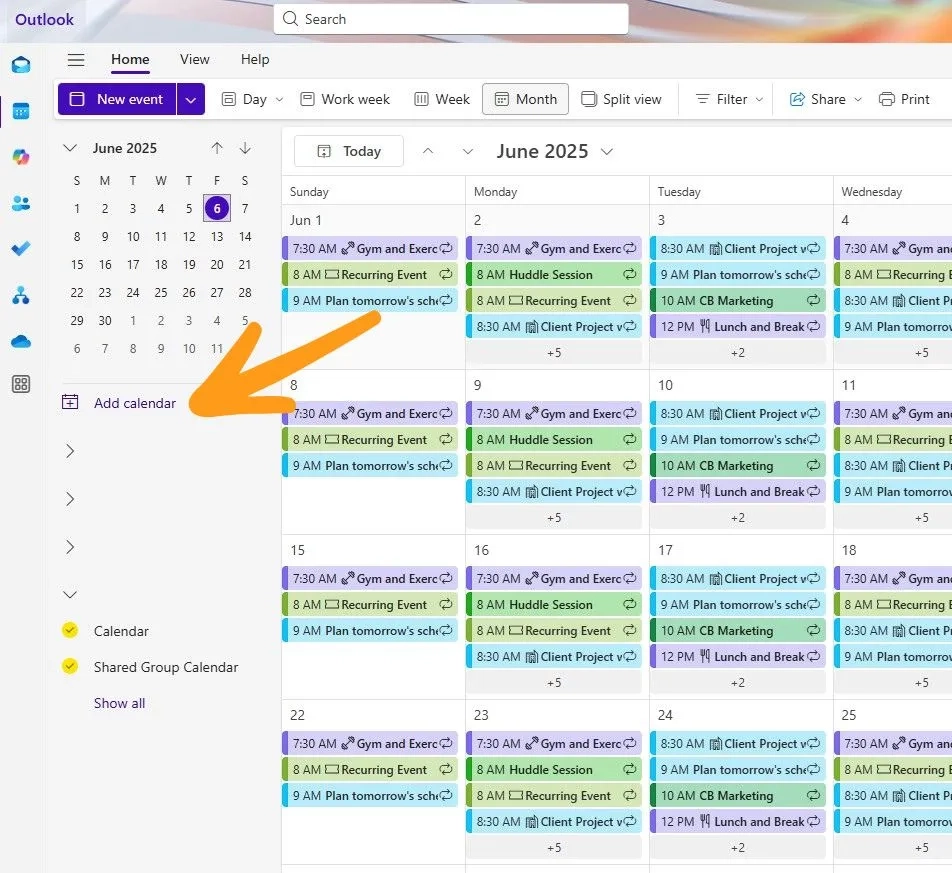
Planner Calendar In Outlook
Planner Calendar In Outlook
The Planner Calendar in Outlook is a powerful tool that integrates seamlessly with your email and other Microsoft applications. It allows you to schedule meetings, set reminders, and manage tasks efficiently.
One of the standout features of this calendar is its user-friendly interface. You can easily drag and drop events, making it simple to adjust your schedule on the fly without any hassle.
Additionally, sharing your calendar with colleagues or family members is straightforward. This feature fosters better communication and collaboration, ensuring everyone stays on the same page regarding important events.
Customizing your Planner Calendar in Outlook is also a breeze. You can color-code events, set recurring appointments, and even integrate third-party apps to enhance functionality further.
Embracing the Planner Calendar in Outlook can transform how you manage your time. By utilizing its features, you’ll find yourself more organized and less stressed, allowing you to focus on what truly matters.
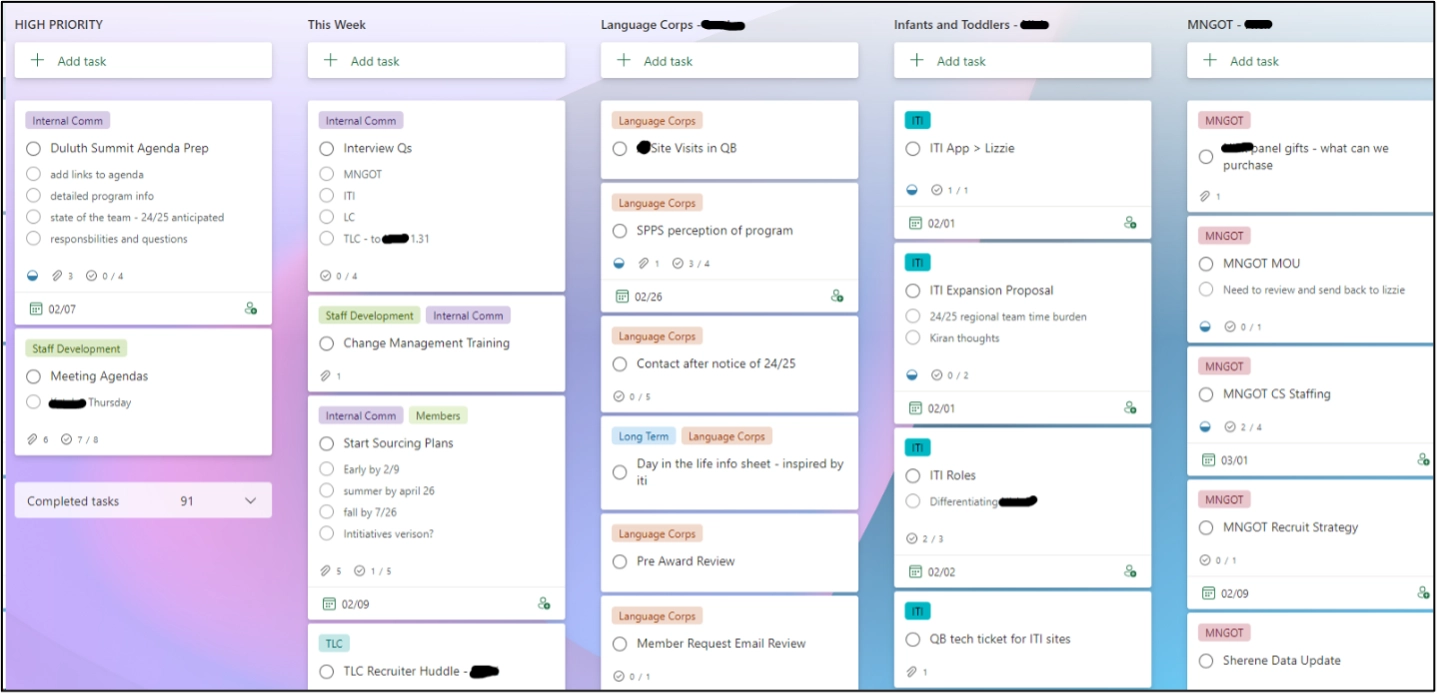
Microsoft s Planner To Try Or Not To Try The Together Group
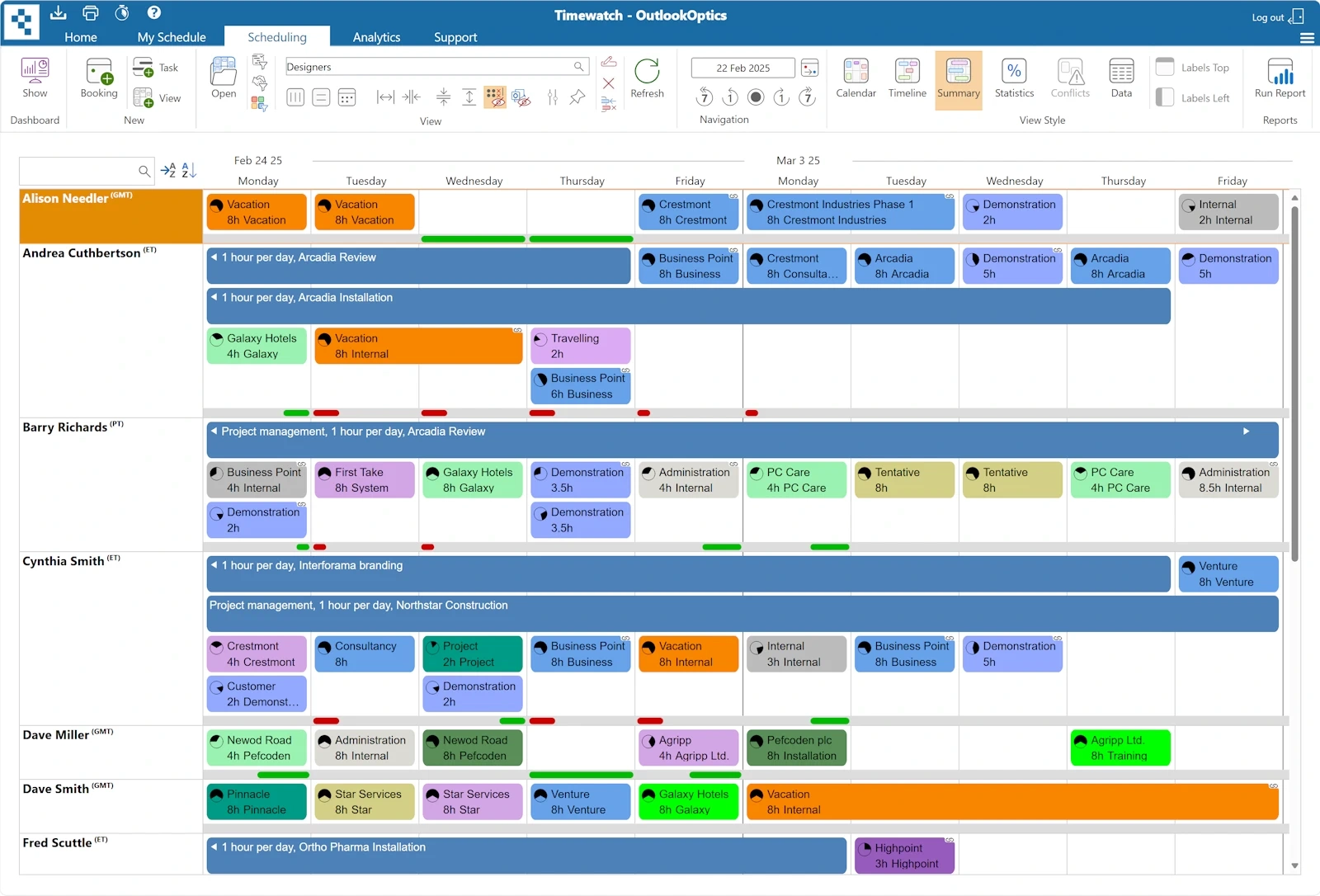
How To Create An Outlook Team Calendar For Better Employee Scheduling
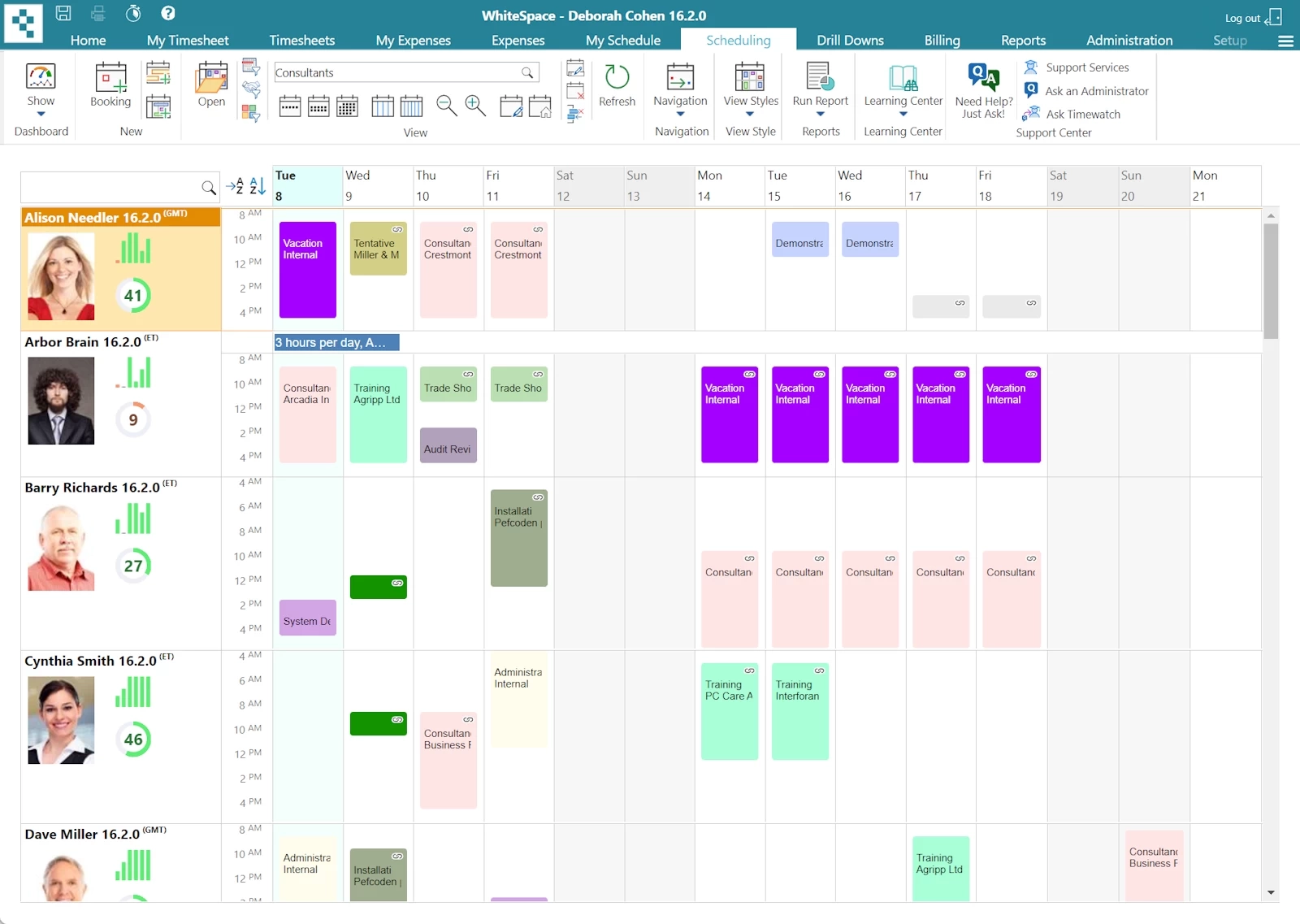
How Outlook Calendar Reporting Delivers Capacity Planning Timewatch
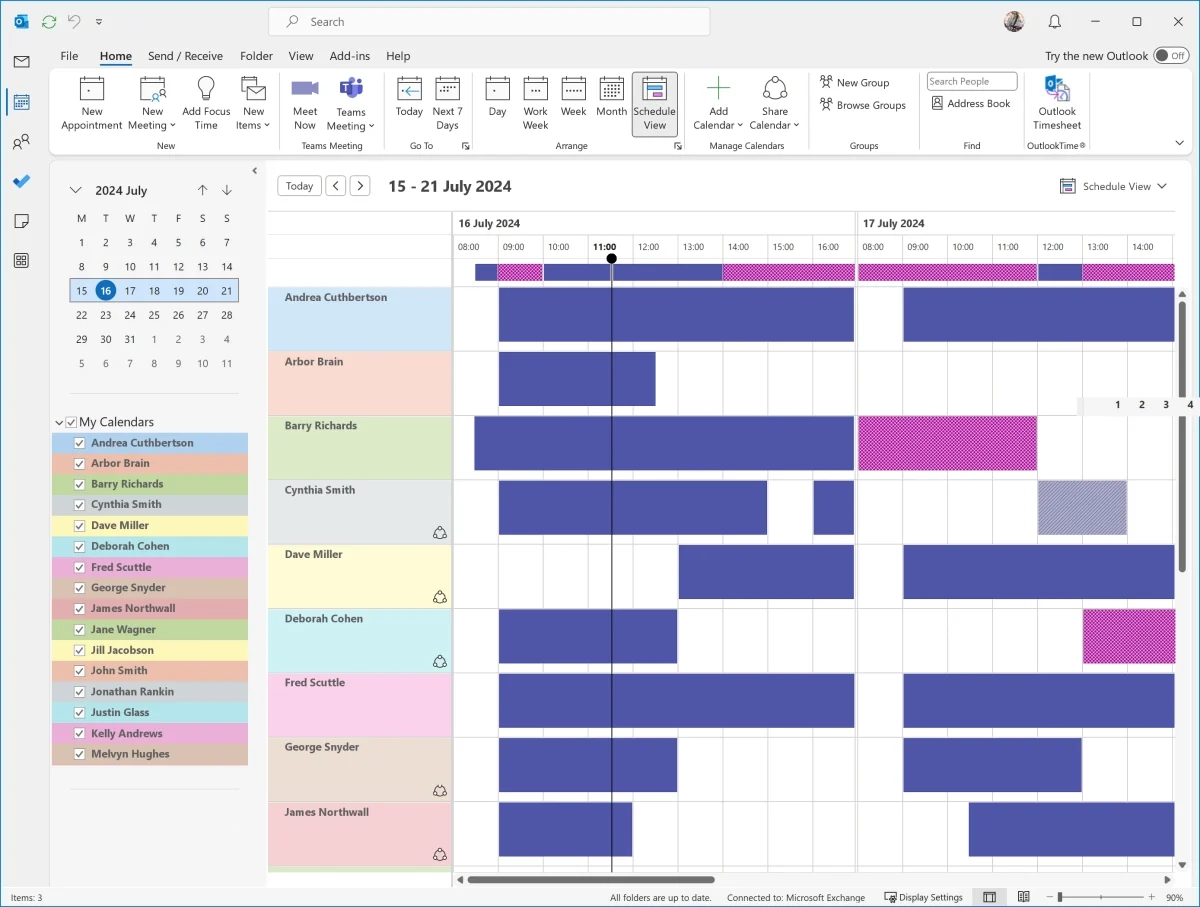
How To Create An Outlook Team Calendar For Better Employee Scheduling
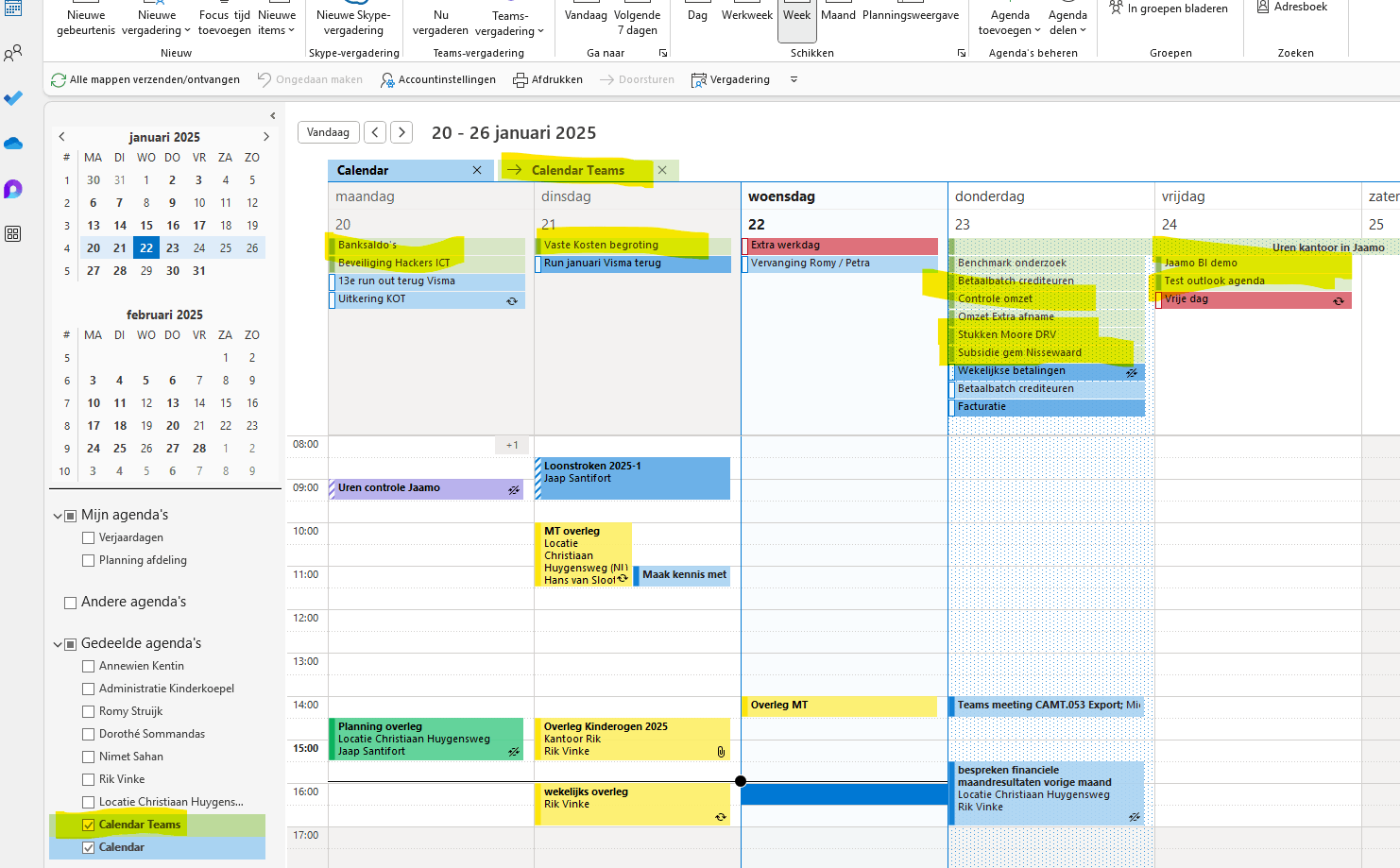
How To Add Planner Task To Outlook Calendar Microsoft Q amp A